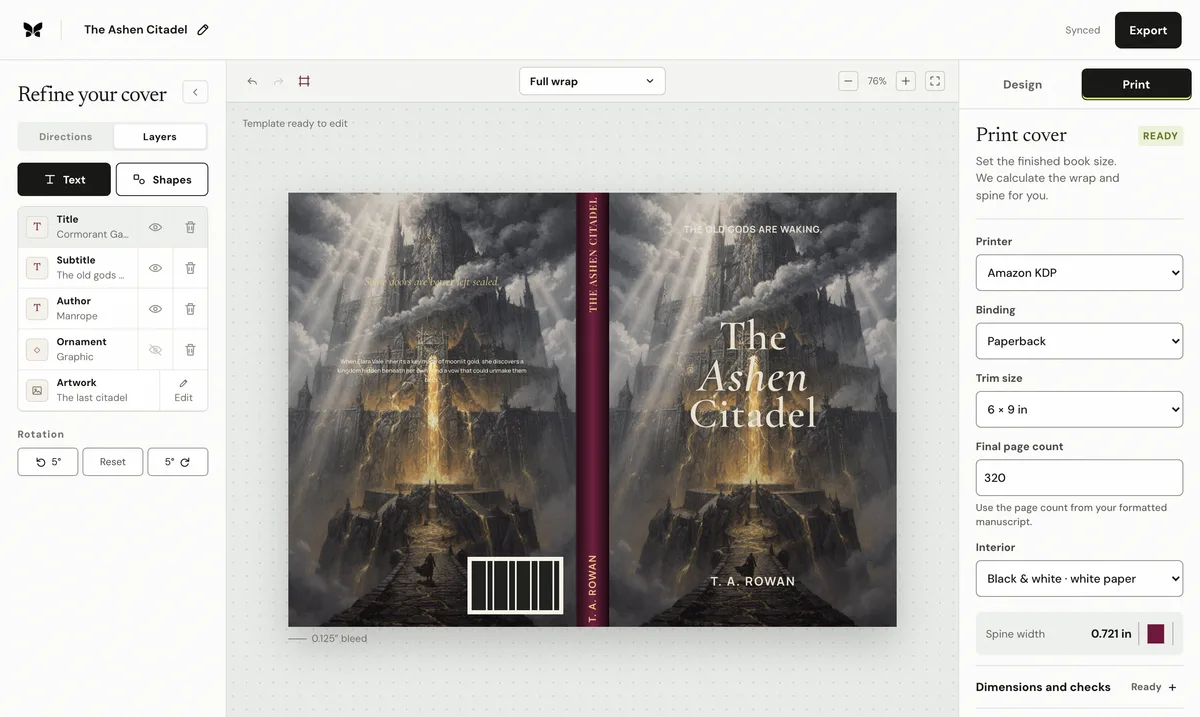
When the printer adds the barcode
For a straightforward KDP edition, leaving the barcode out of the artwork is often safest. KDP places it in the reserved back-cover area and avoids a duplicate or malformed symbol. The design still has to reserve that area: if a blurb, face, or logo sits underneath, the automatically added barcode can cover it.
When to supply your own
A publisher may add its own barcode to control the ISBN, imprint record, price supplement, or cross-printer production file. Generate the symbol from the exact ISBN assigned to that edition, keep the required quiet light area around the bars, and use the printer's current template for size and placement. Never stretch, crop, recolor, or place texture across a barcode.
Why one barcode cannot label every format
An ISBN identifies a specific edition and format. A paperback and hardcover are different products even when the words are identical, so they normally receive different ISBNs. A Kindle edition receives an ASIN from Amazon and has no physical barcode. Reusing the paperback barcode on a hardcover can connect a physical product to the wrong catalog record.
How to check the finished back cover
Confirm the human-readable digits match the assigned ISBN and pass the ISBN-13 check digit. Inspect the complete cover at actual size, including the quiet zone and edge clearance, then scan a printed proof where possible. Barcode validation cannot prove the rest of the cover is correct; sheet size, bleed, fold safety, and back-cover hierarchy still need separate preflight.
Published by Coverfairy Editorial. Sources: Amazon KDP barcode size and placement · International ISBN Agency user manual. Reviewed ; recheck the official page before production.