

Choose a template. Make it yours.
Find a look for your story, then make the artwork and words your own.





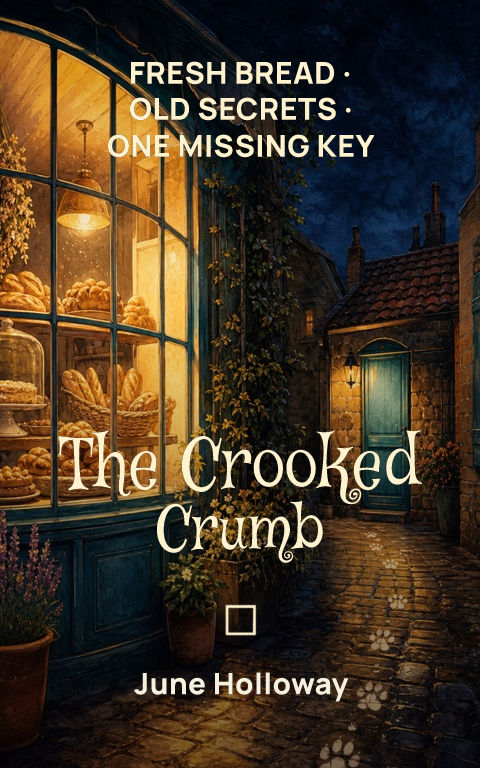
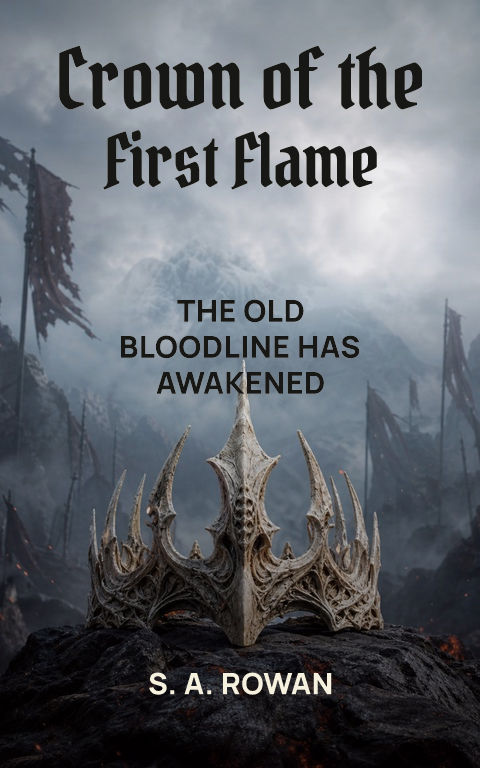
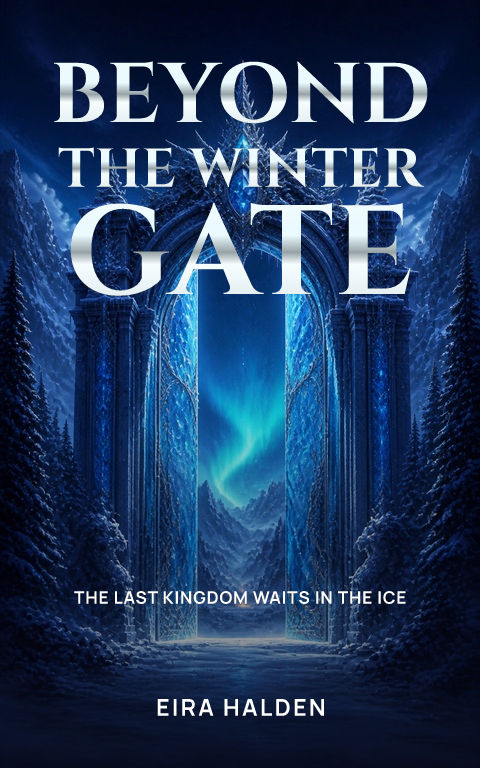

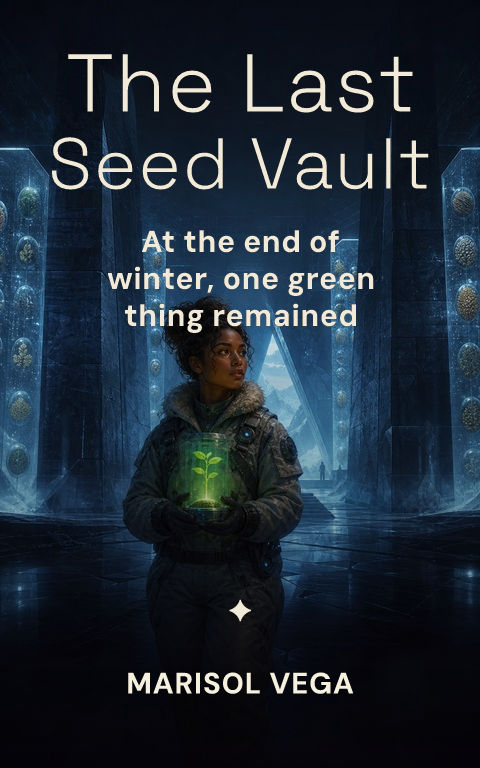
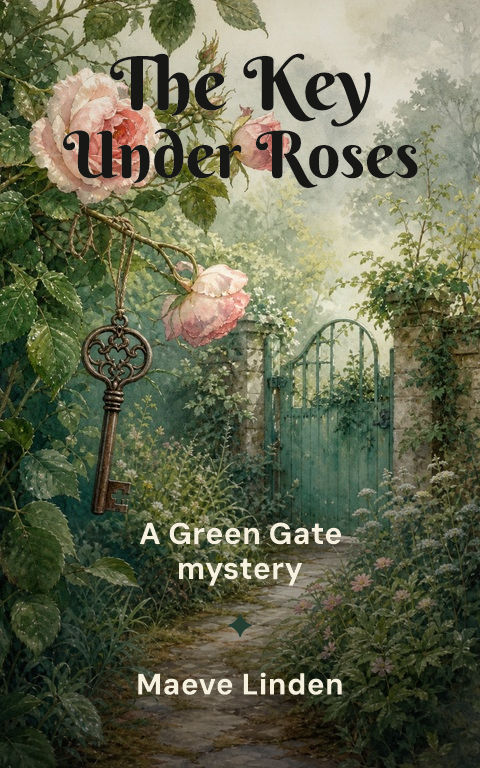

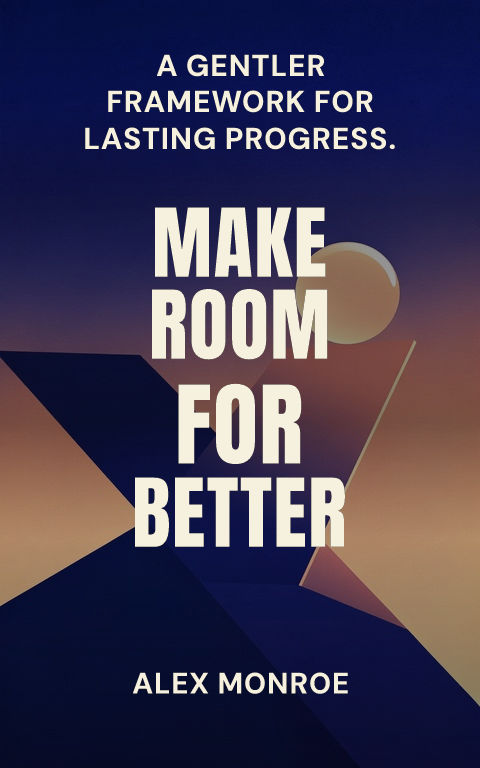
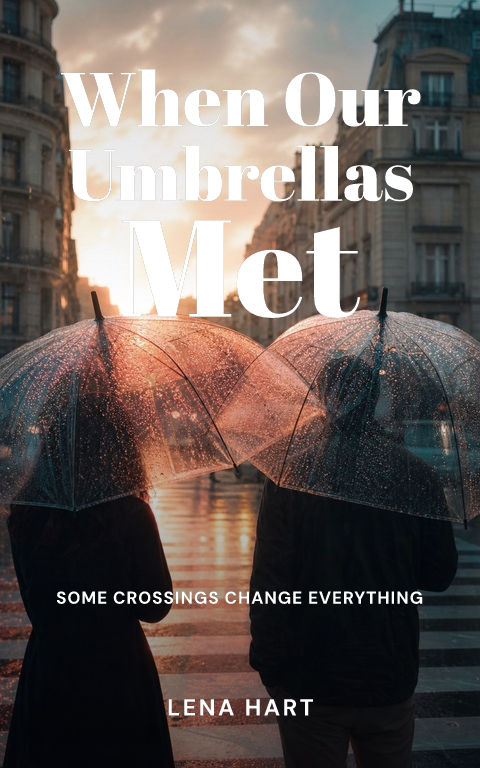

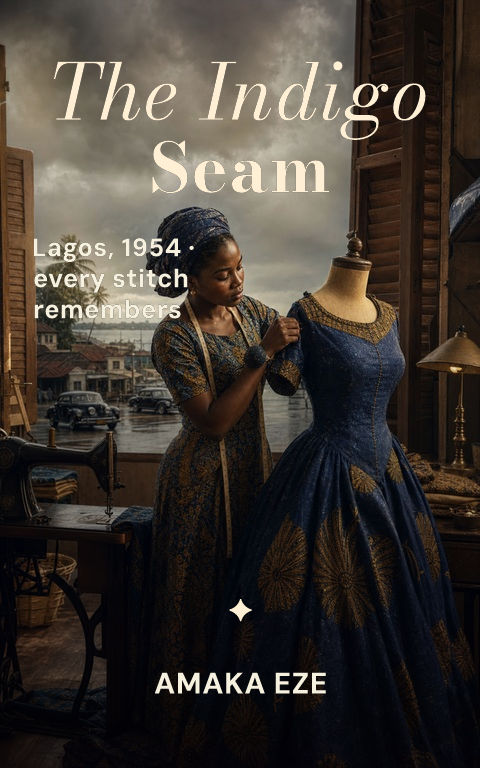
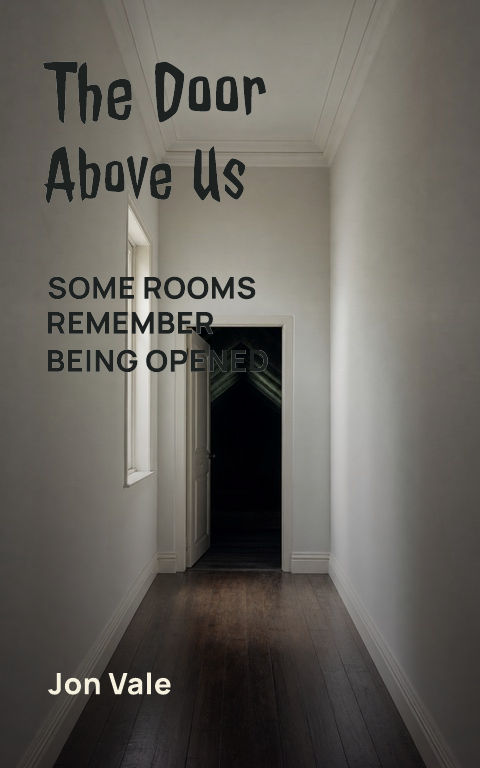

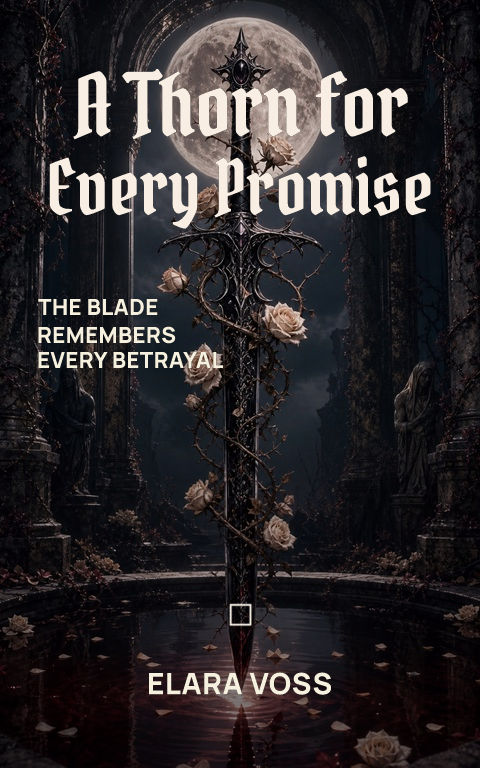

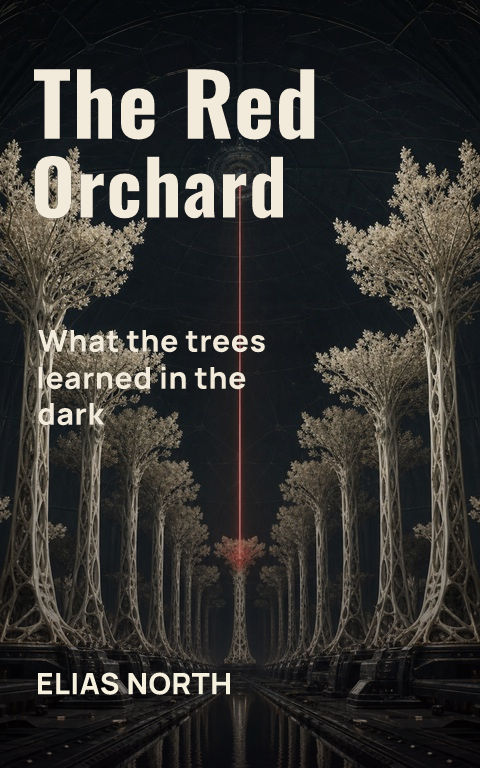
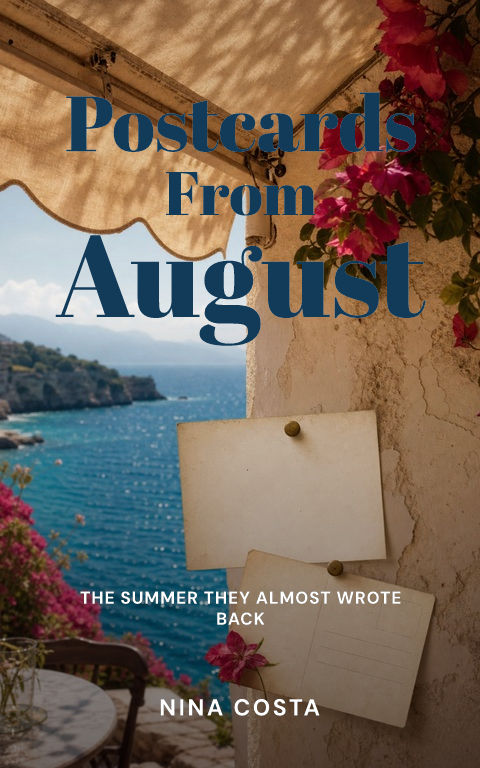

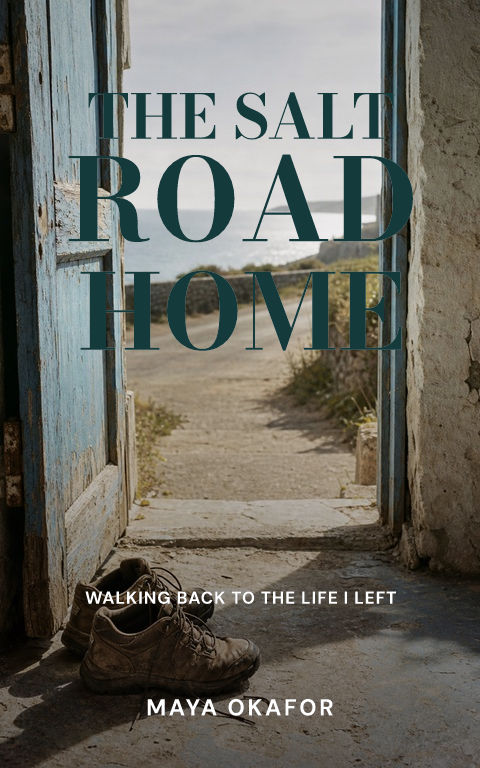

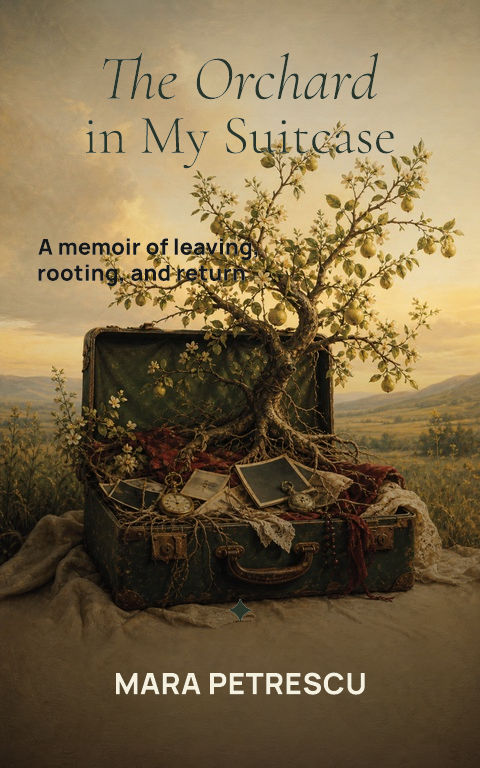
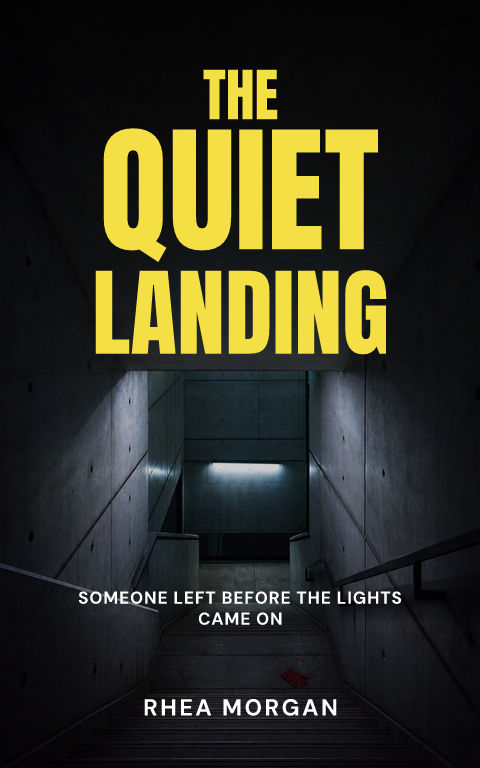



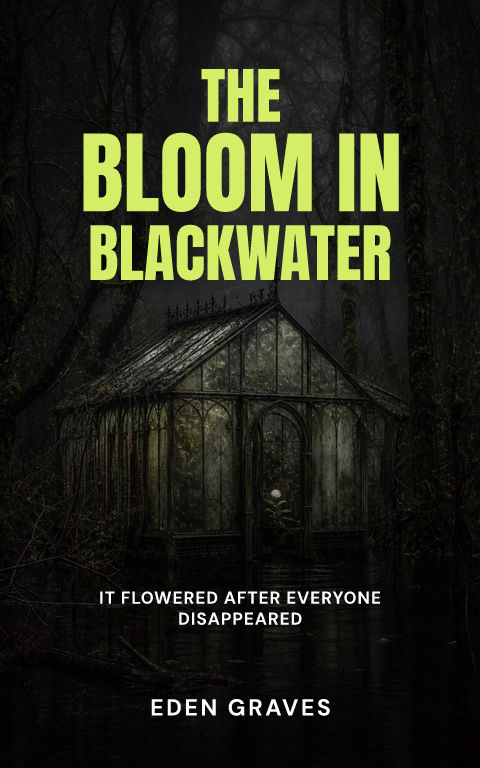
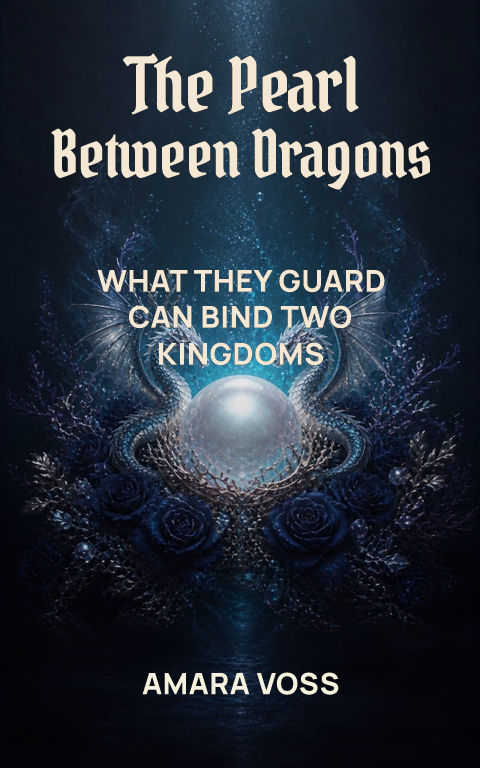
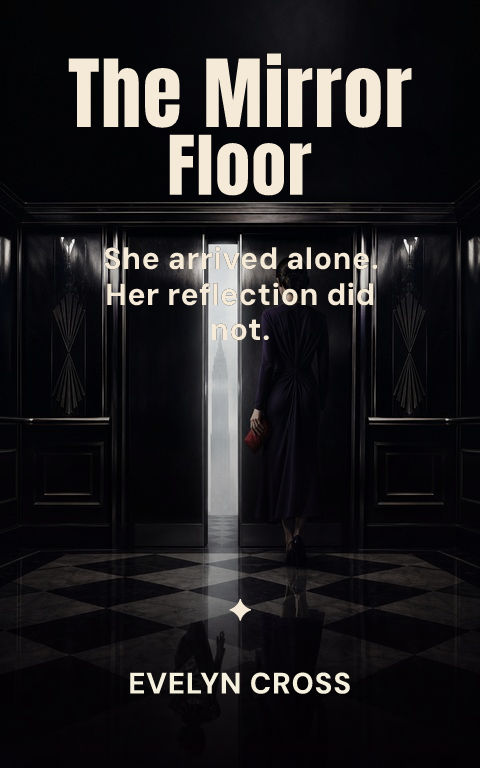

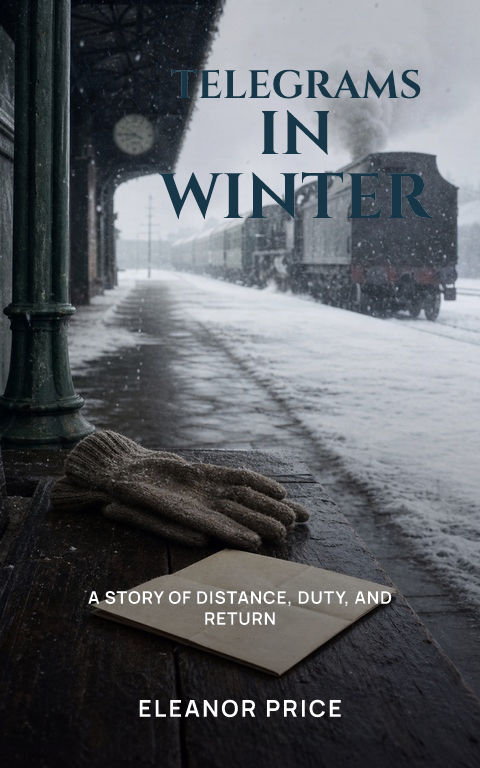
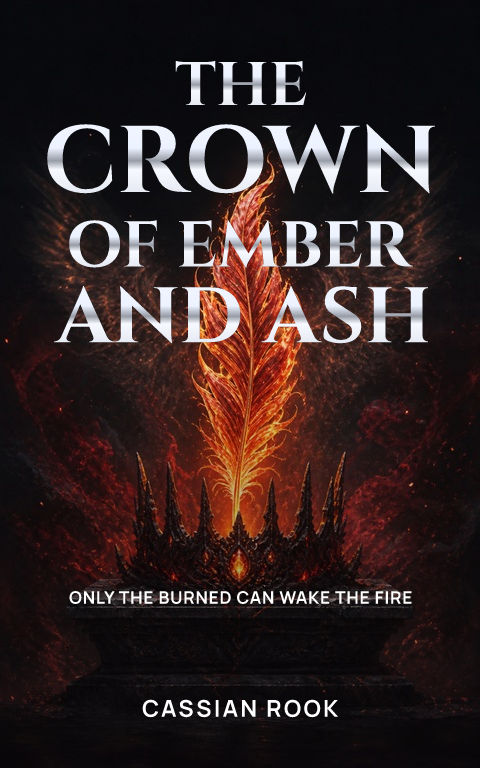
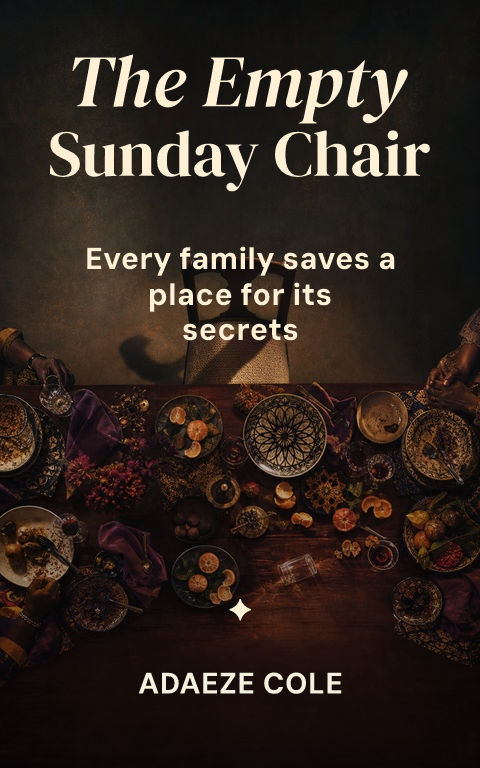
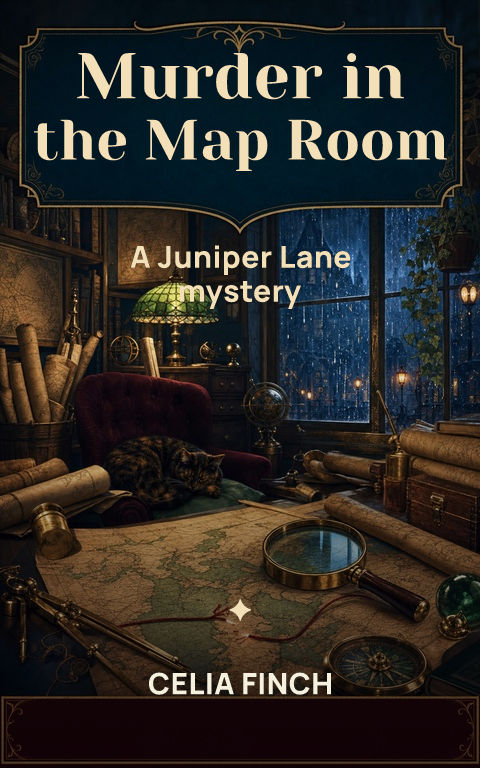
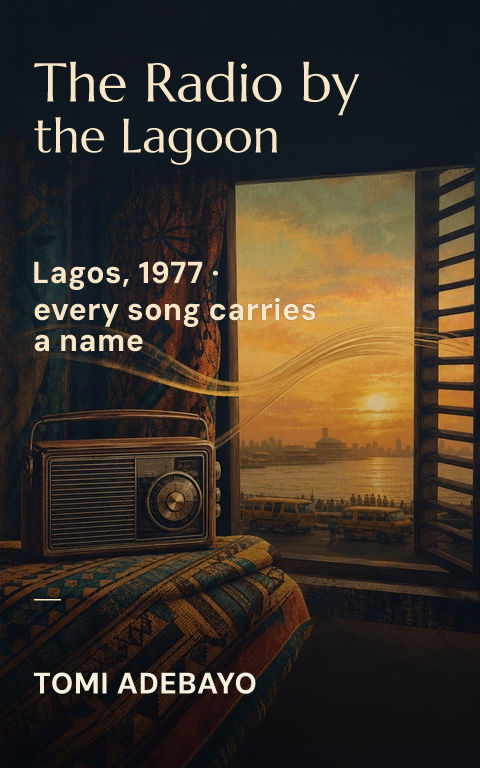
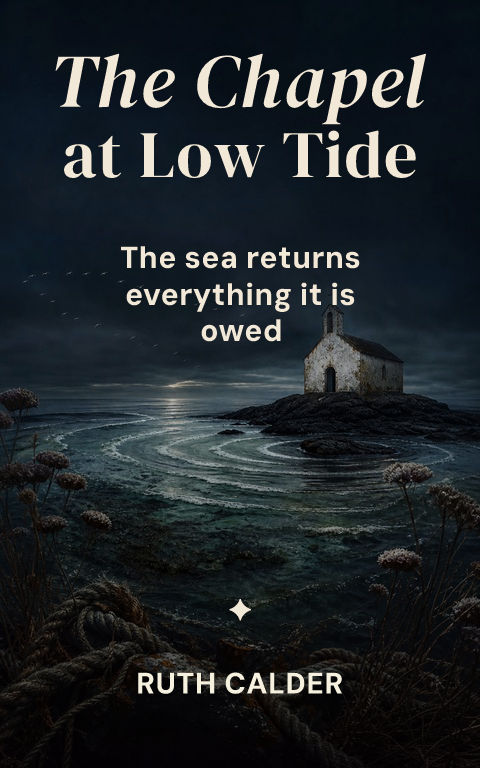




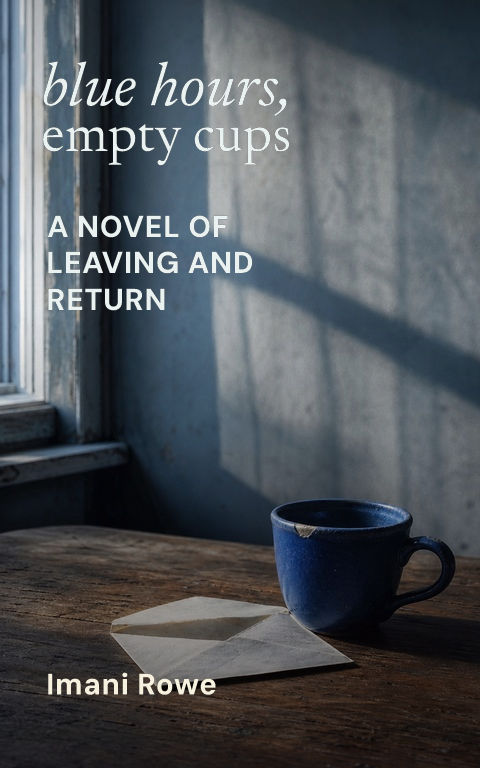

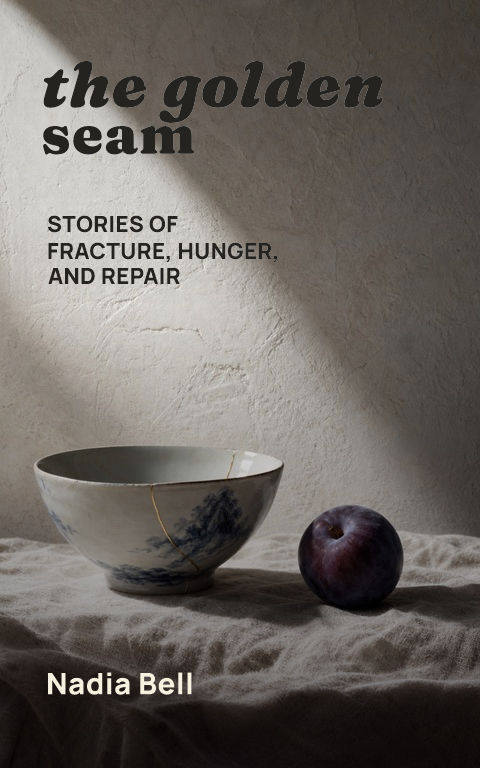
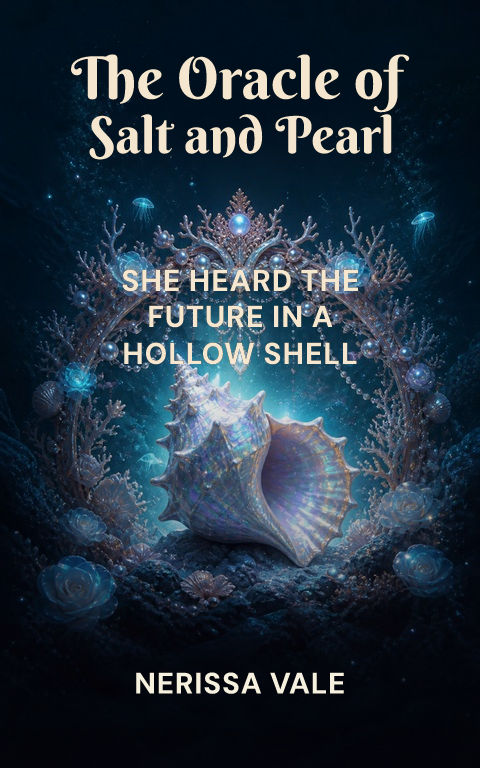

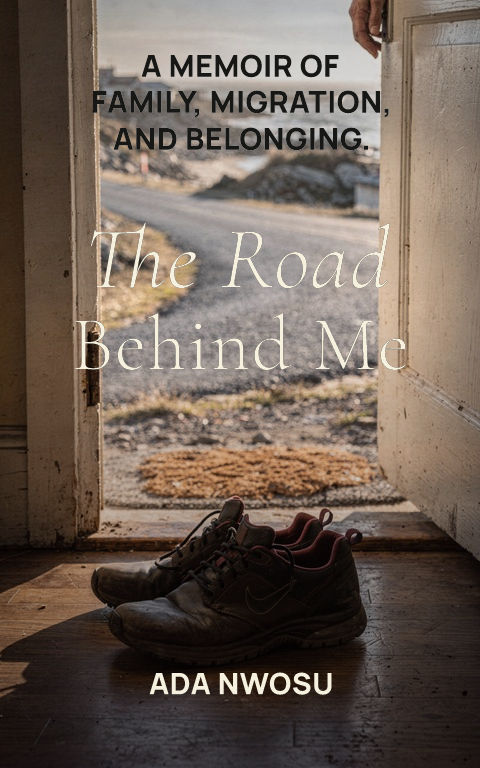
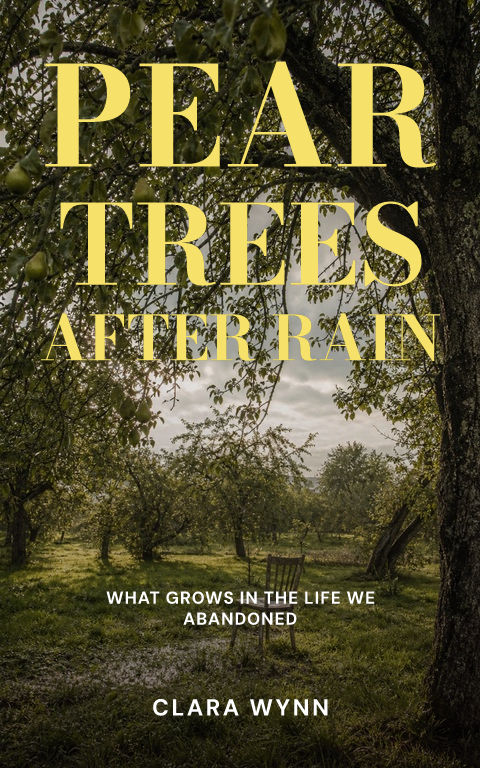
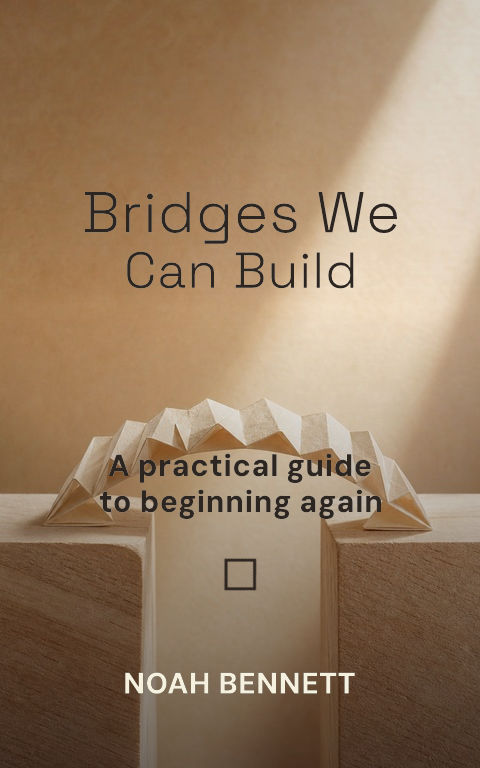



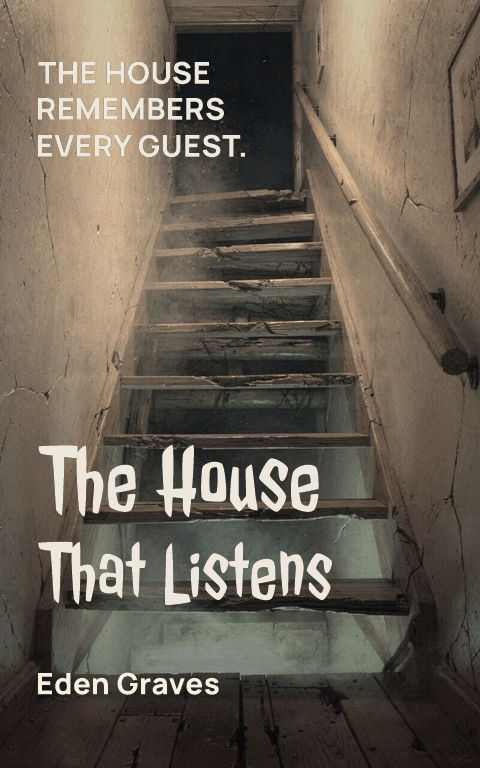
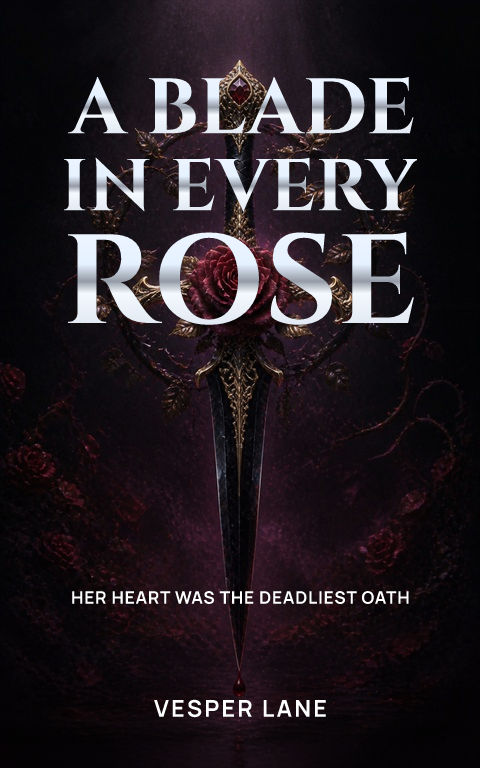


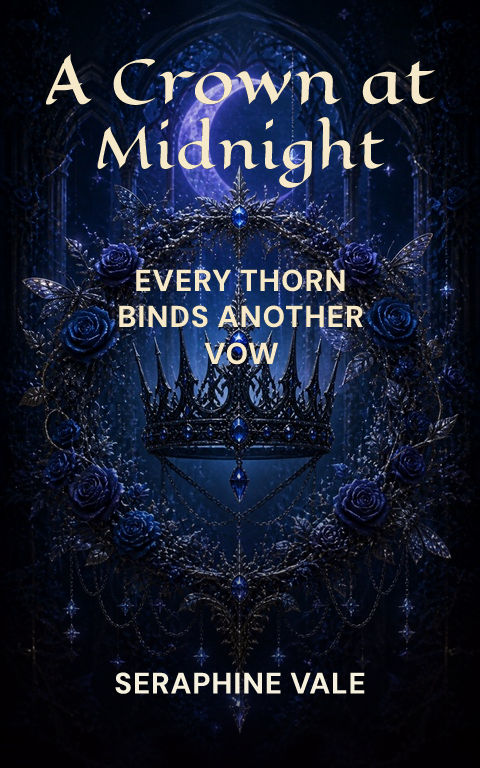


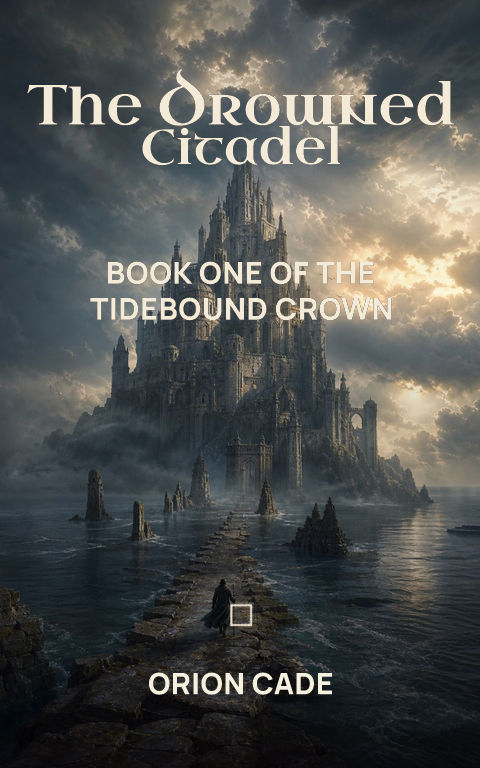
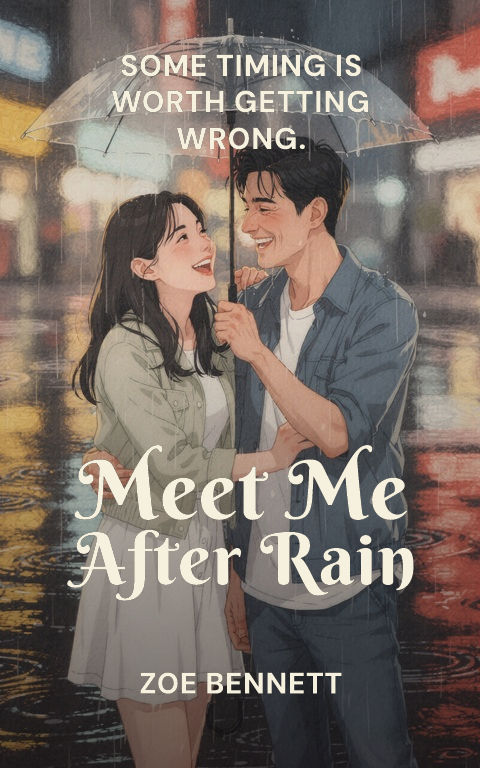
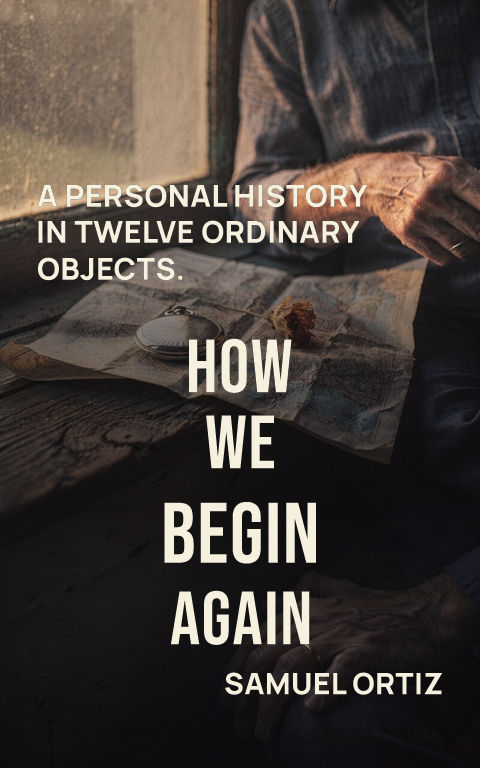

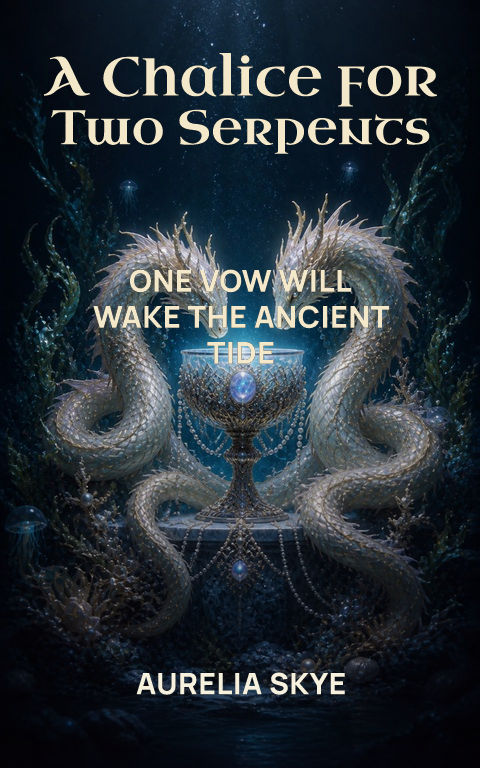
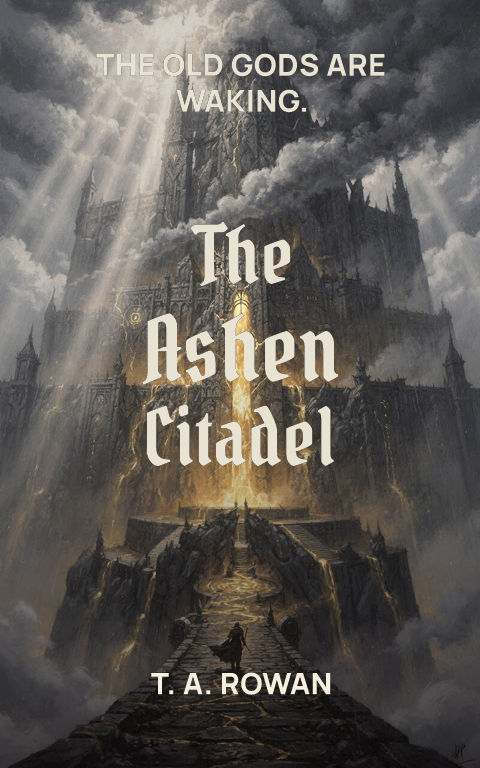
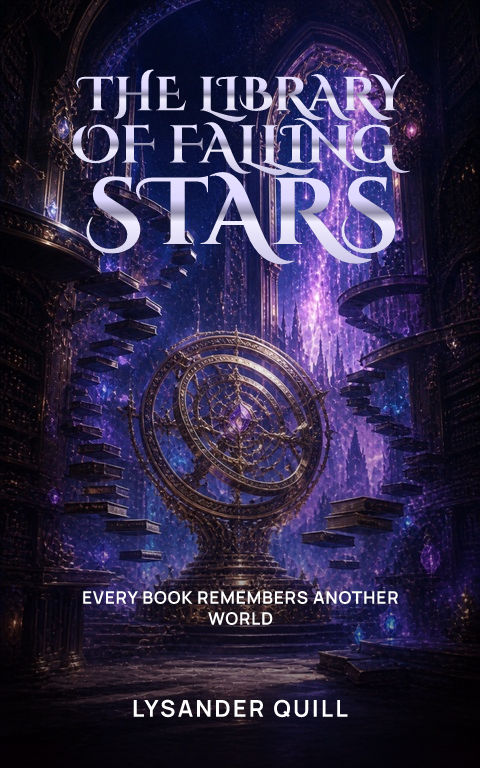
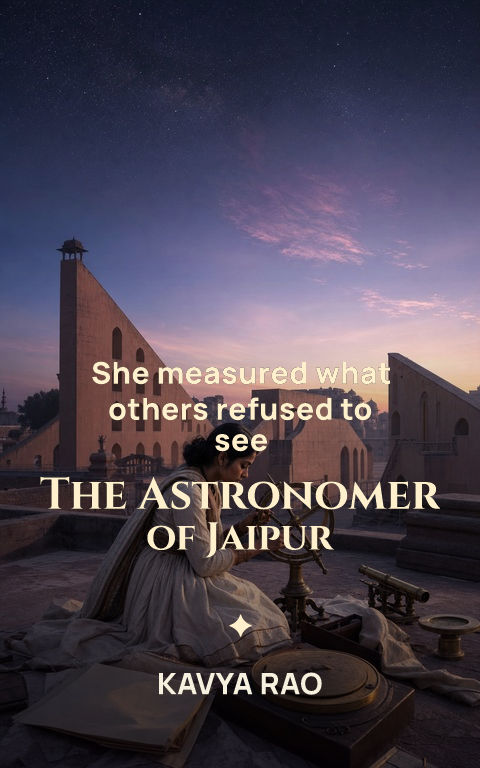
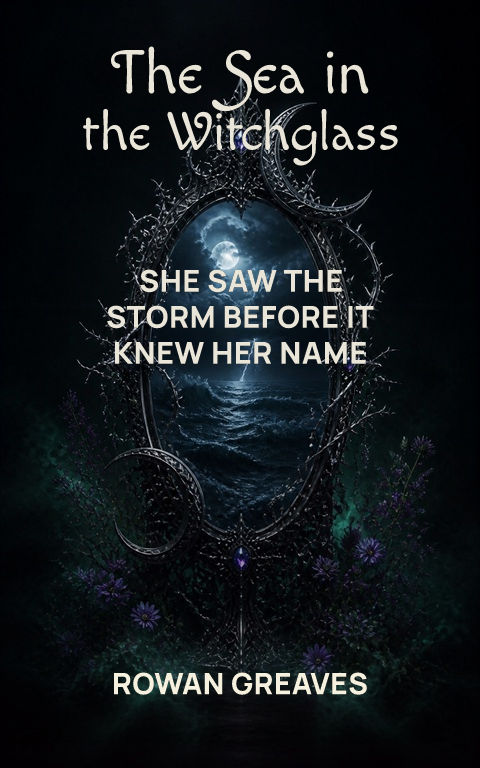
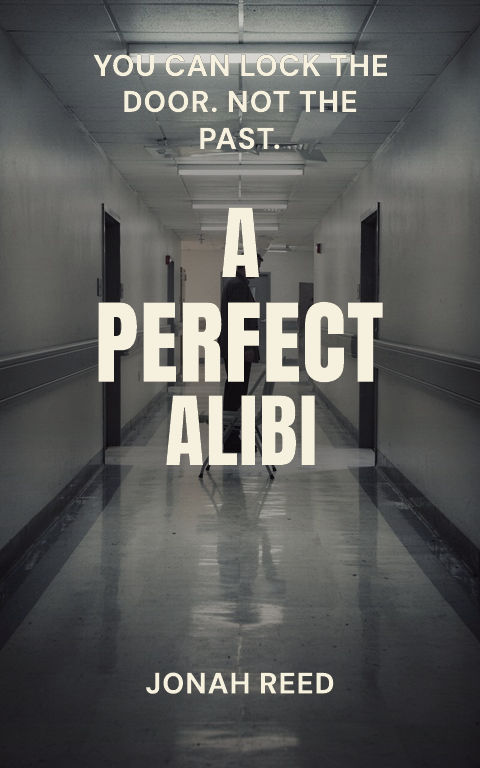
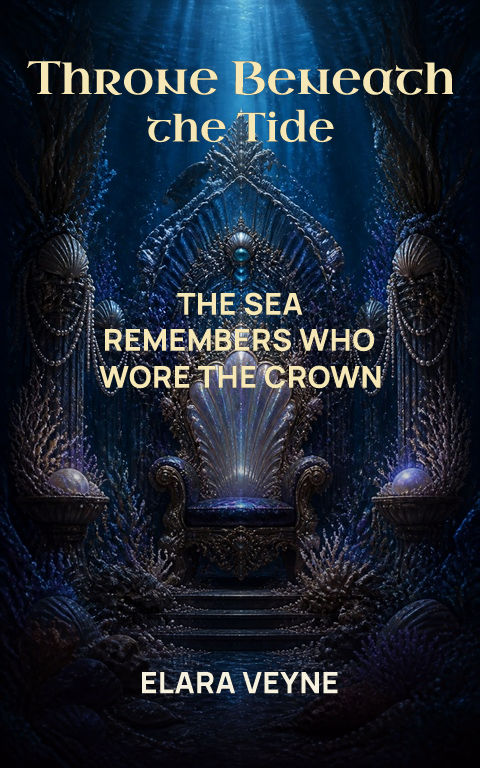
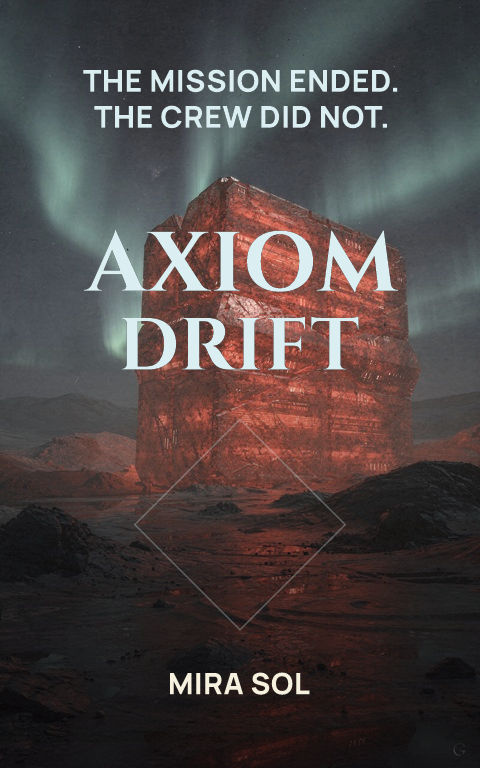
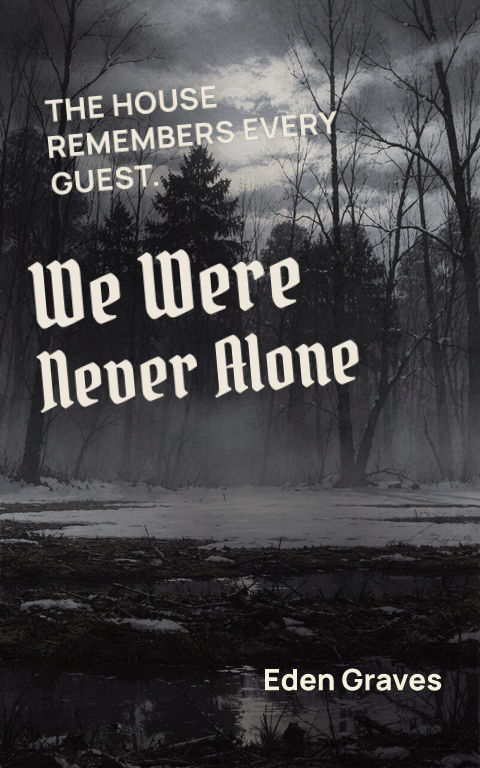
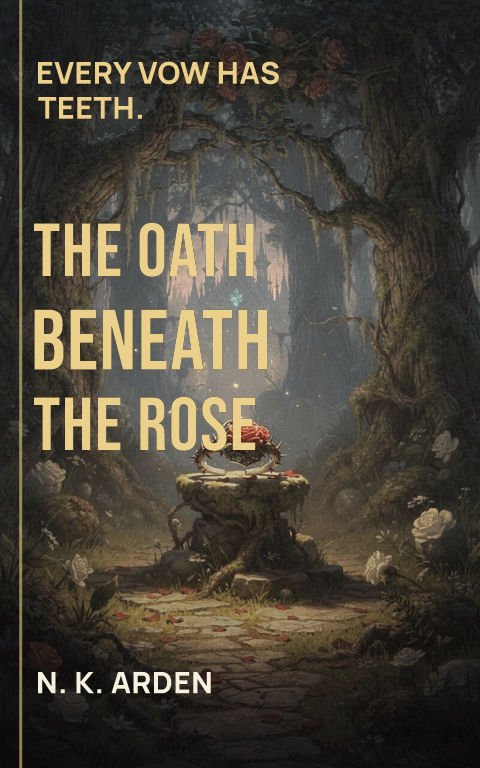

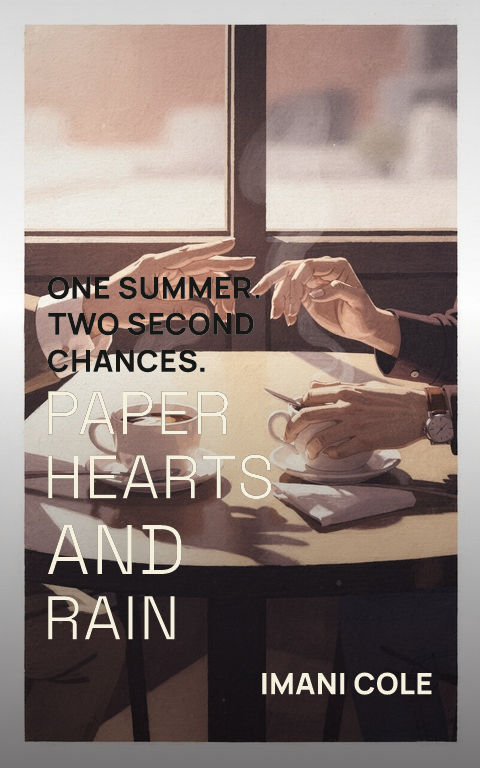

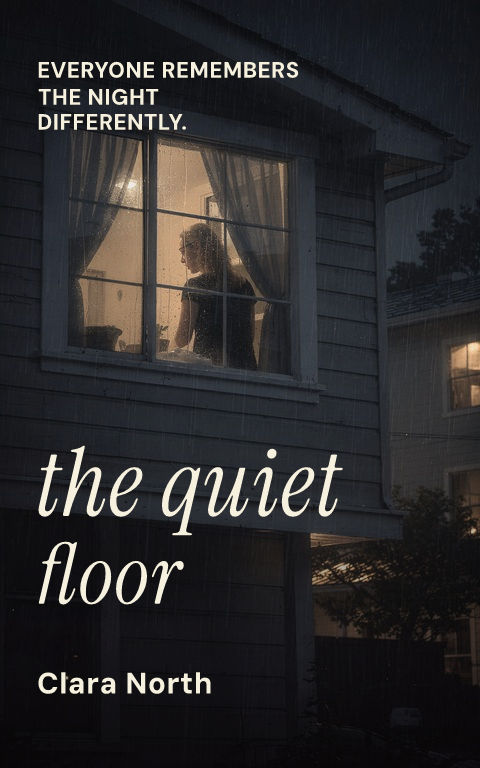
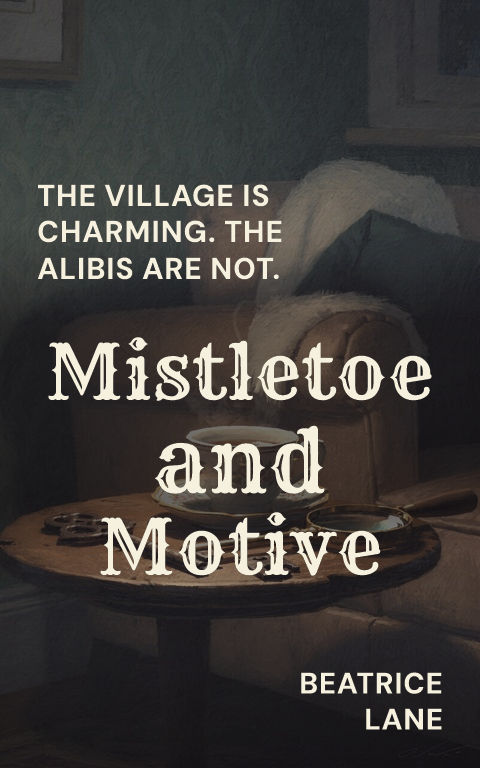
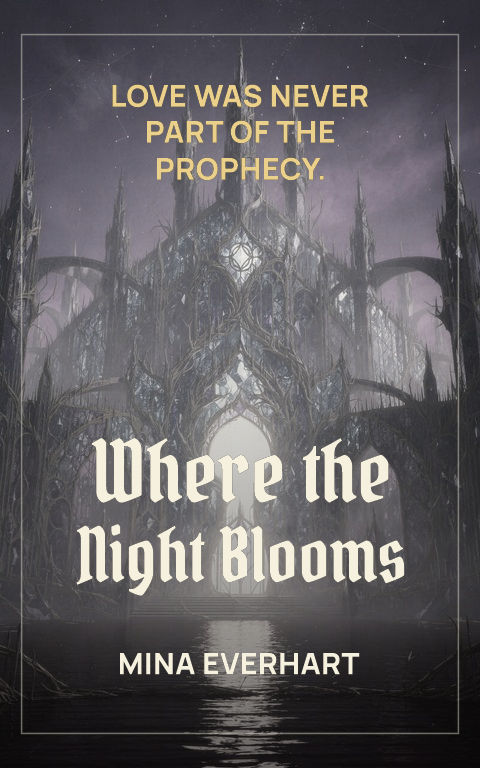
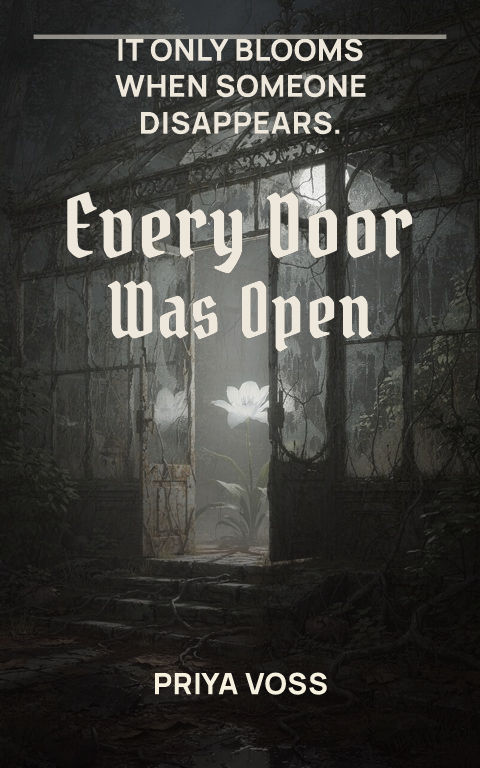
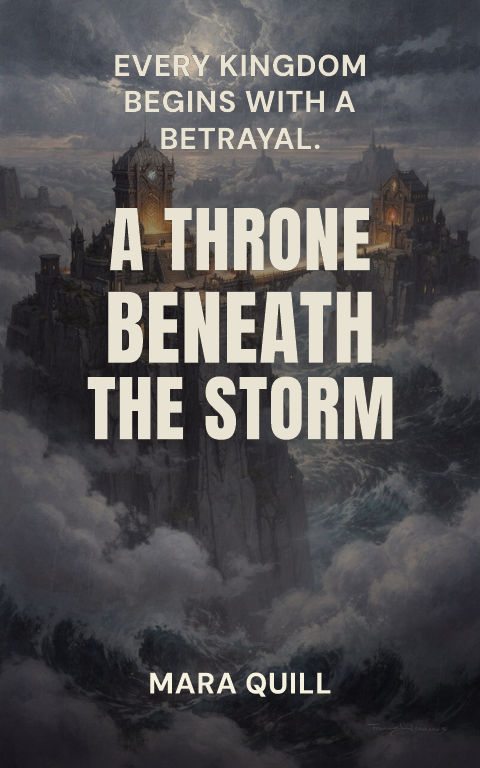
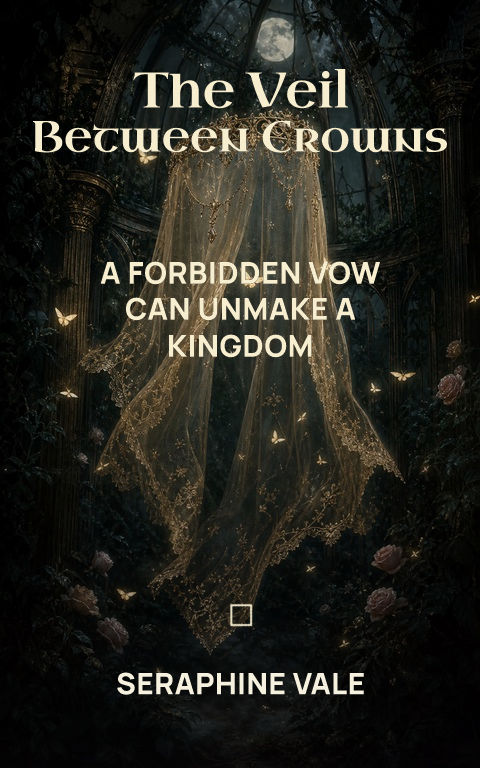
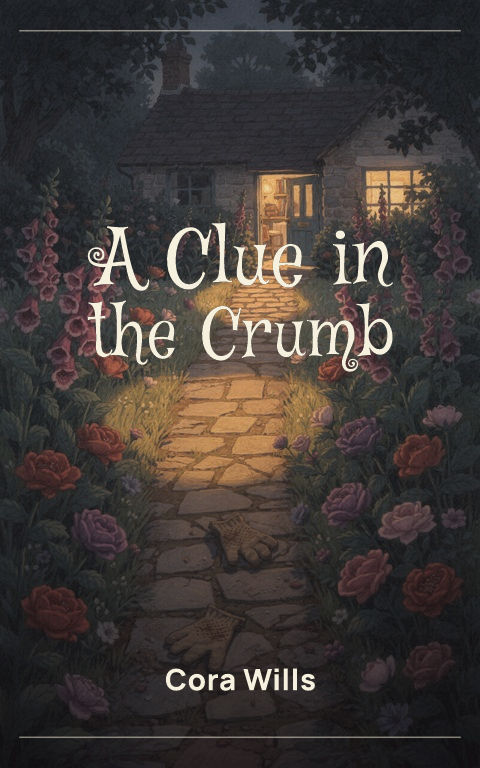
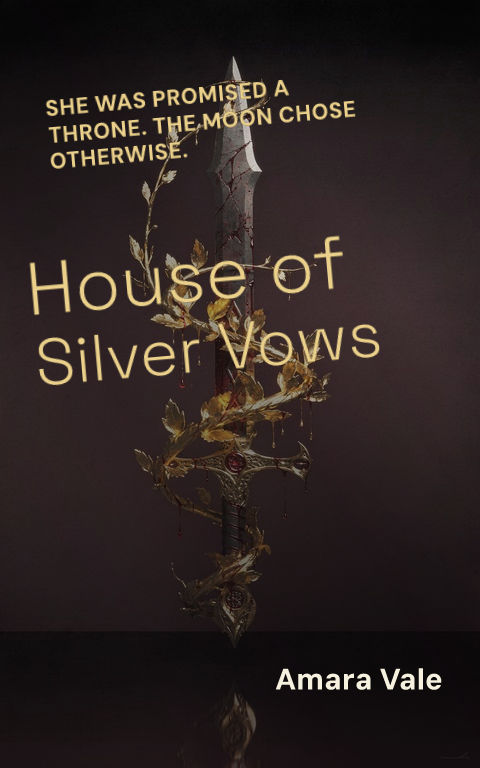

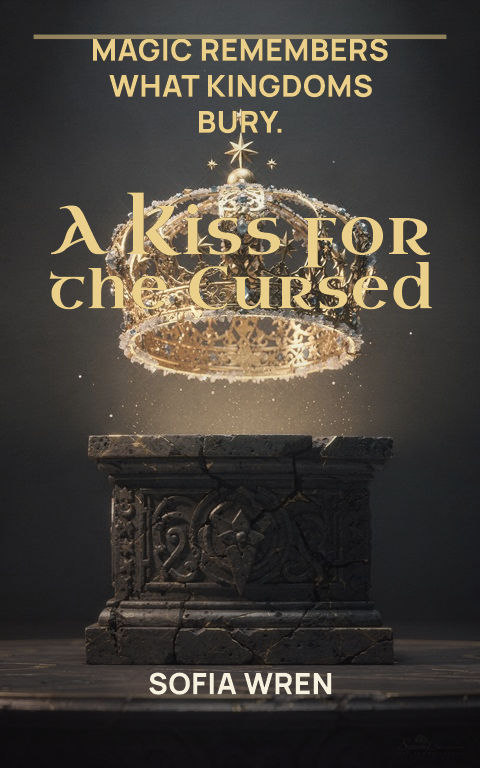

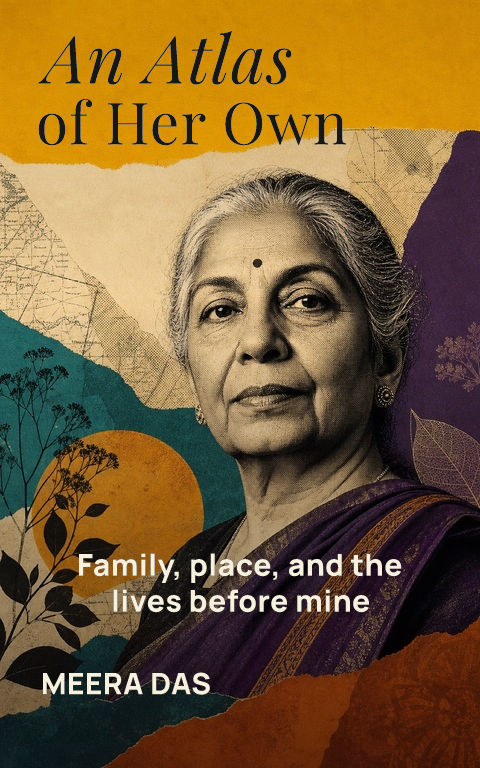

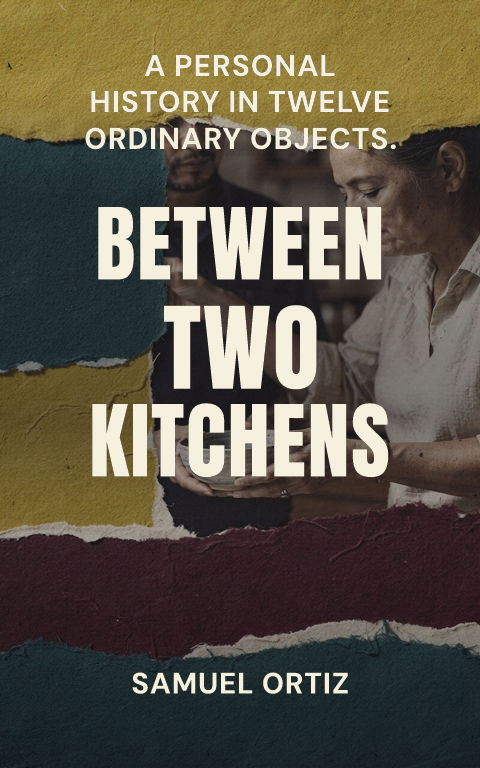
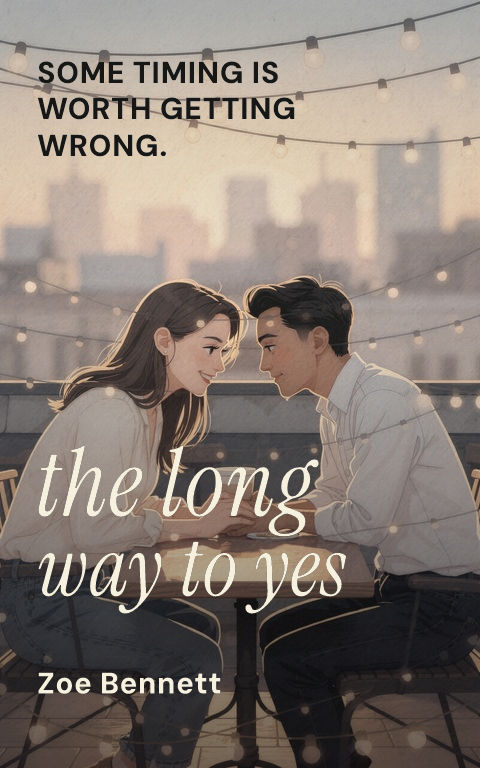
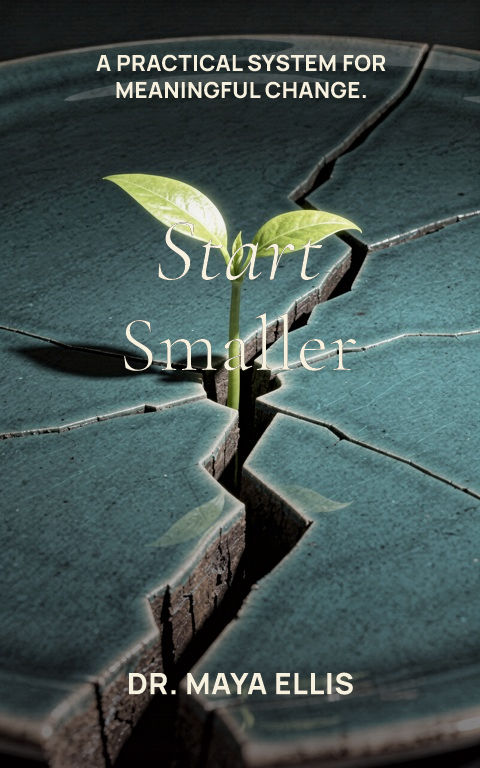

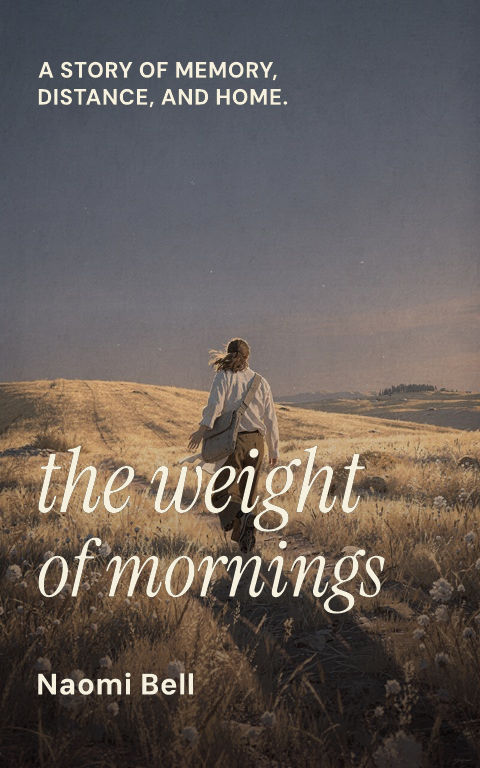
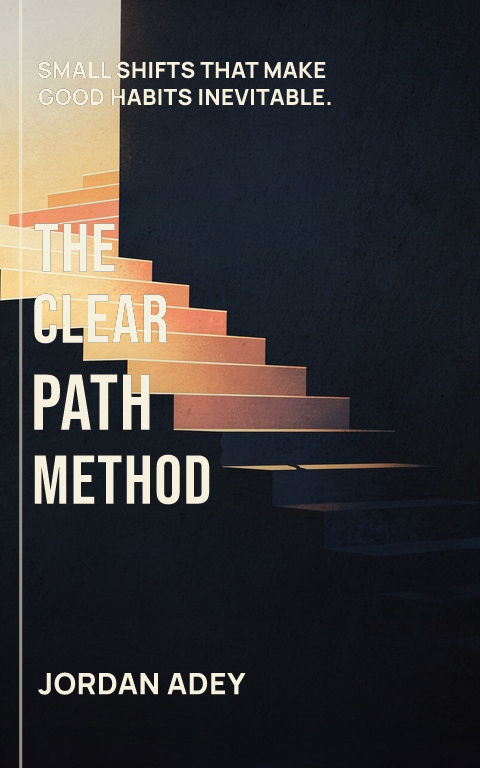

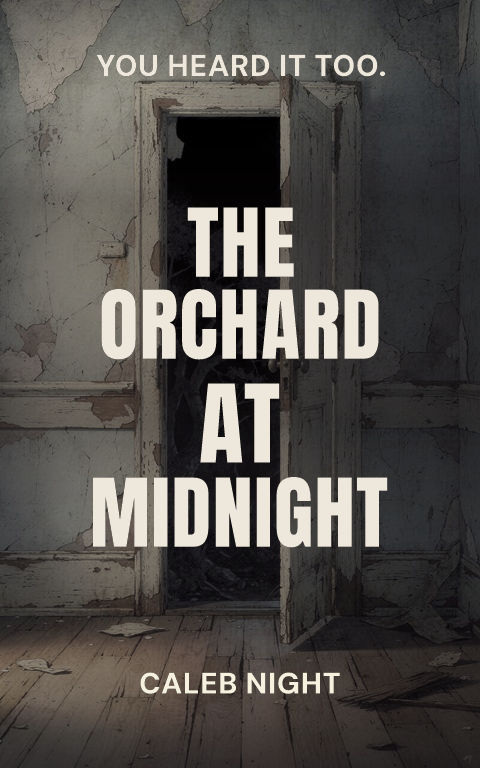
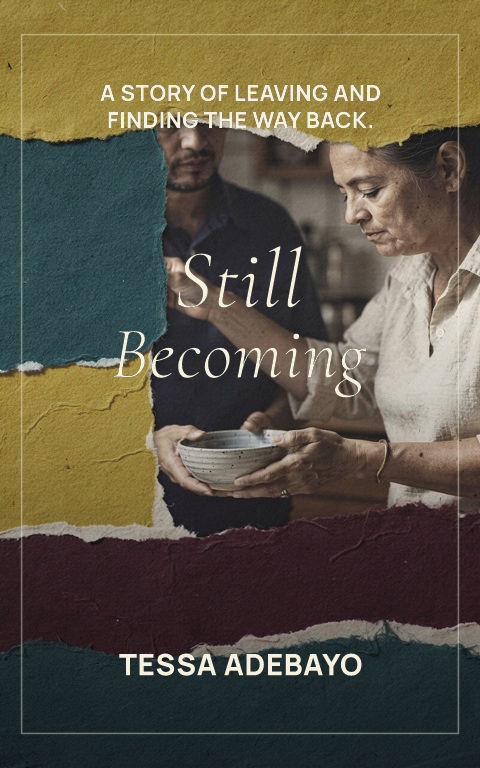
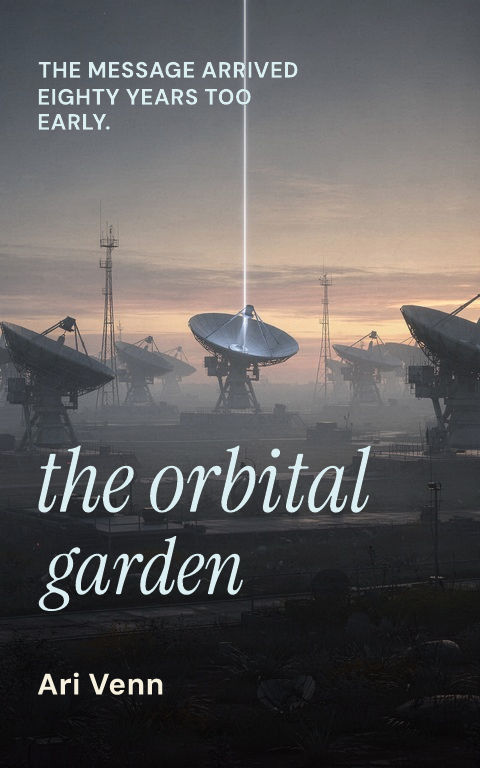
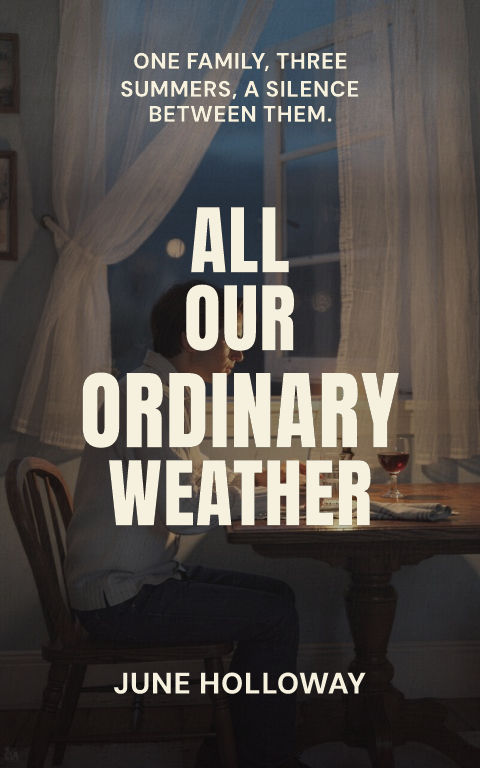
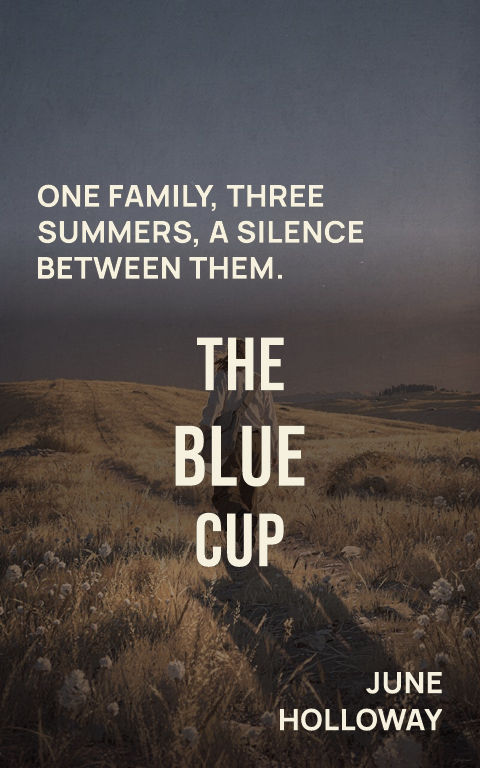
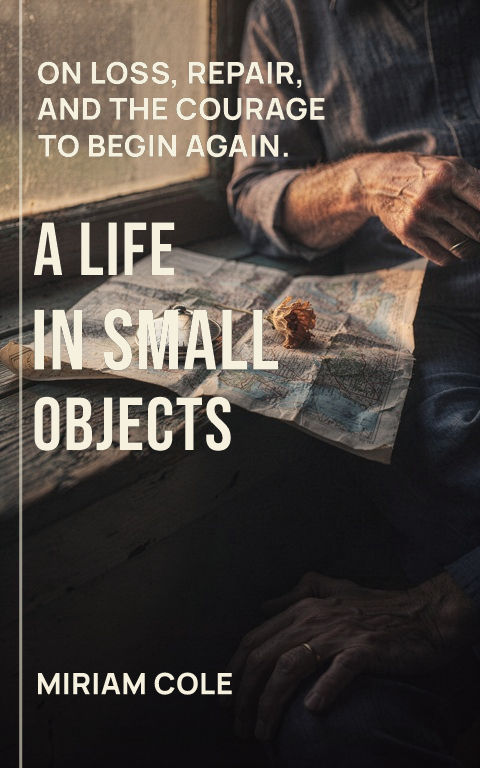
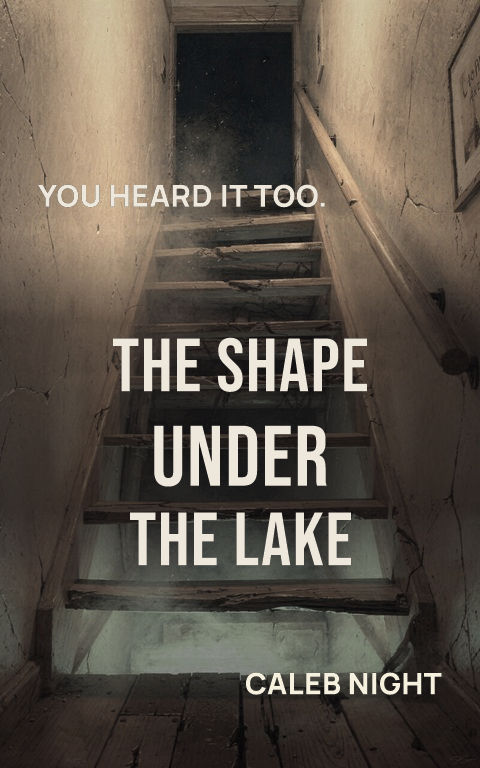
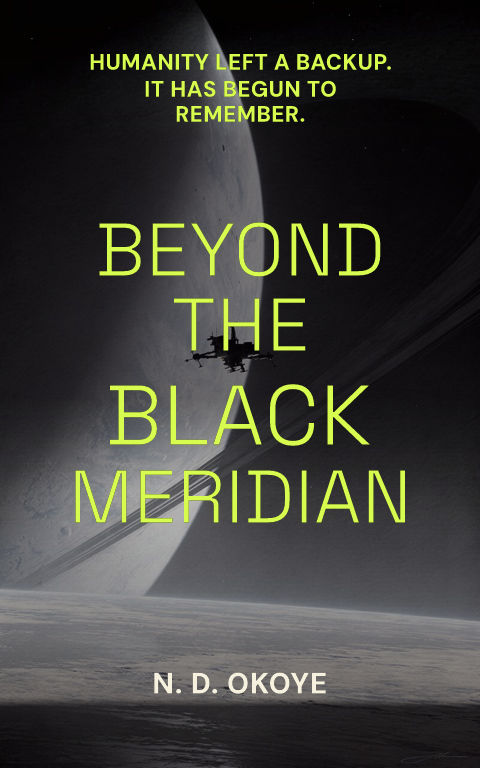



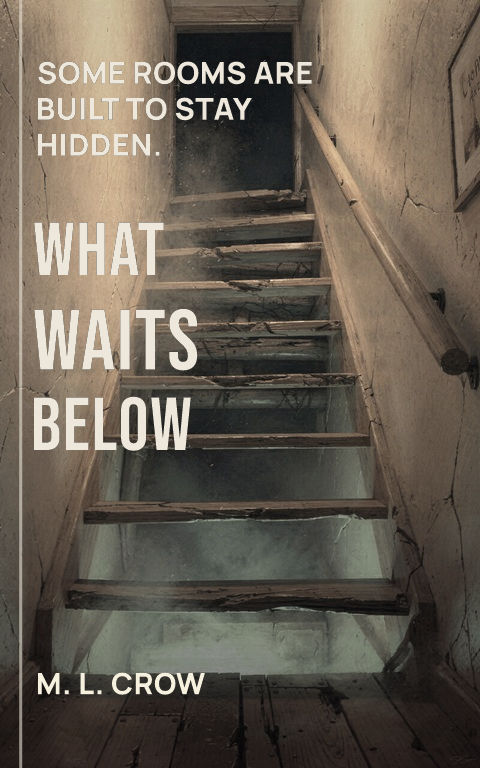

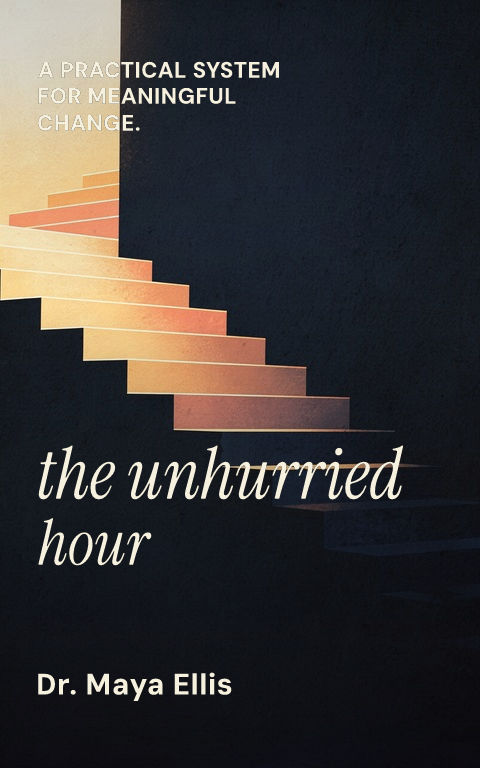
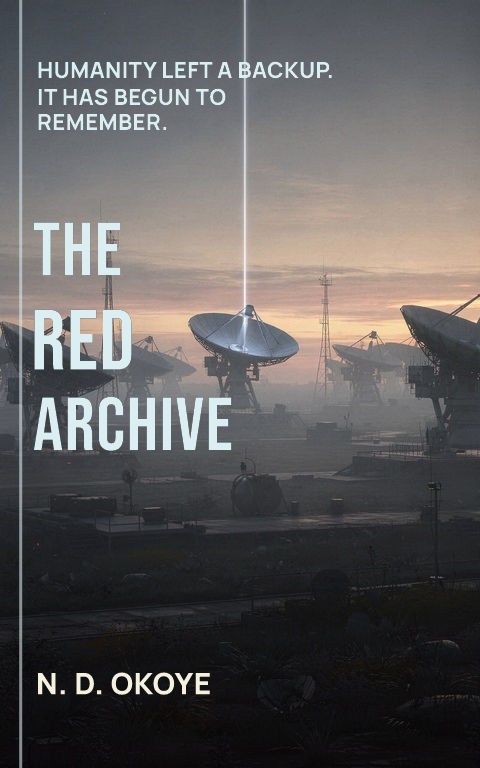
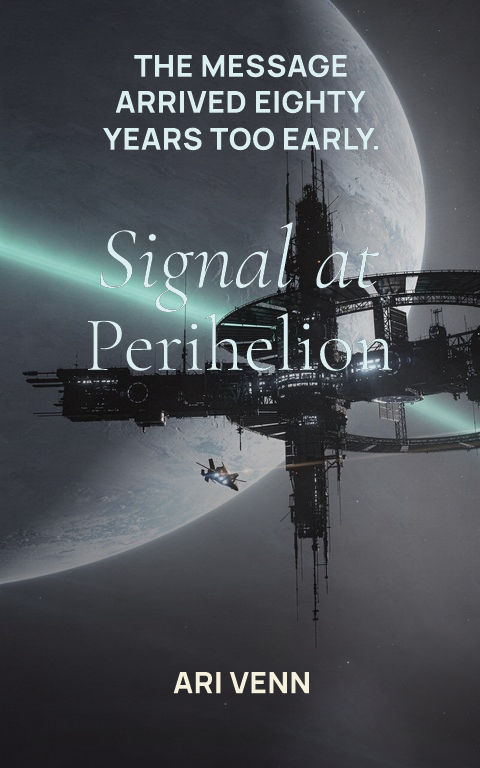
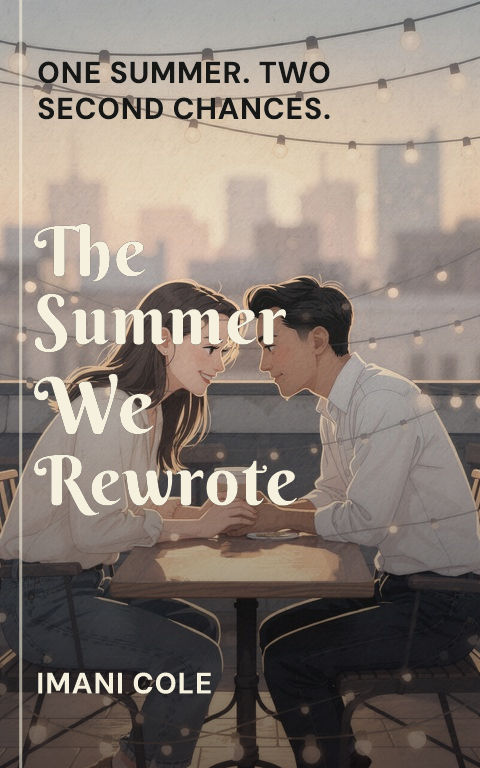


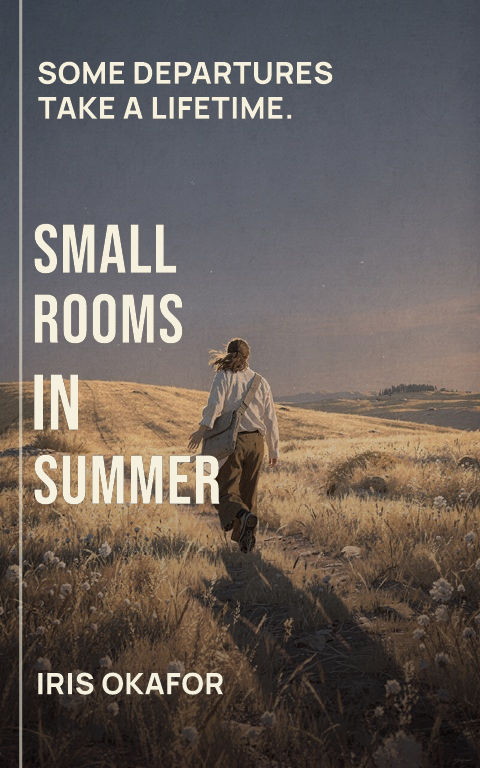
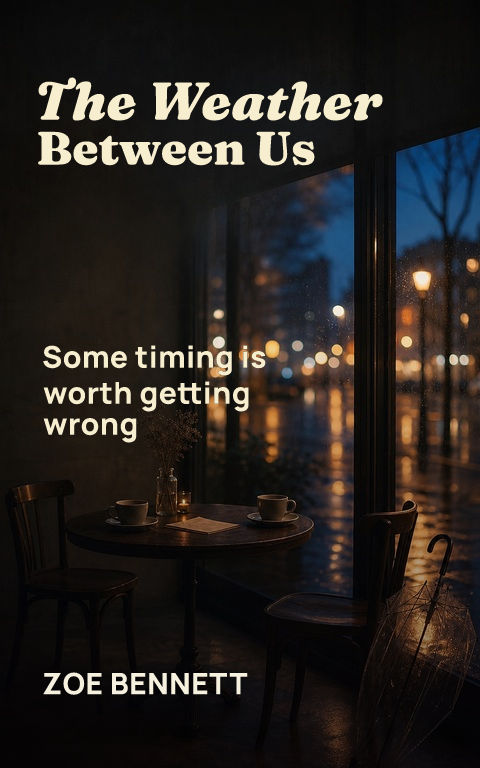
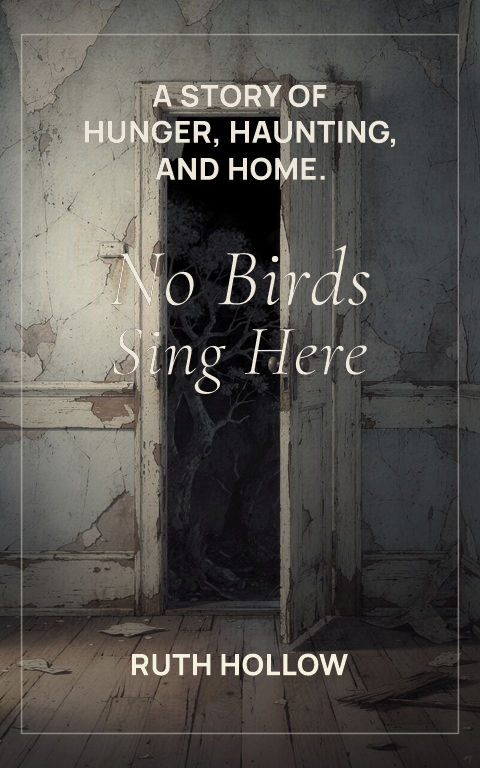


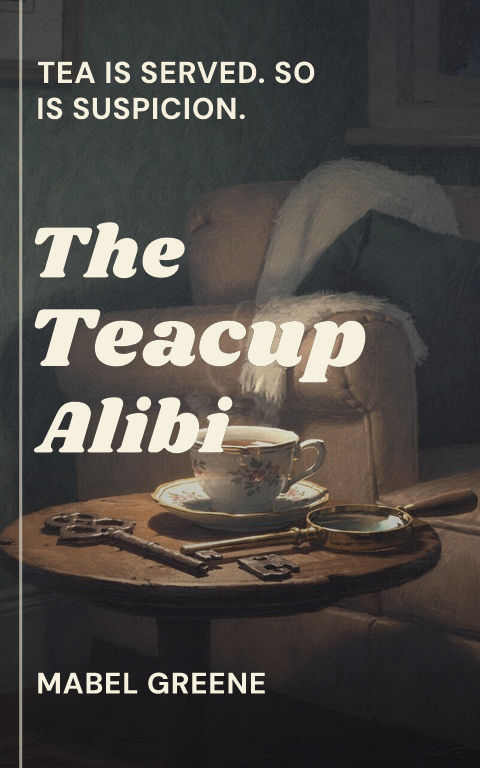


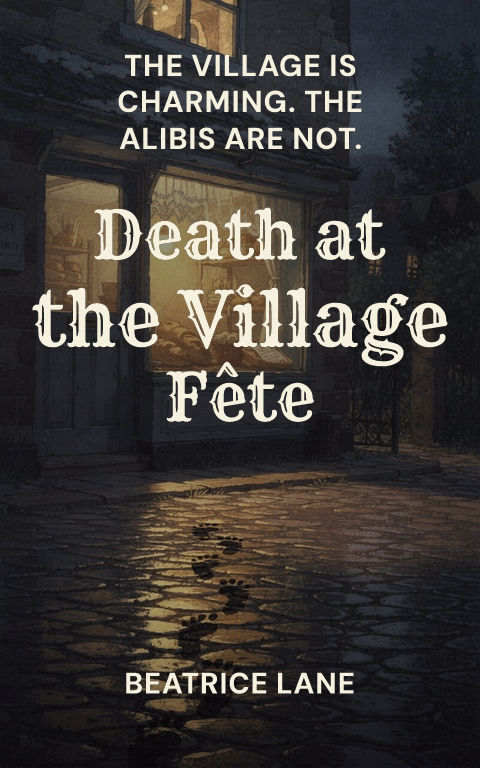
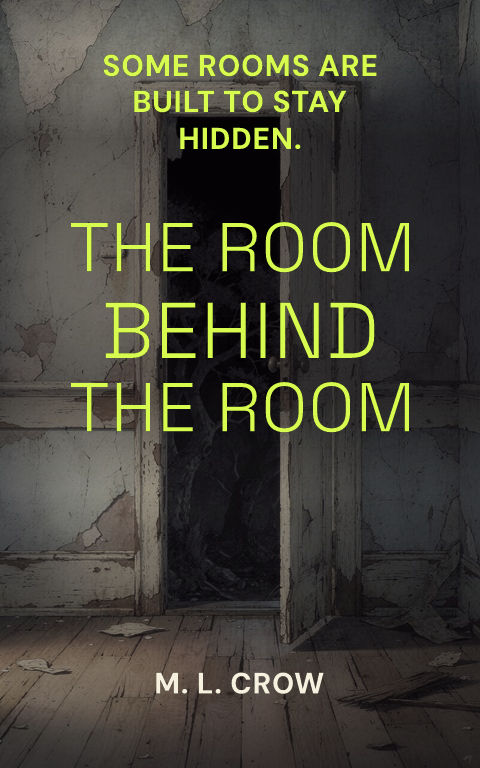
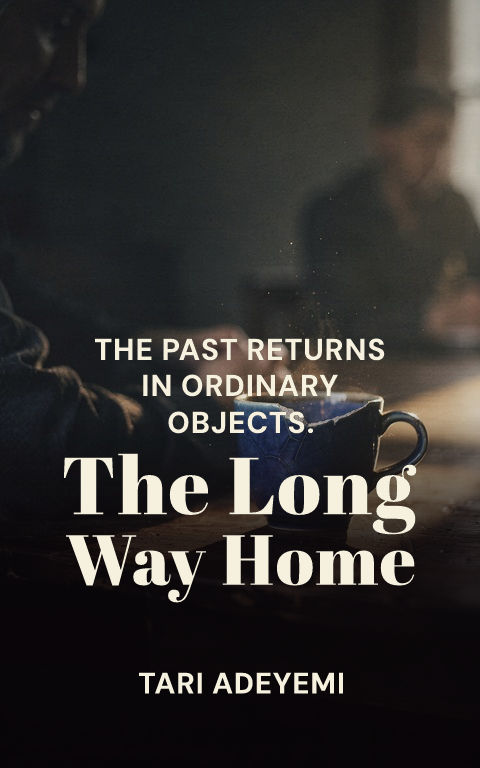

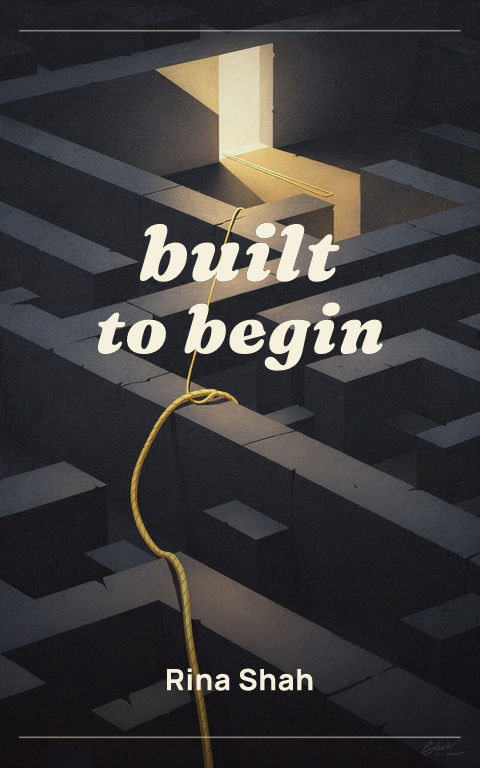

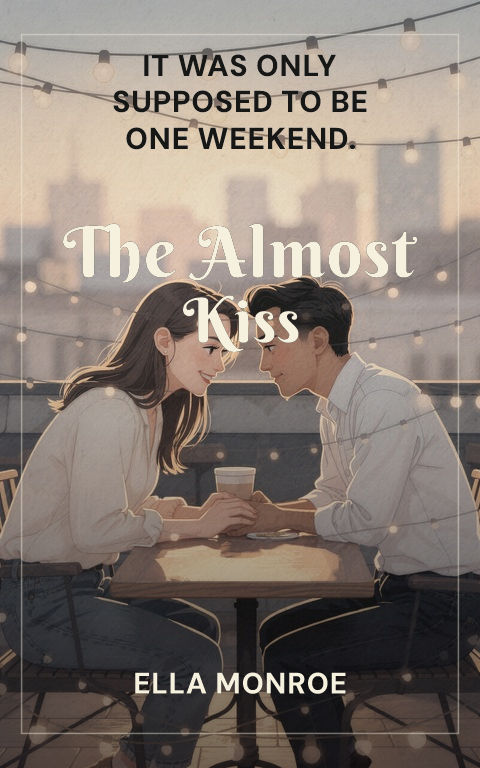
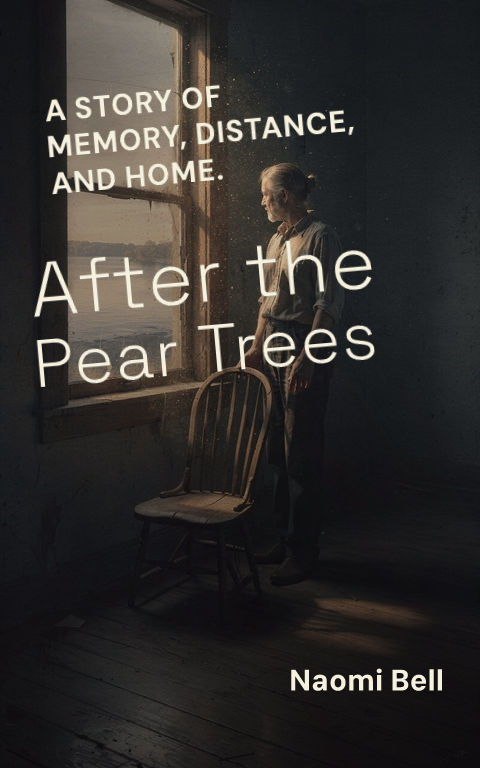

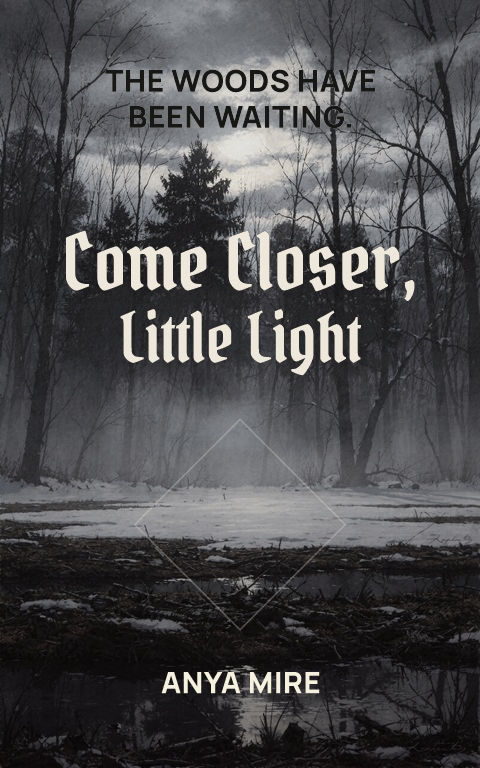
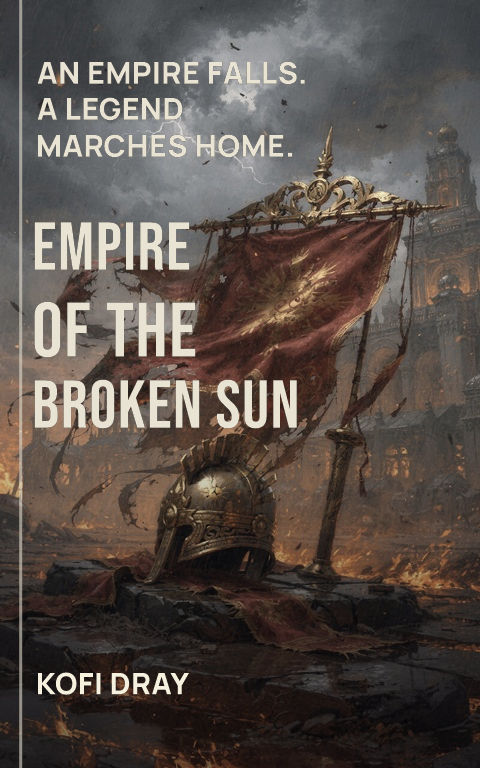
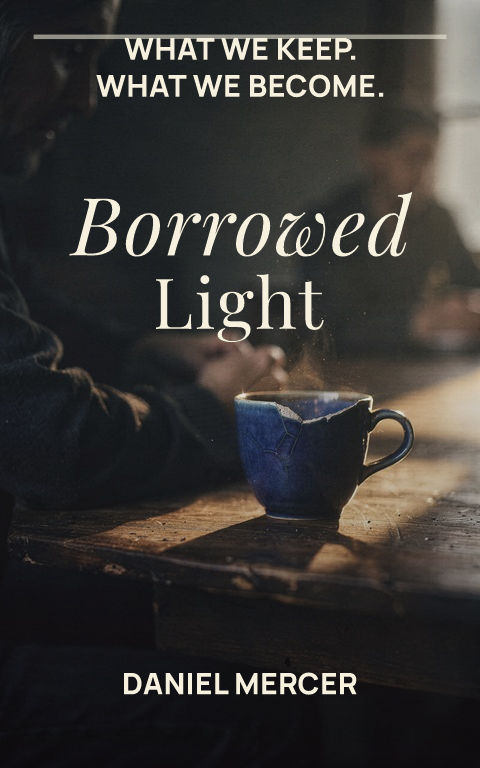
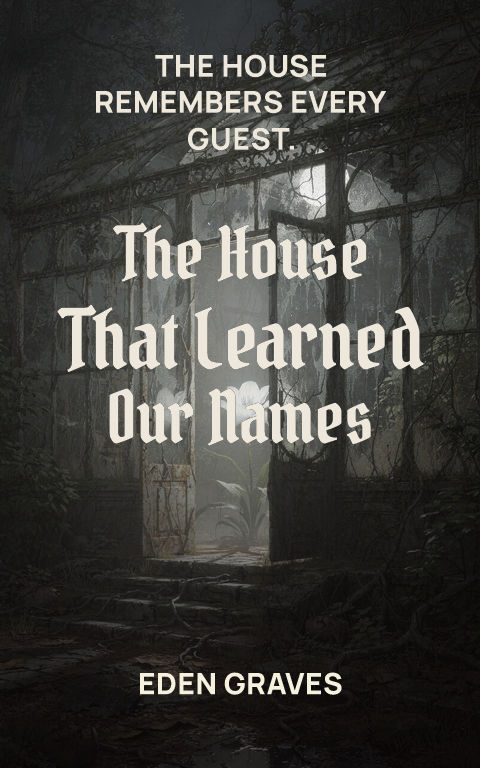
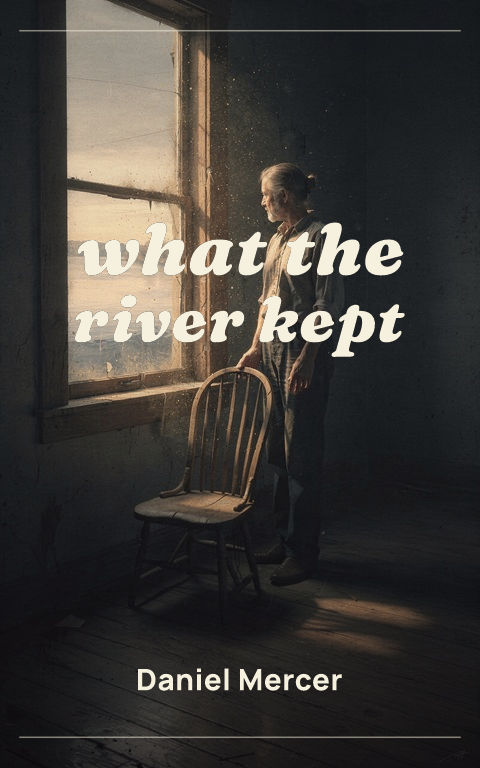
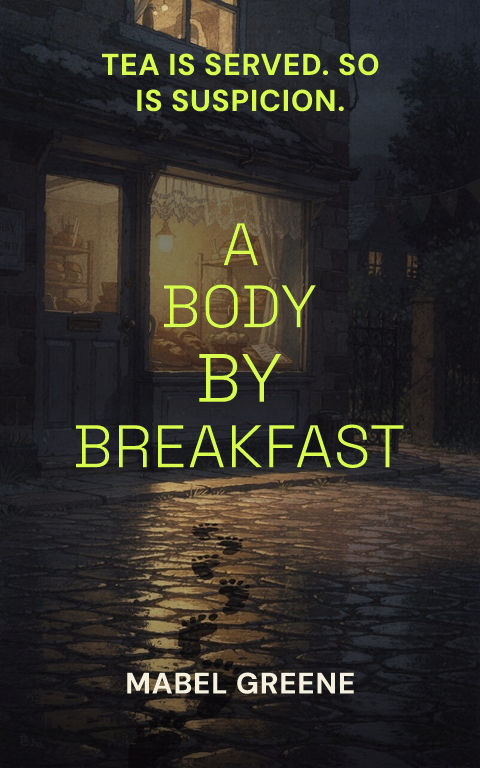
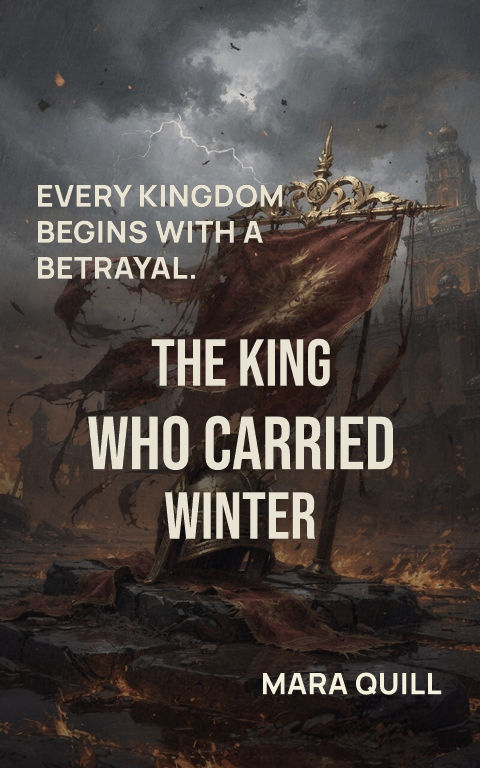
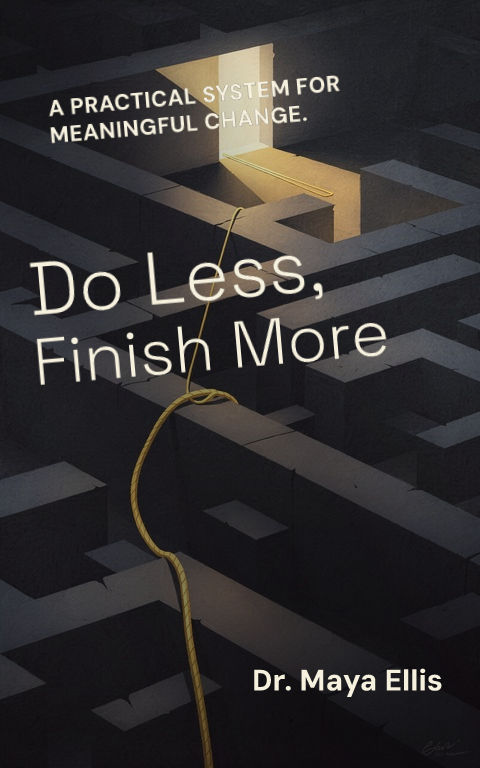

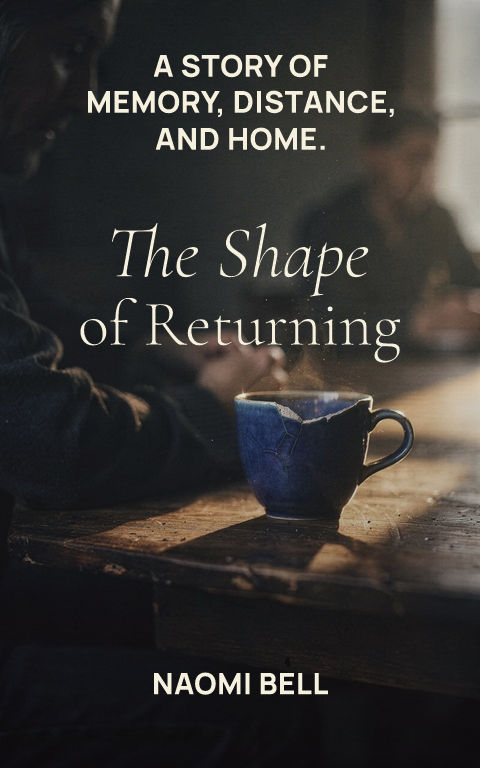
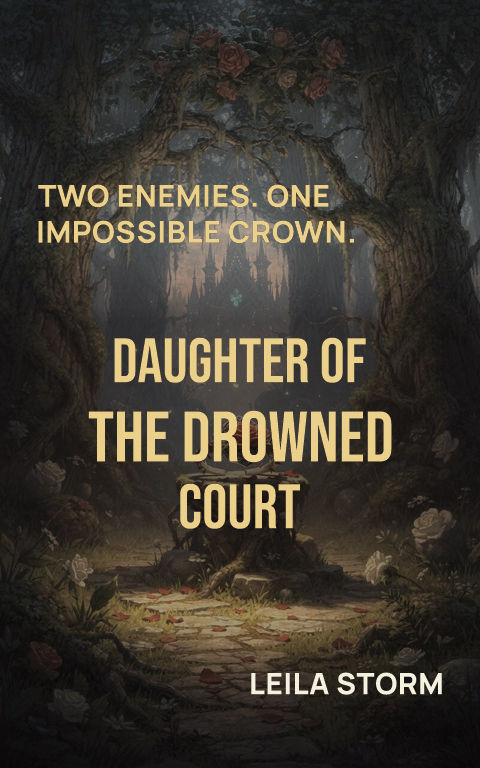
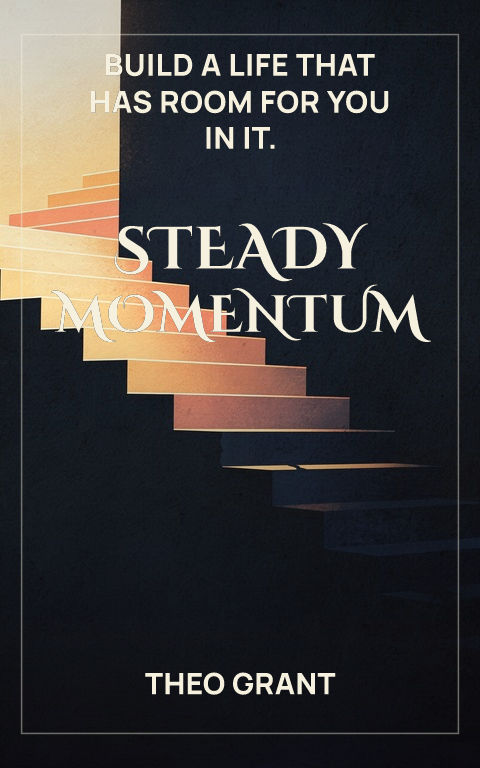
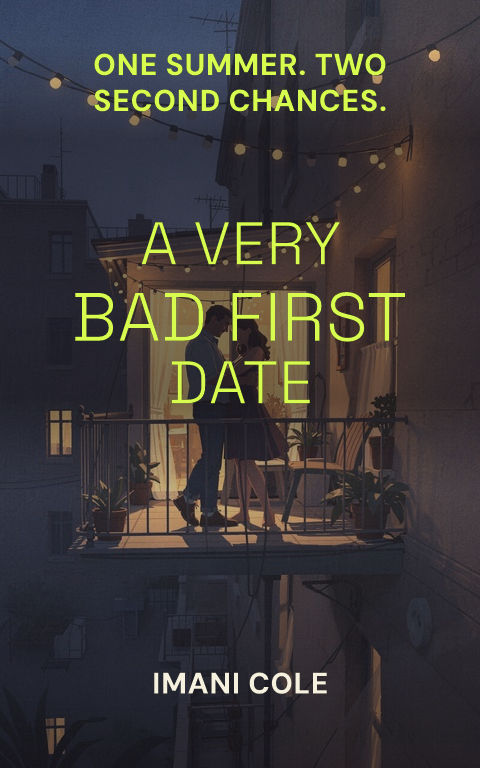
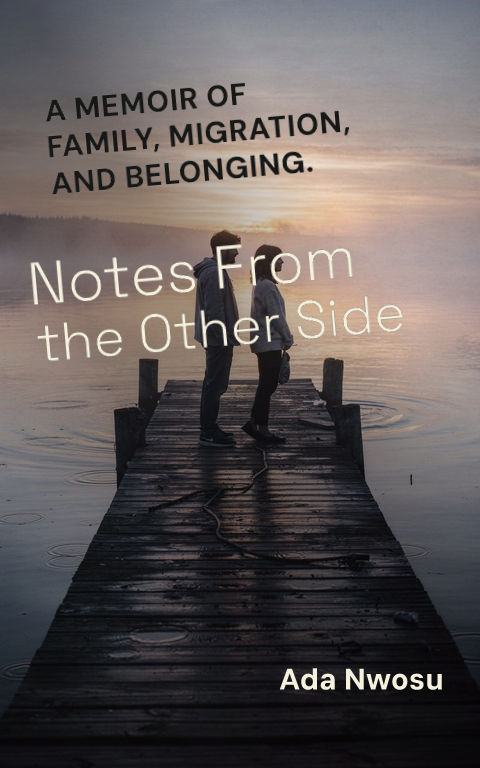
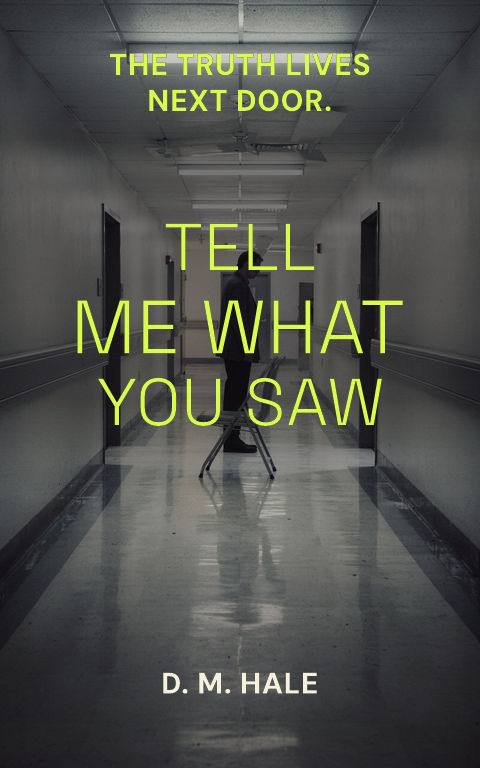


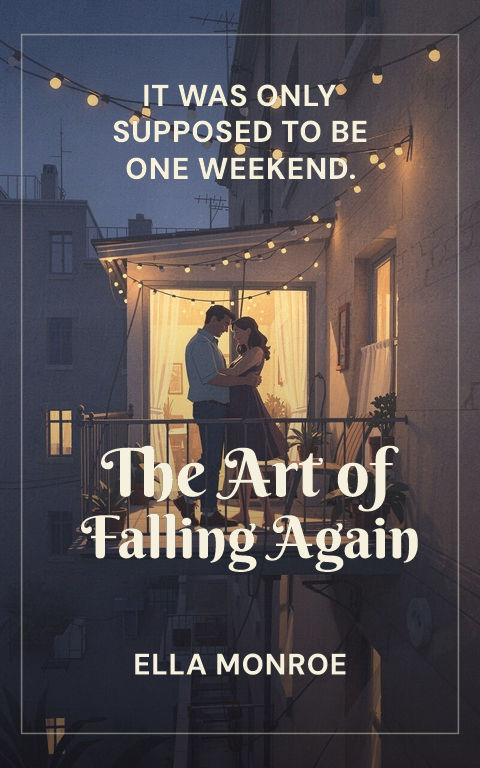

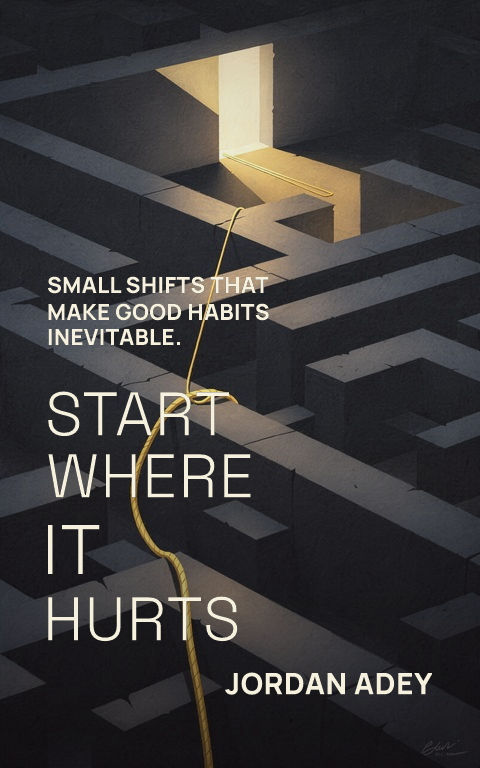
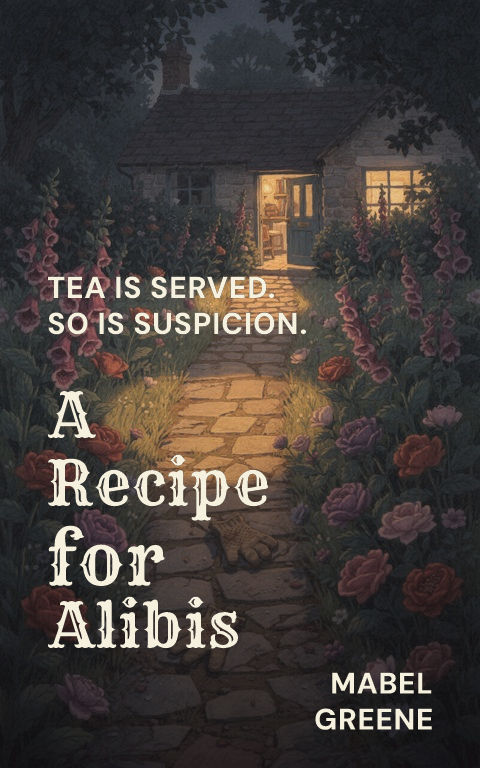
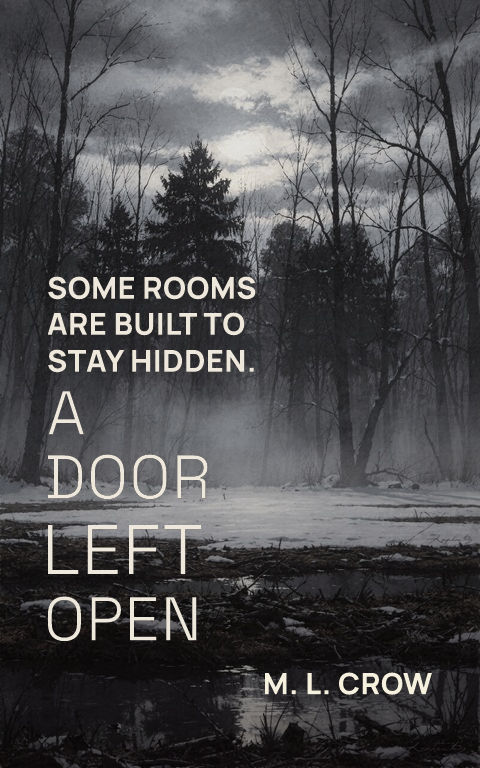
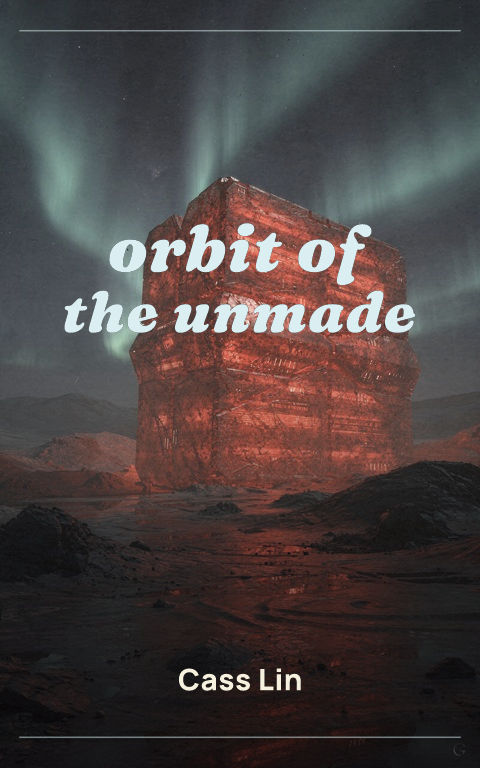

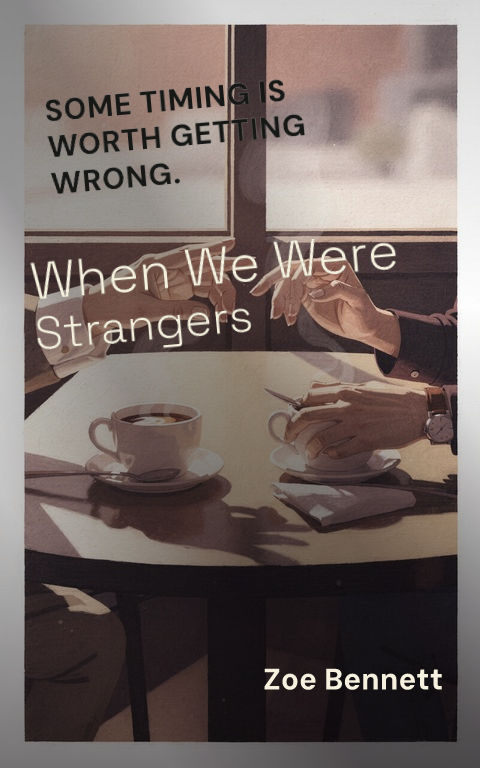
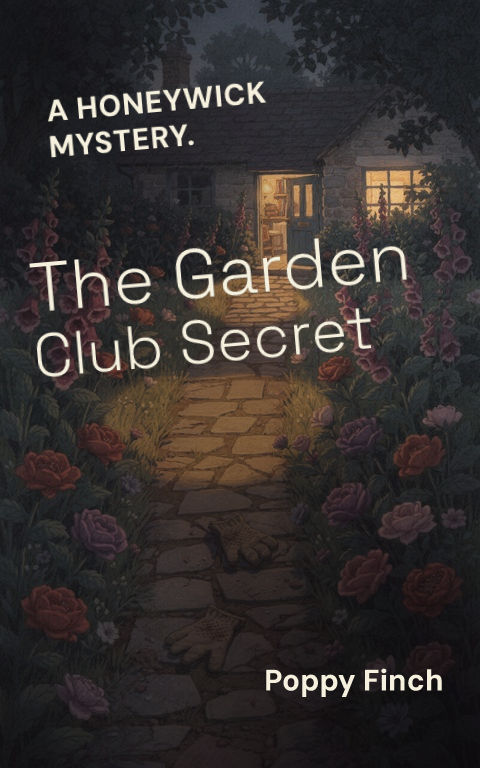
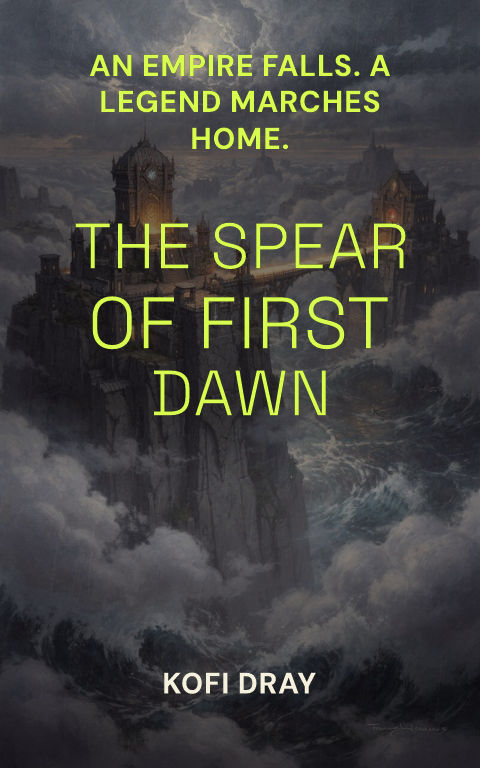
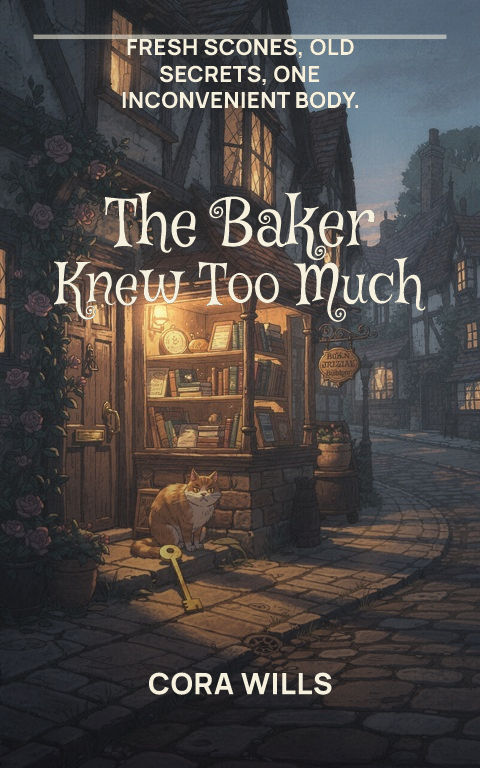
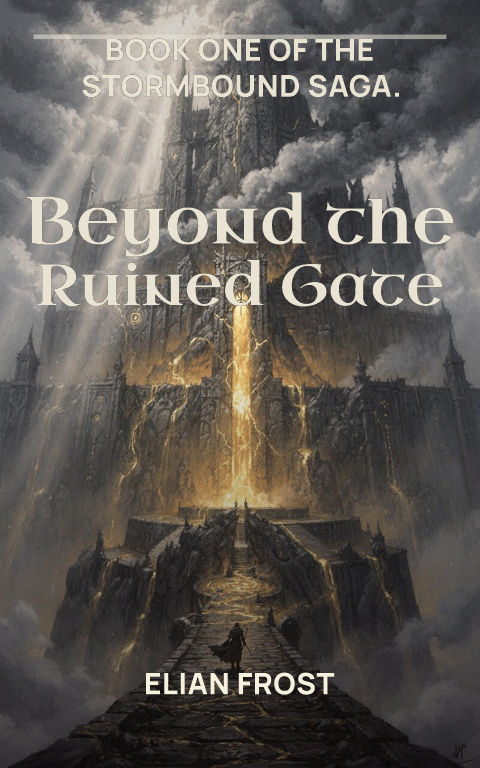
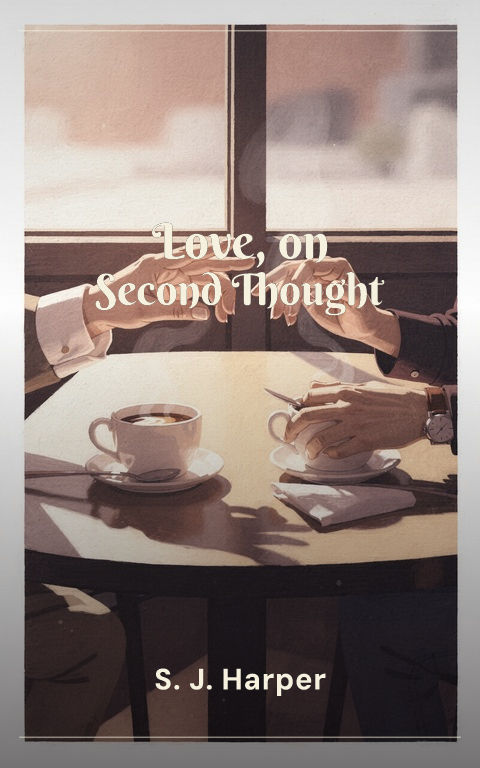
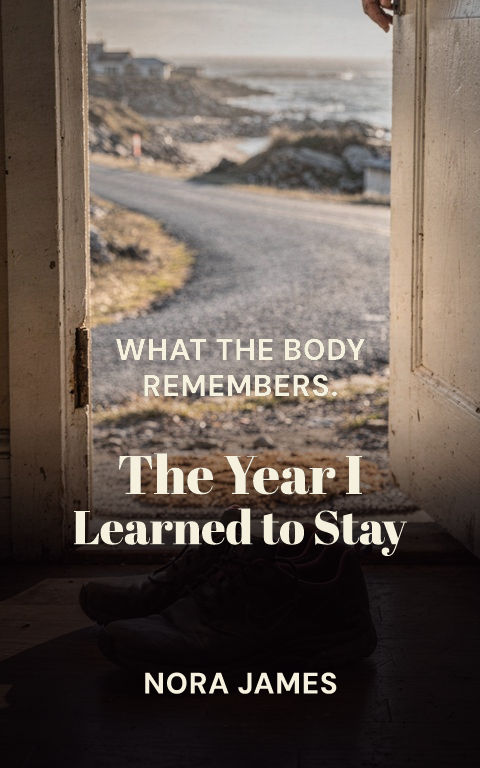
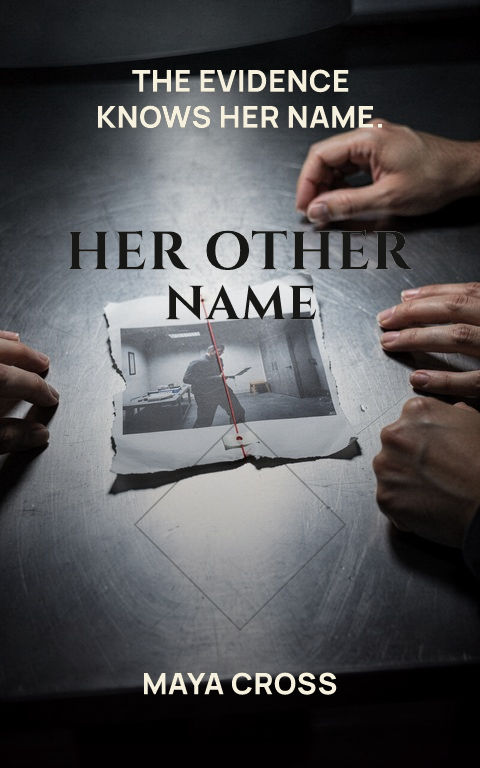

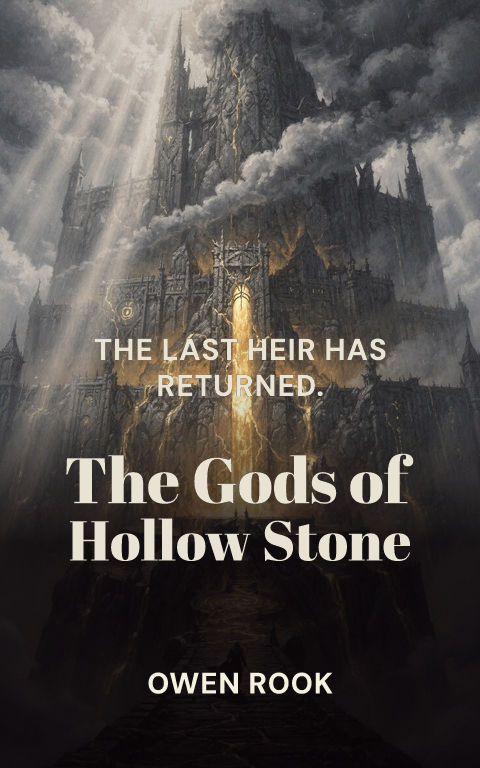
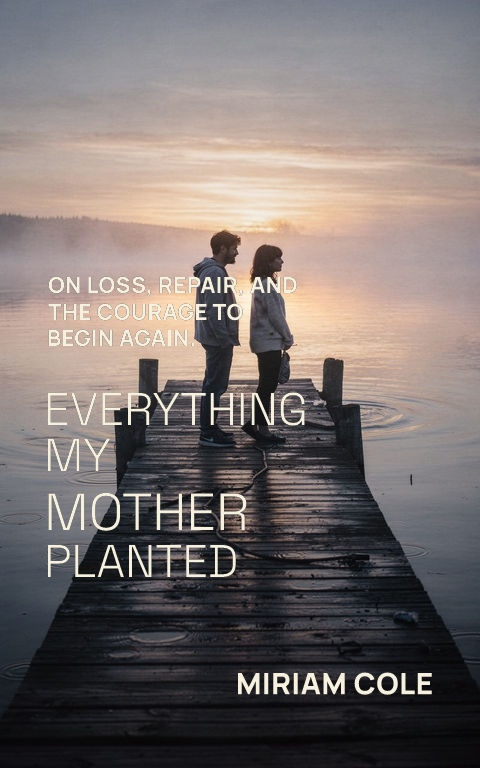
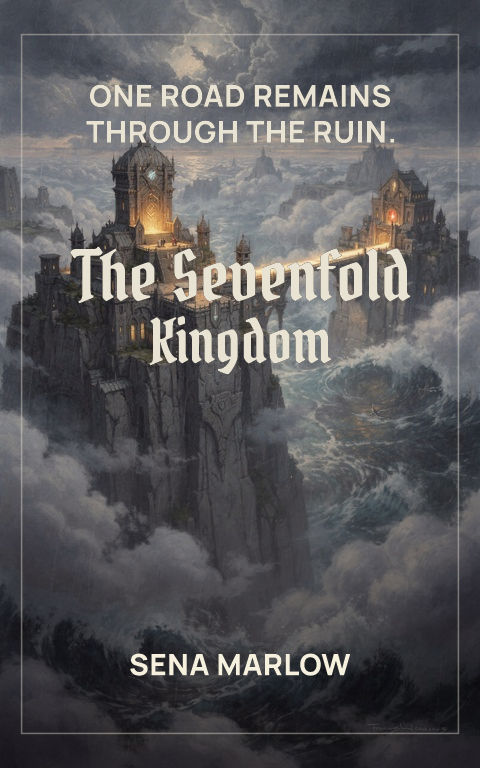
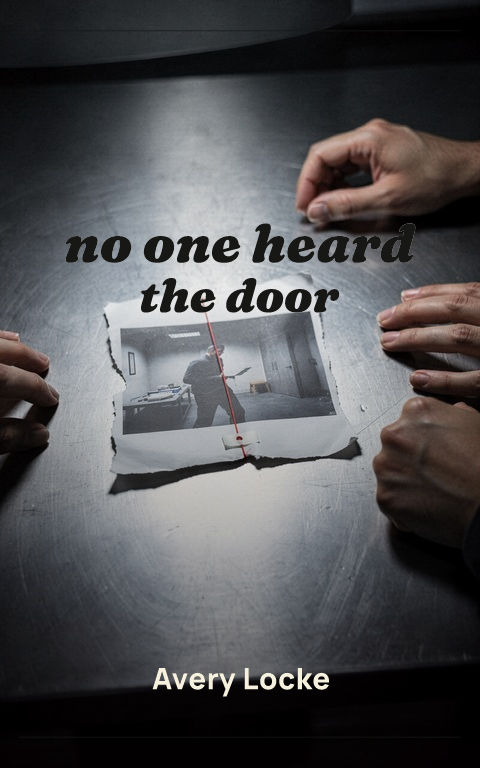

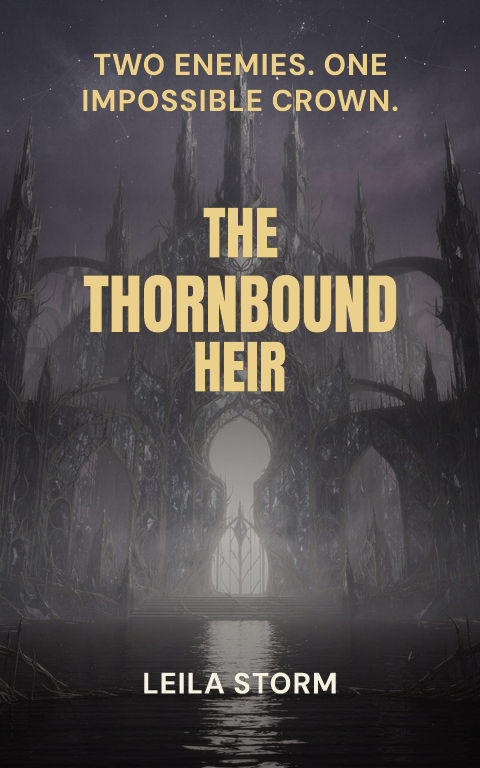


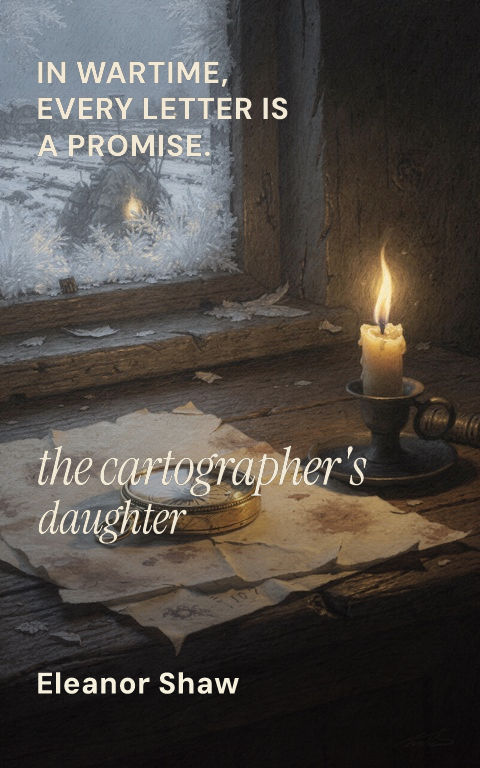
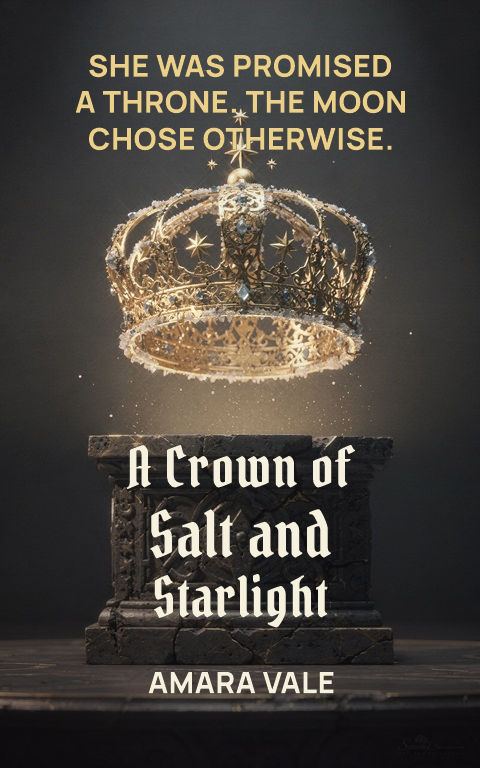
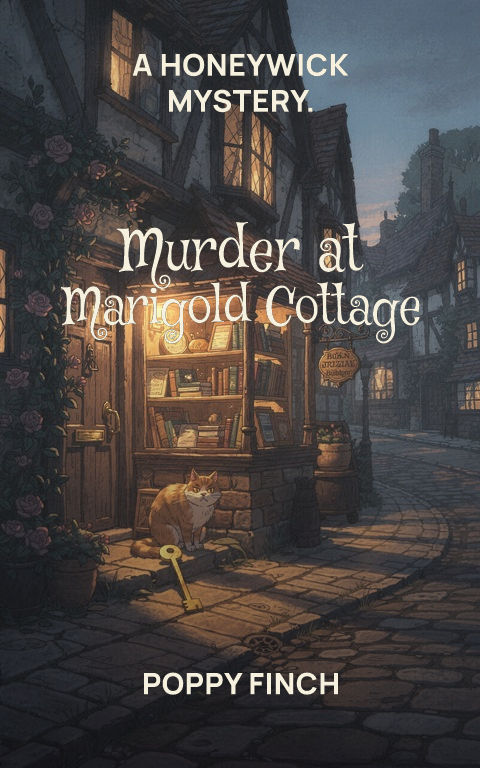
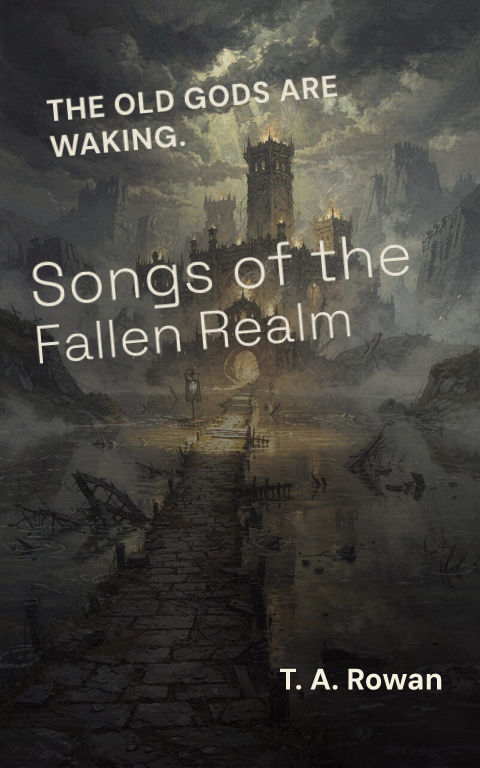
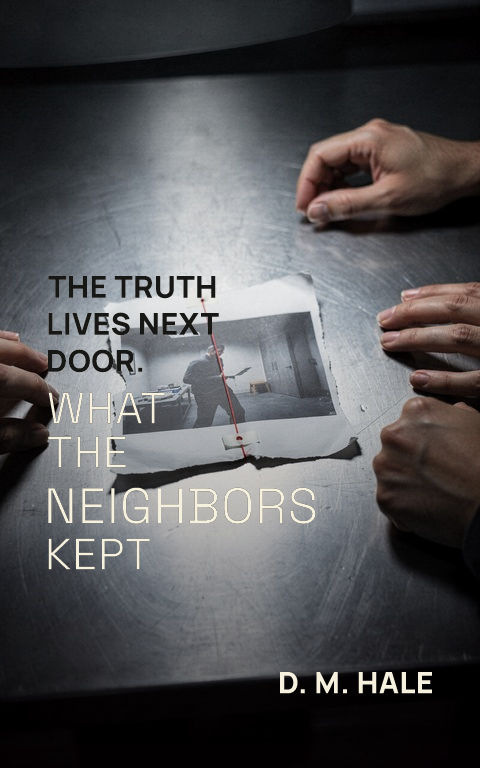
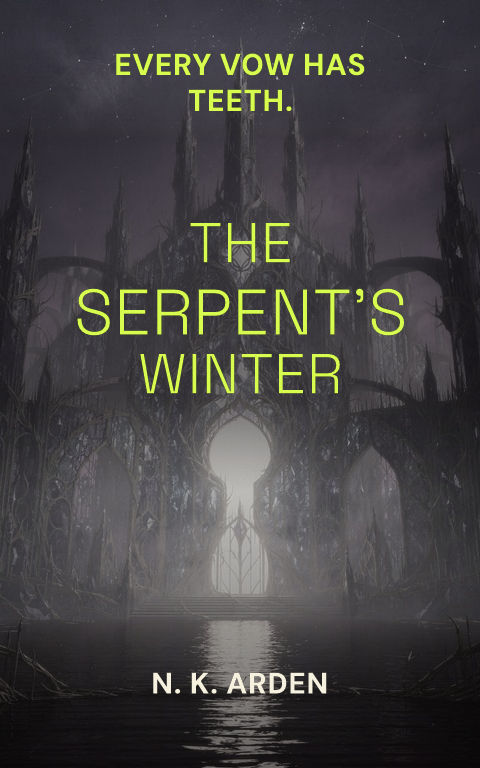
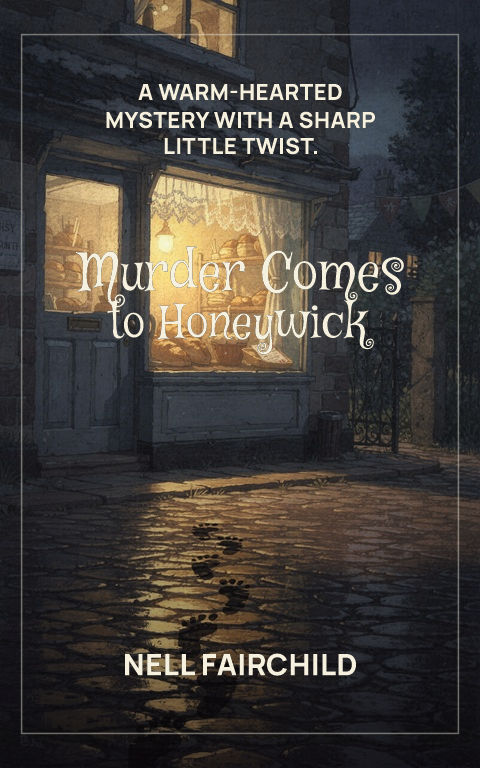
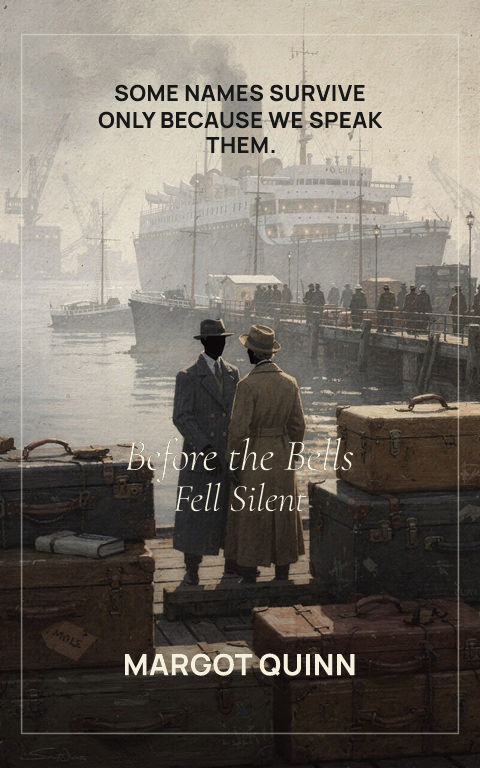

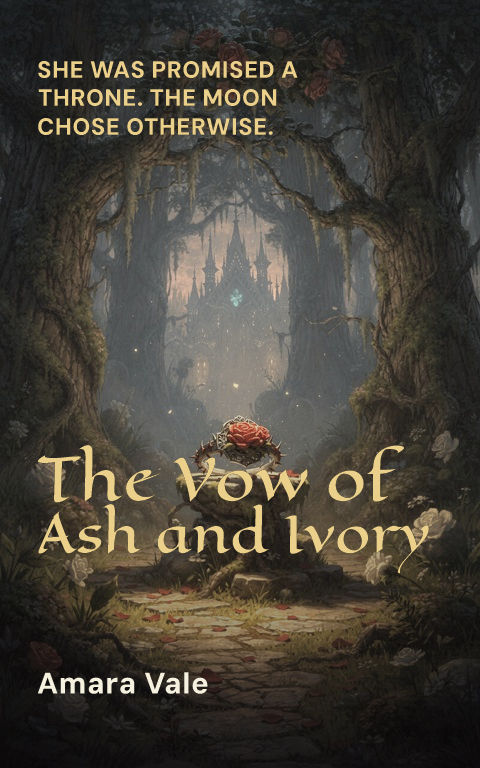
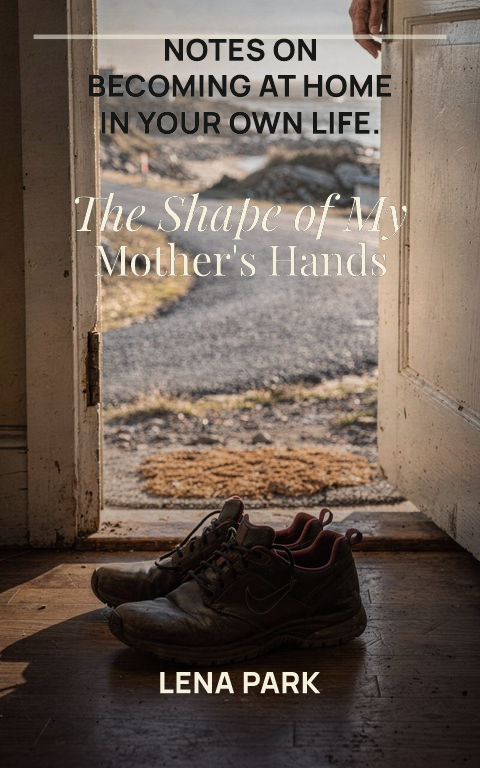


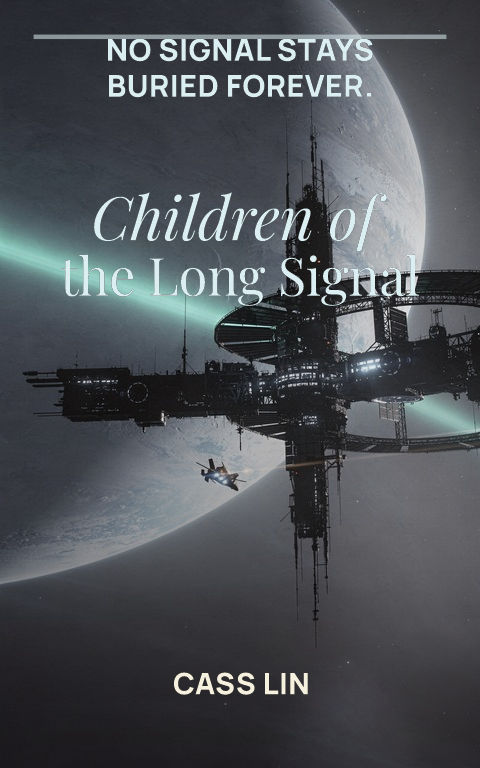
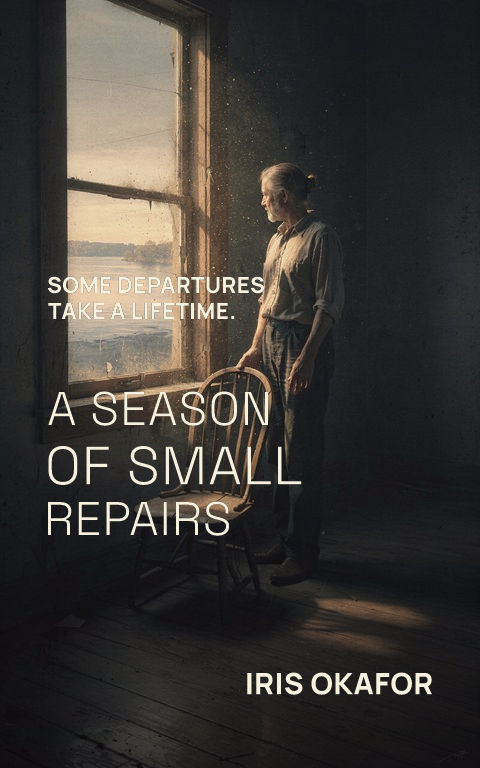

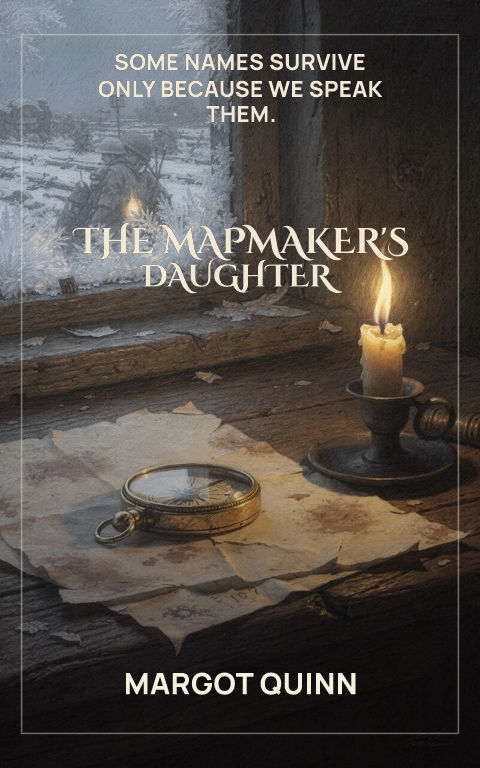
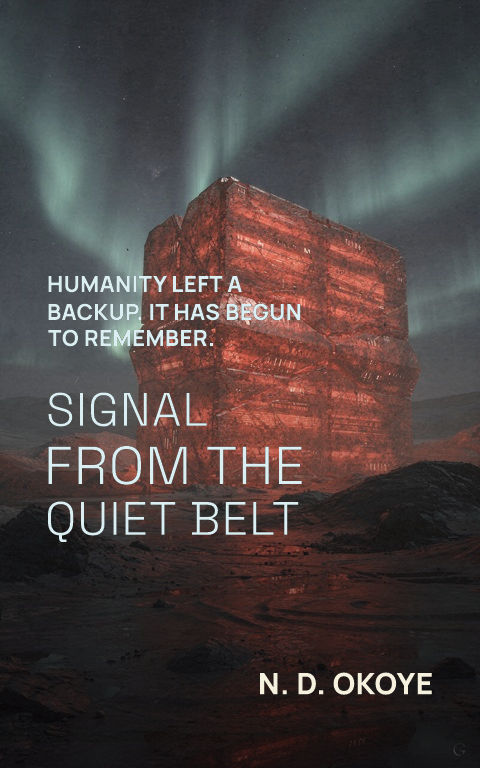
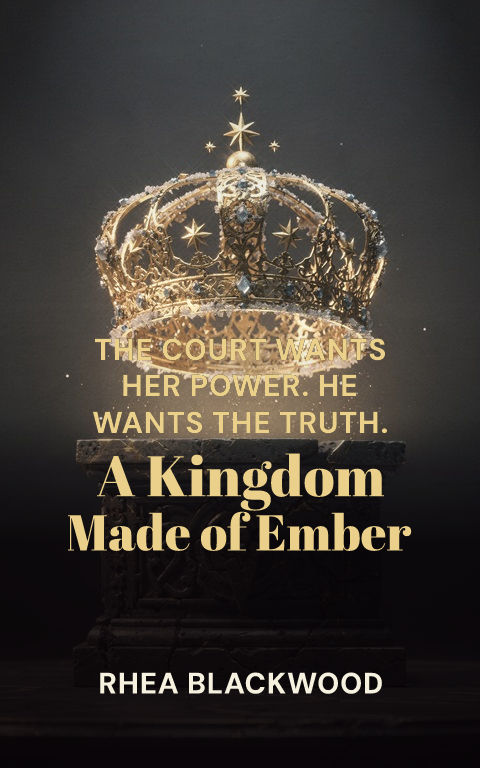
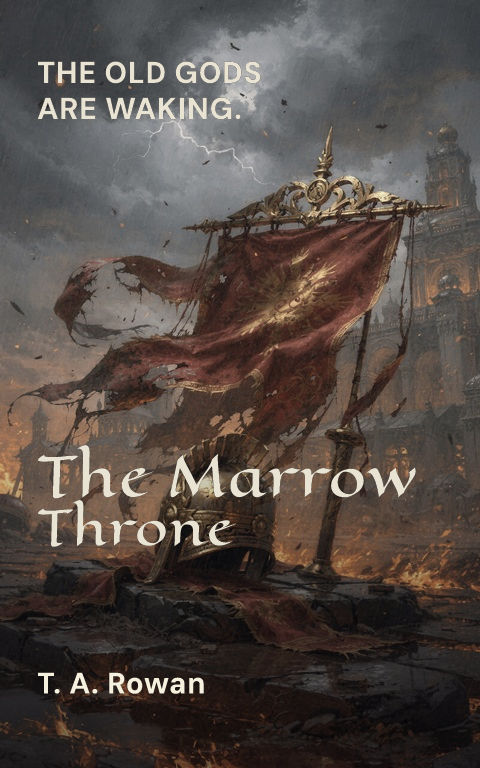
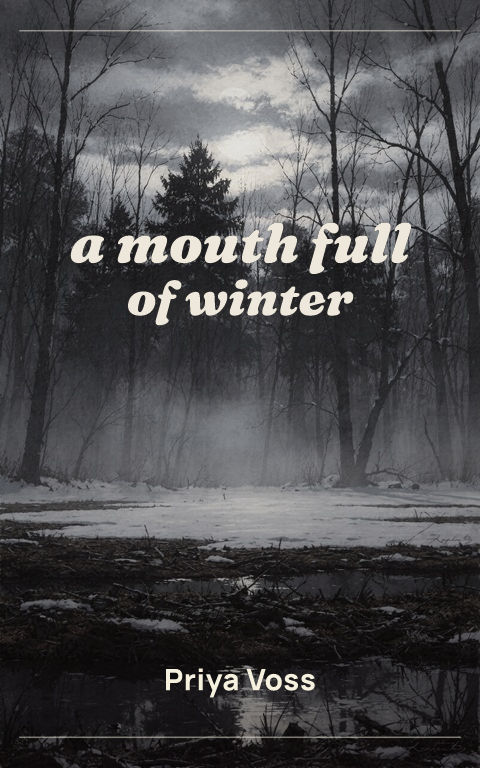
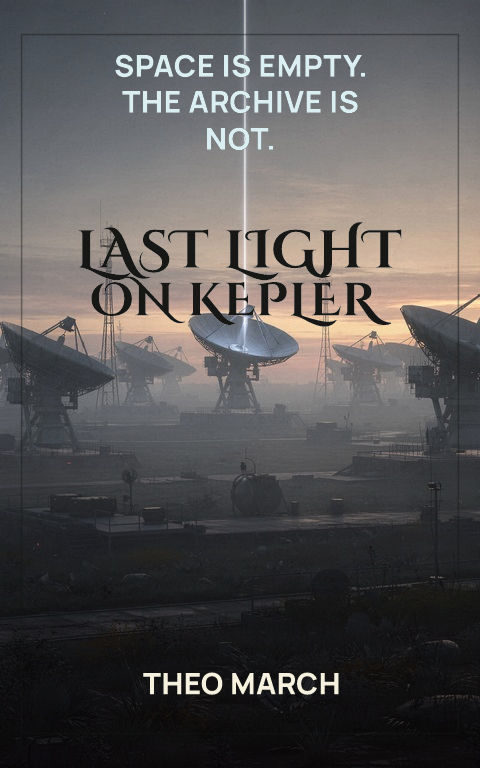
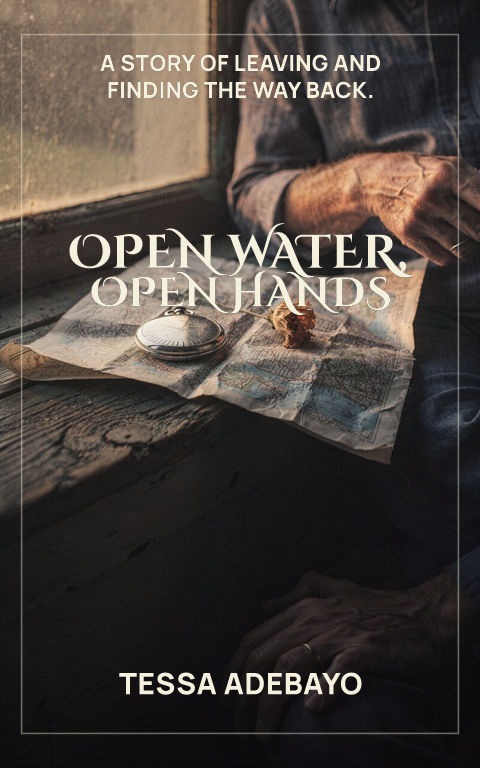

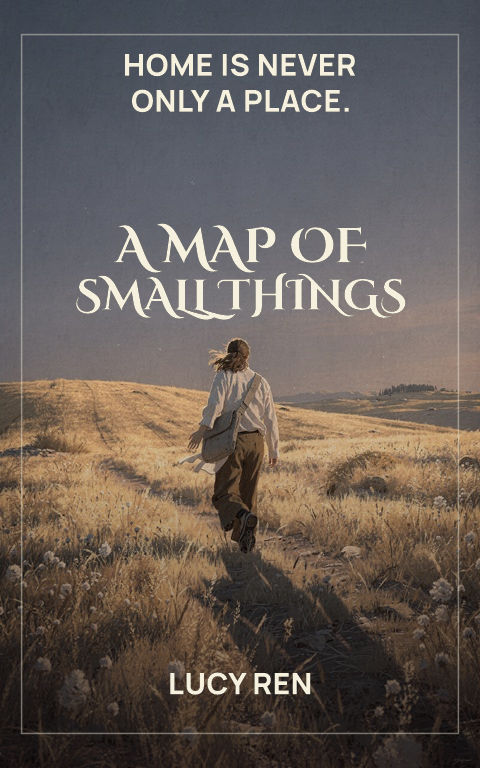

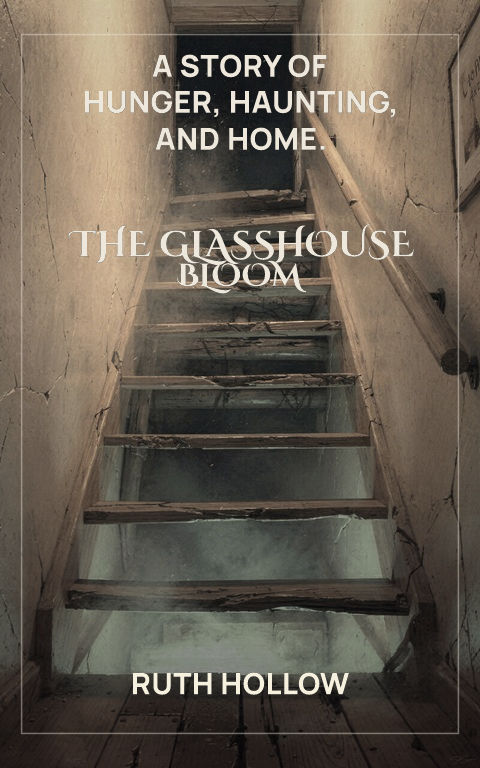
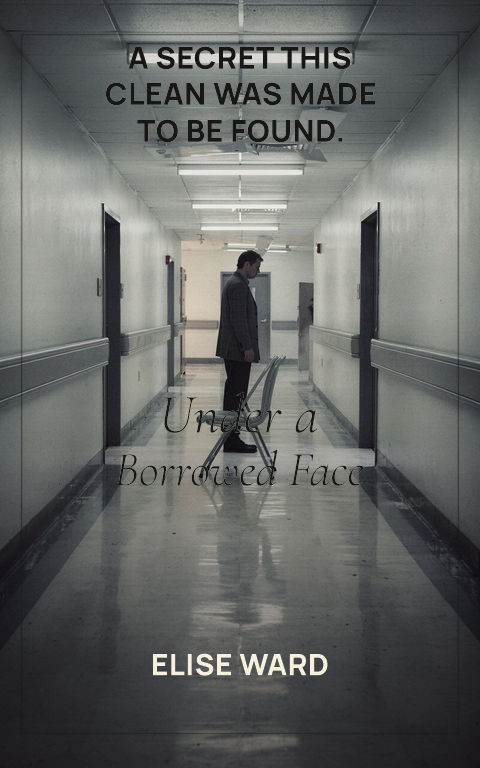
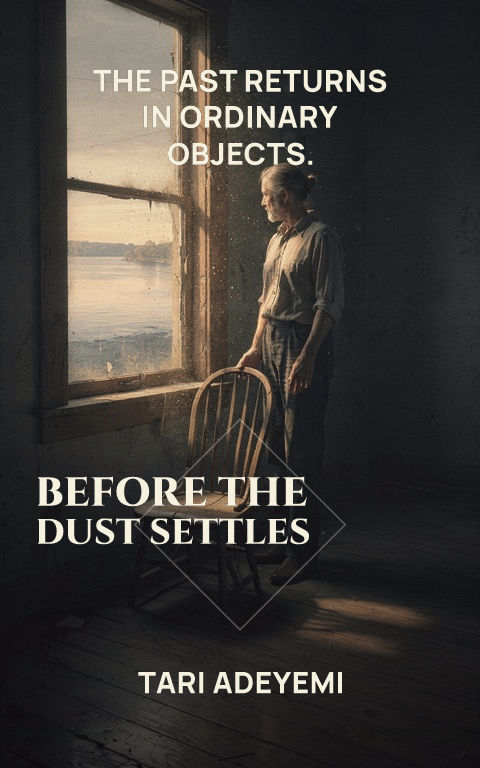
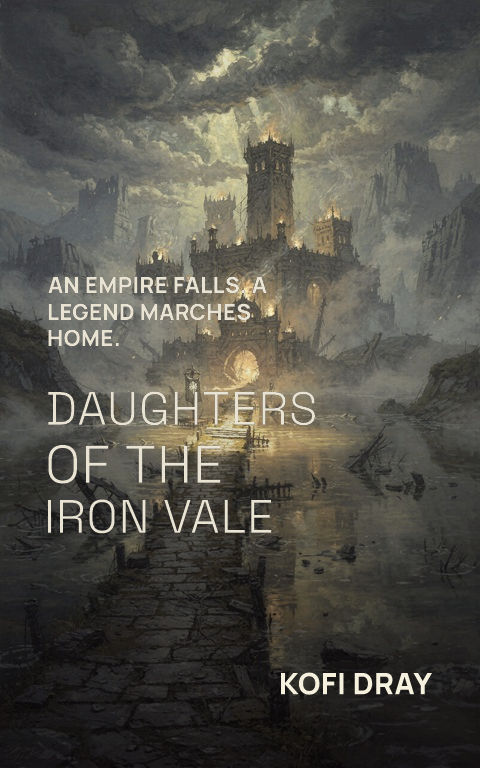
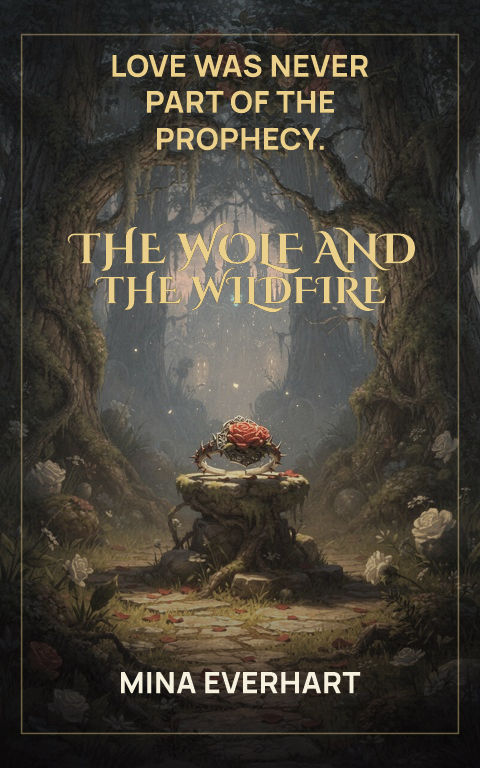
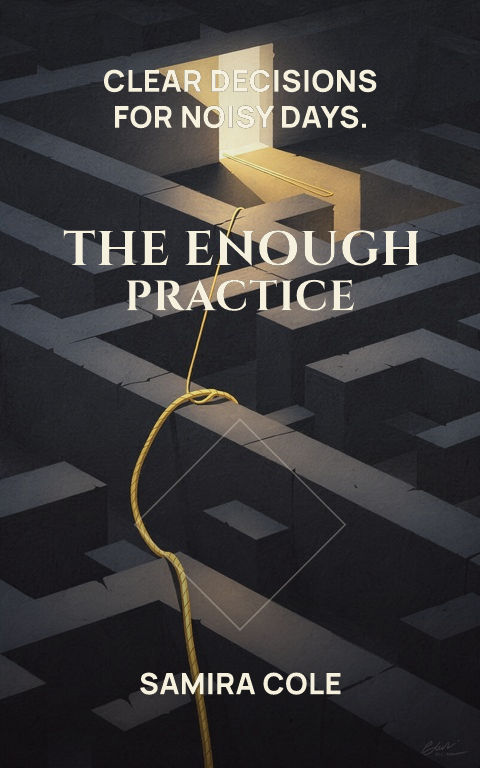
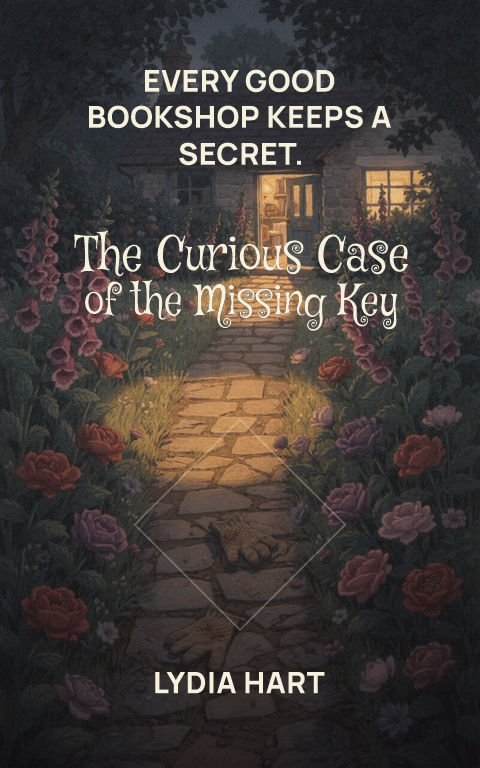
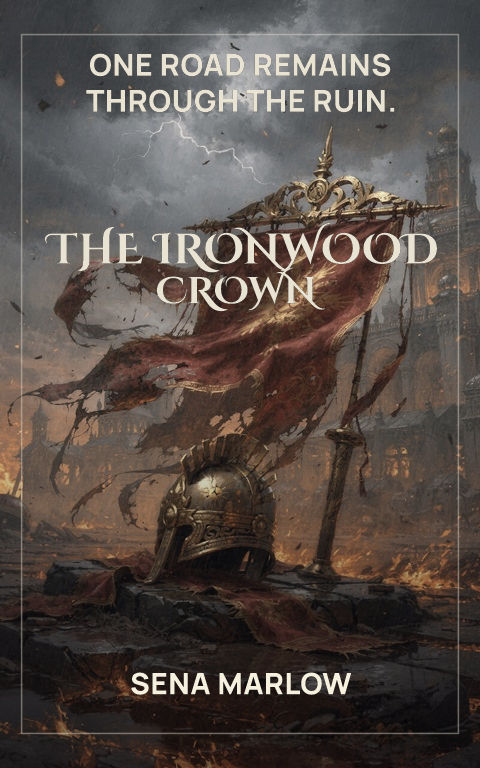
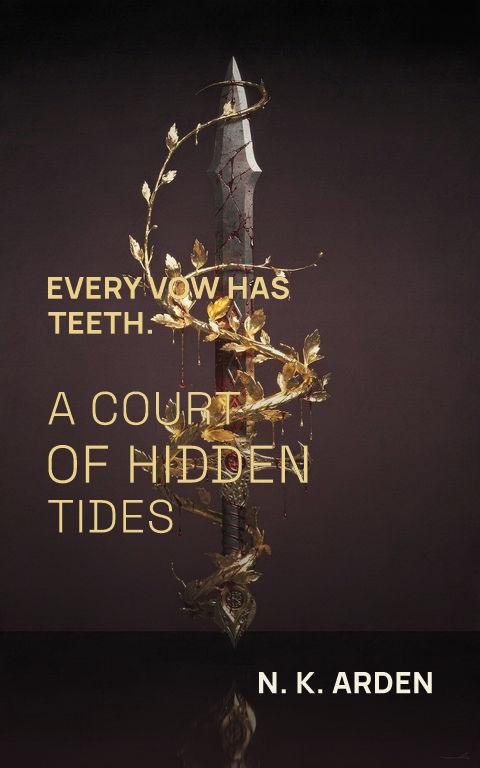
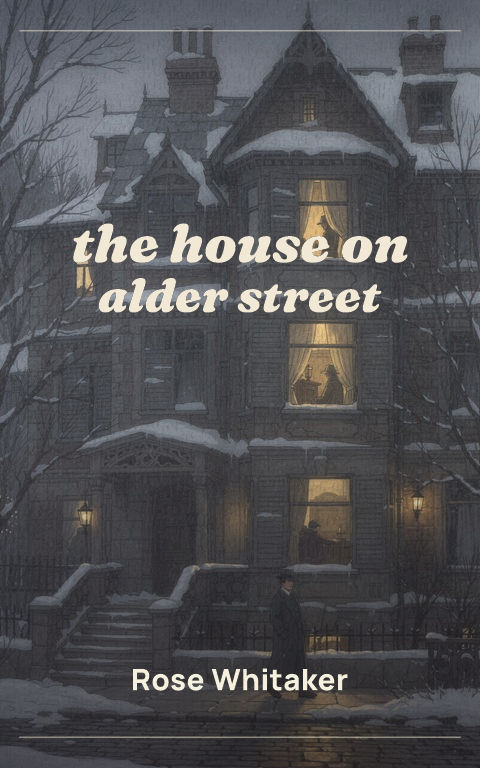

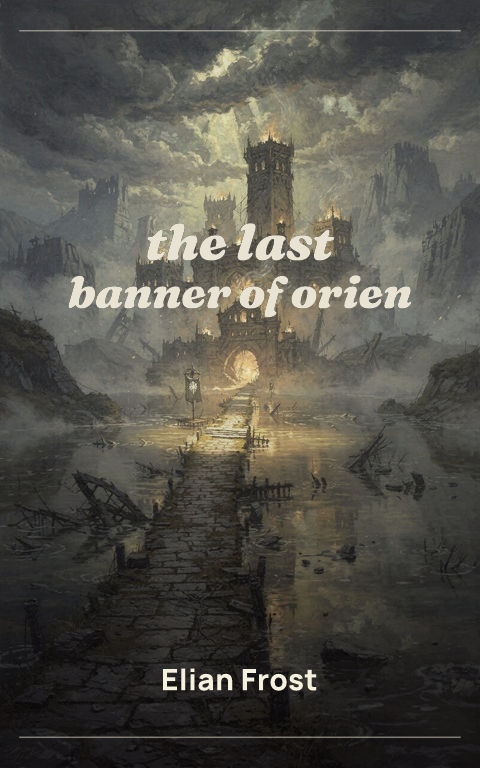
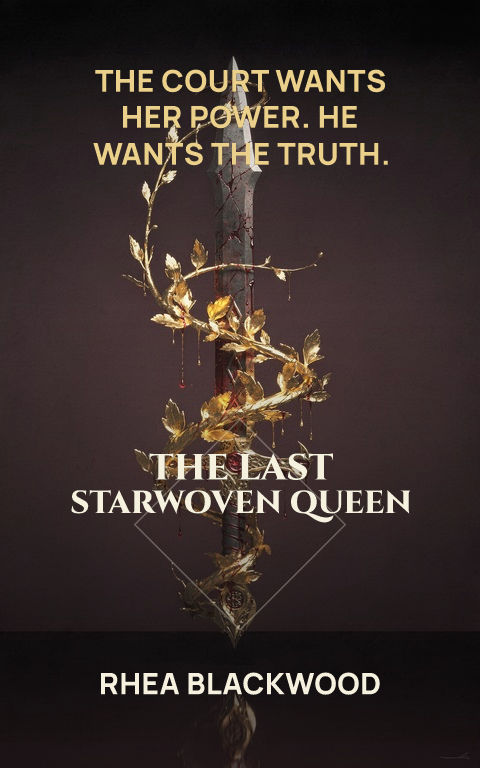

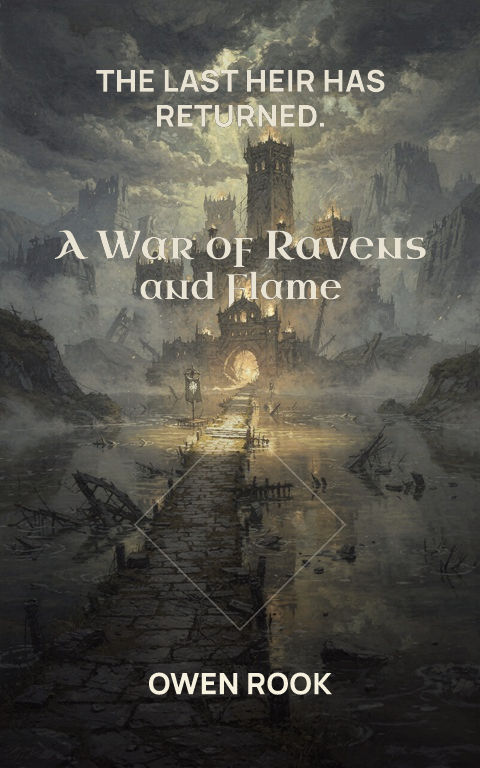
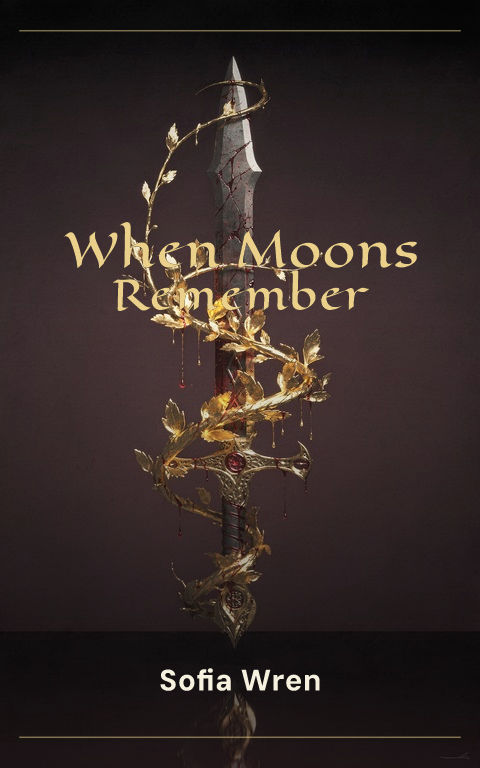


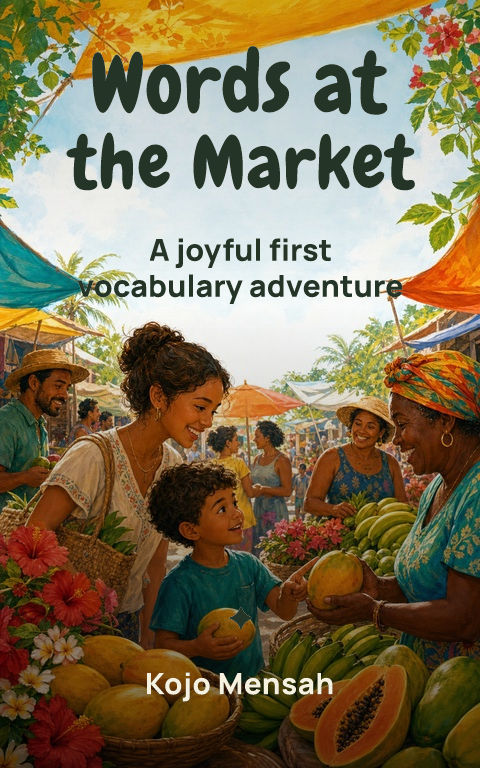
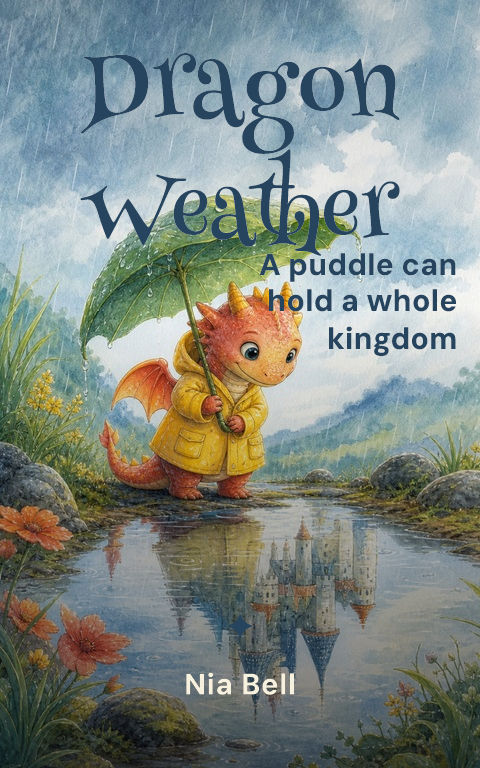
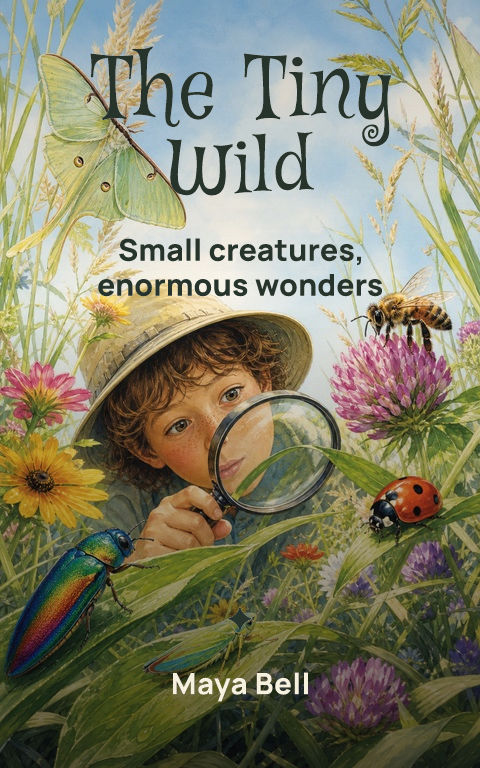

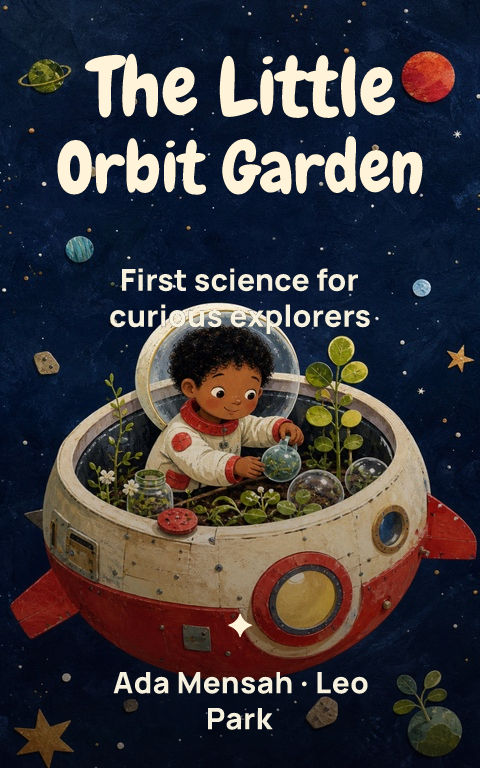

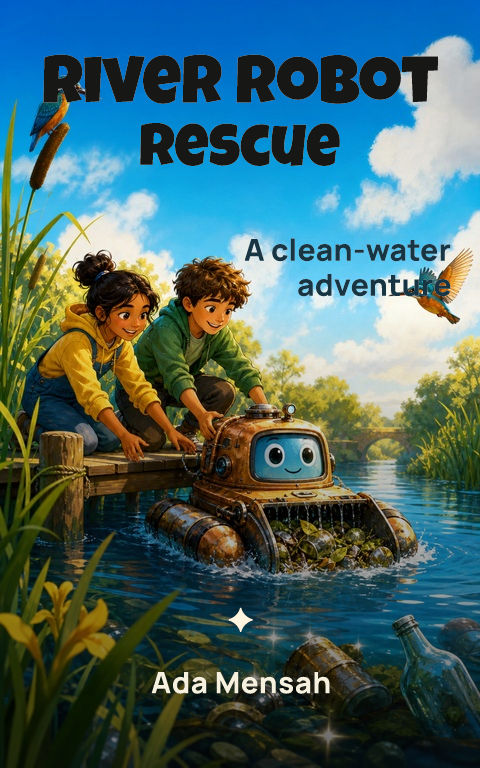


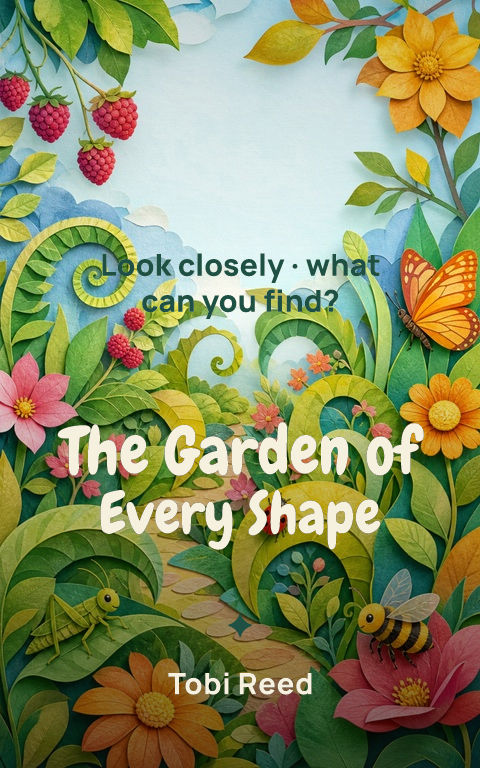
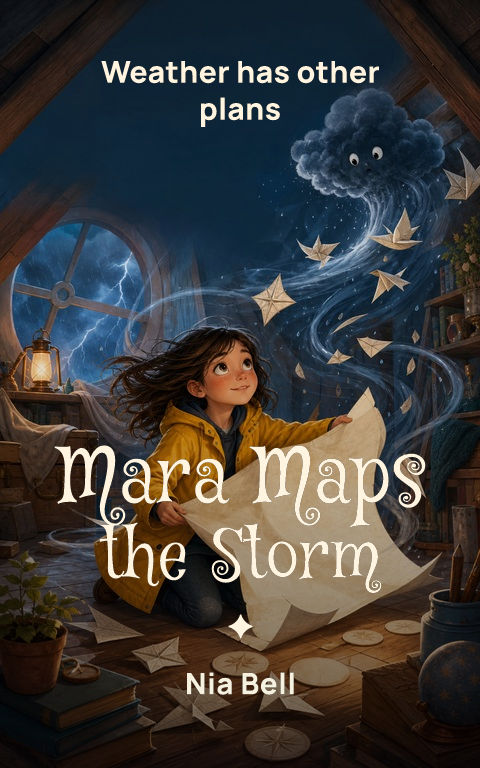



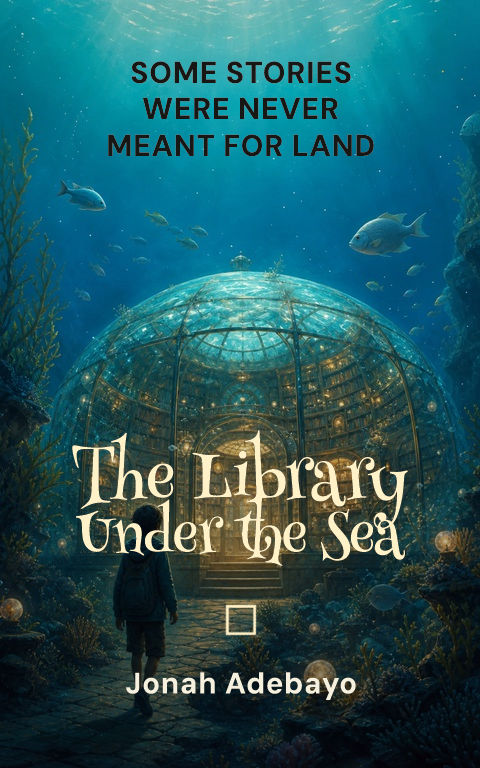



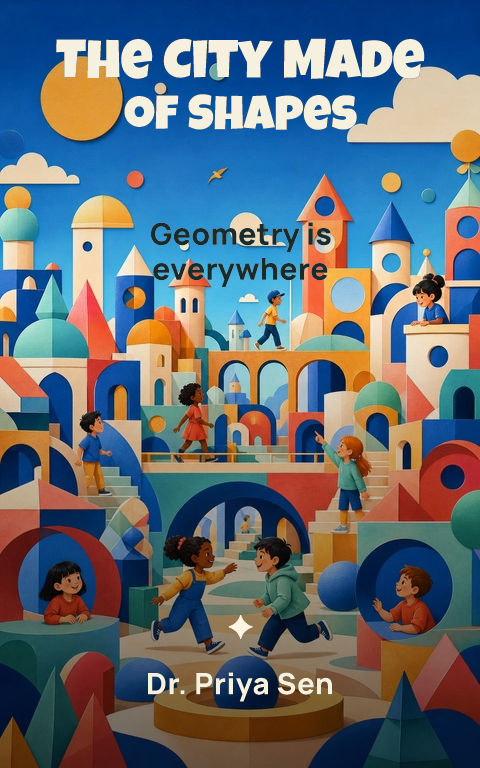


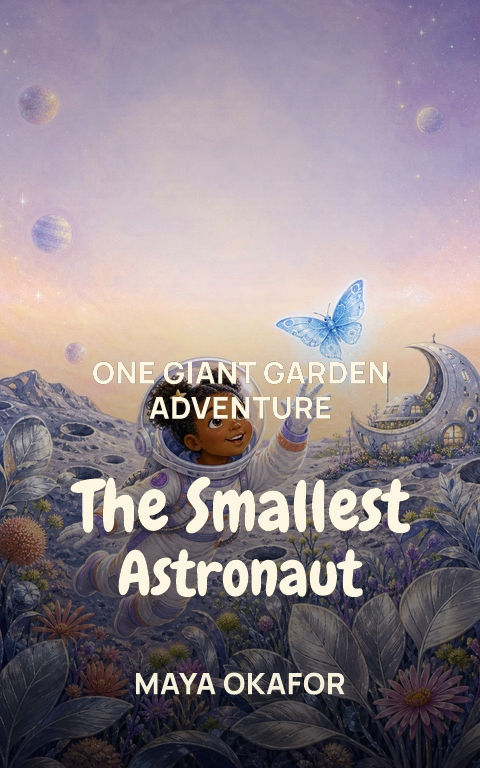
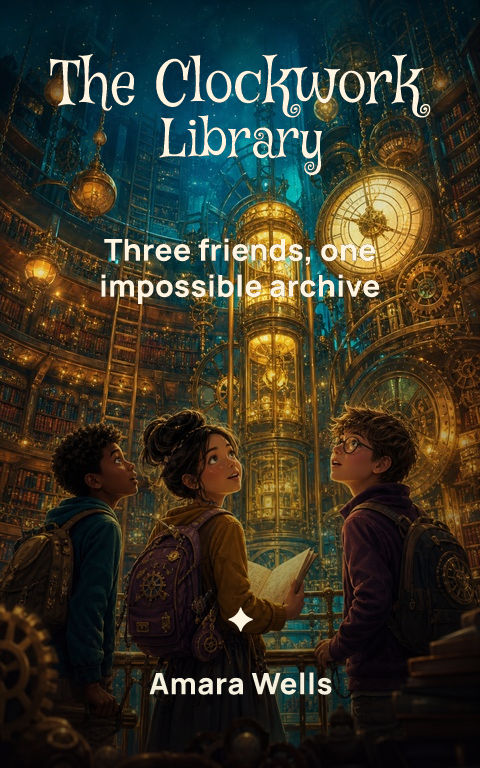
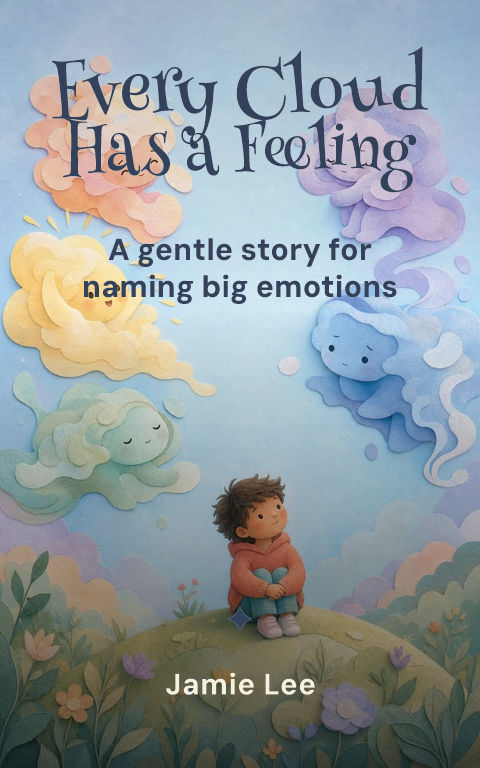
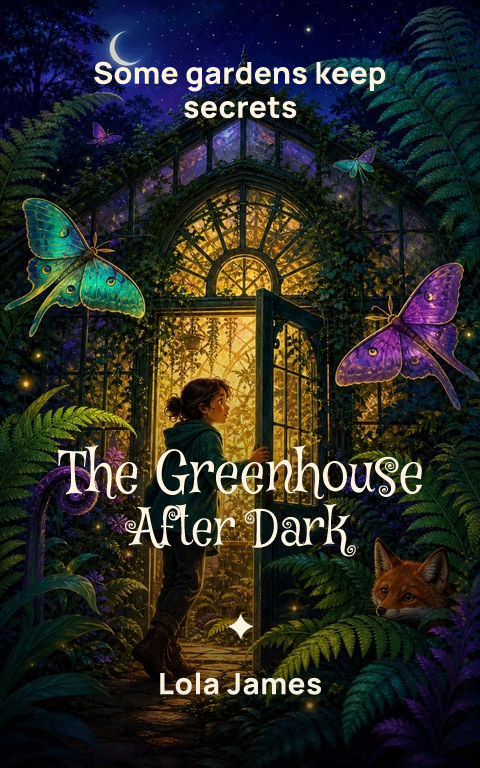
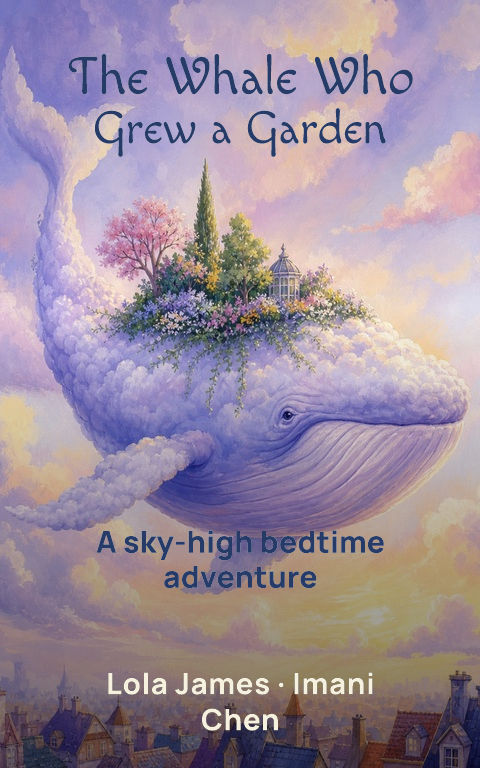
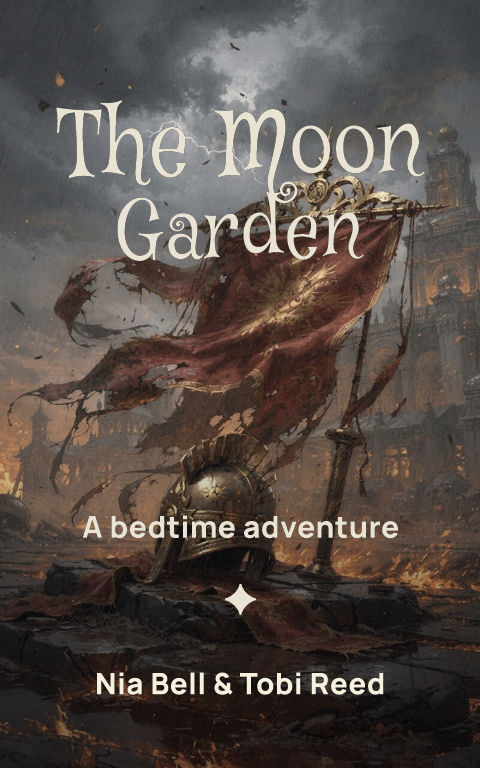
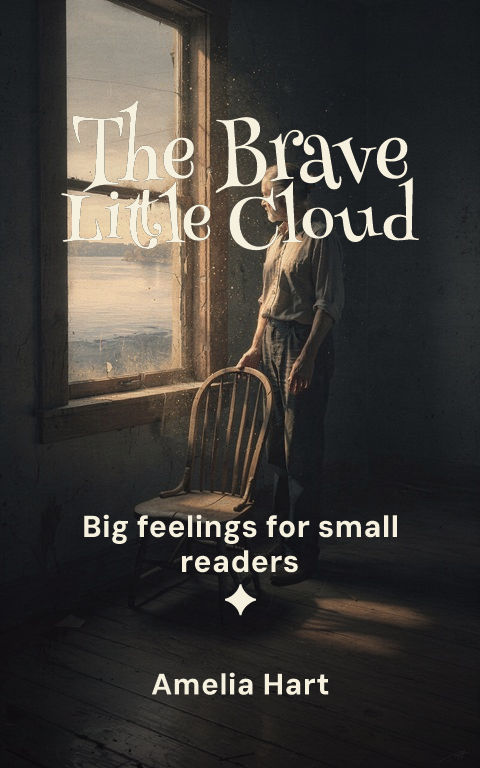
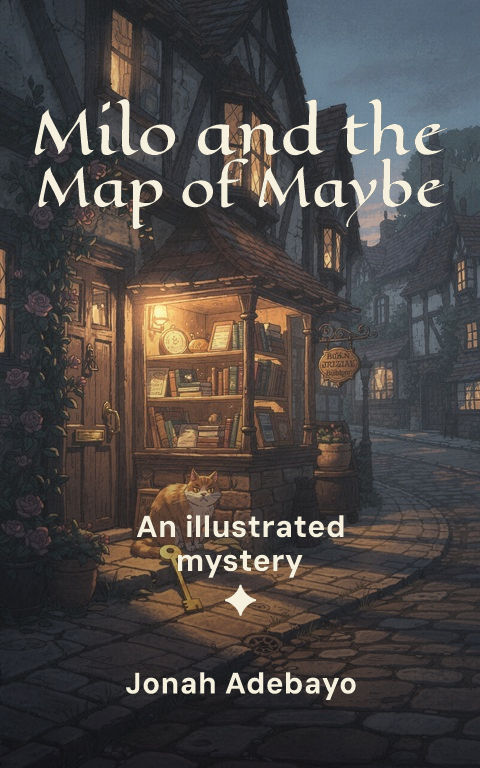
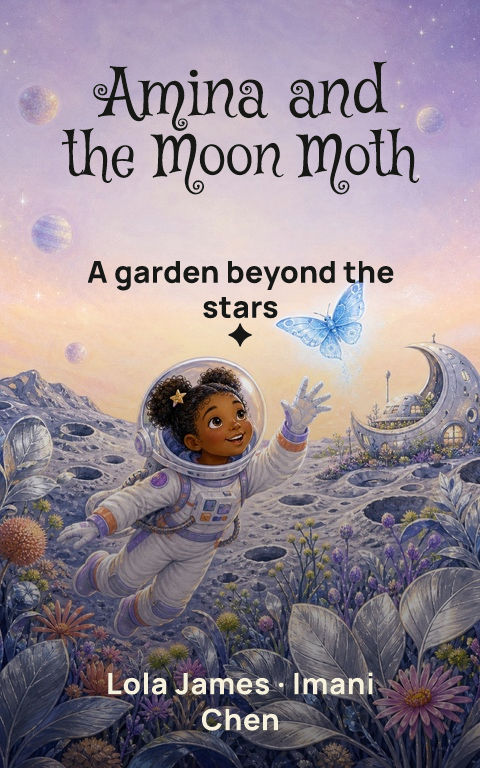
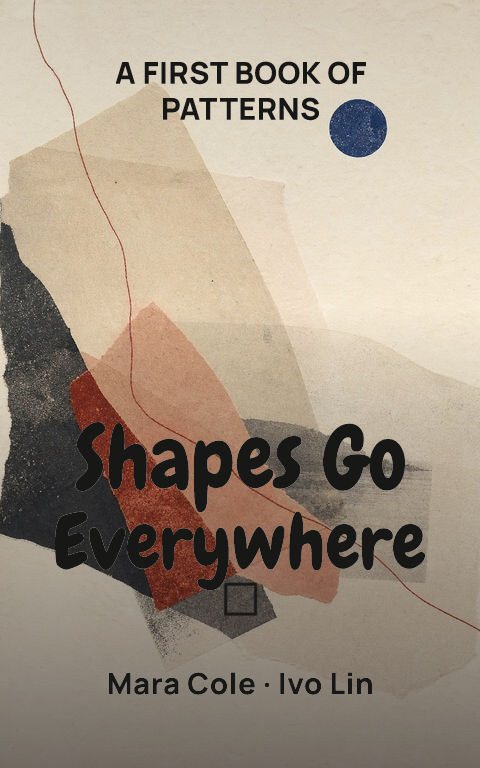




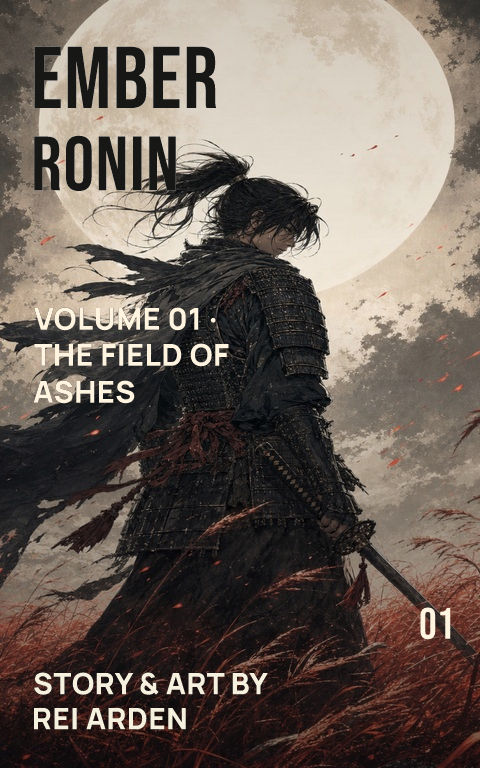
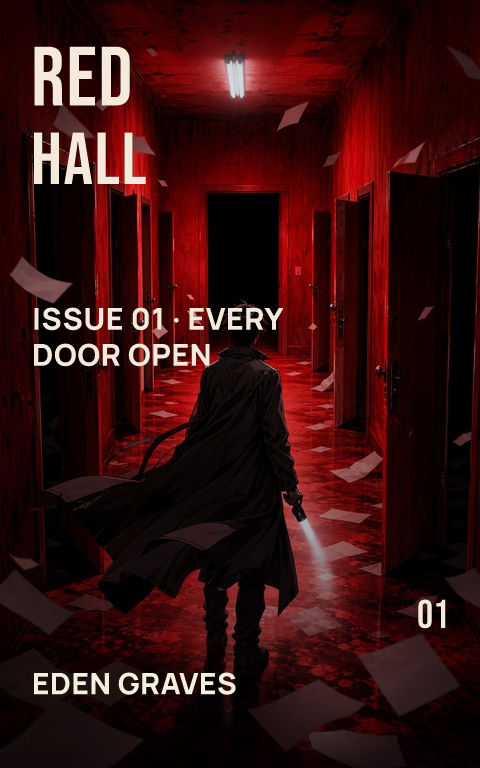
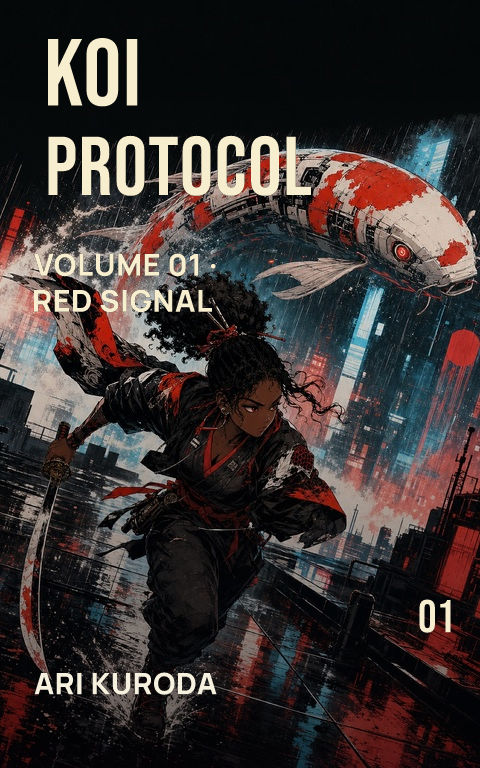
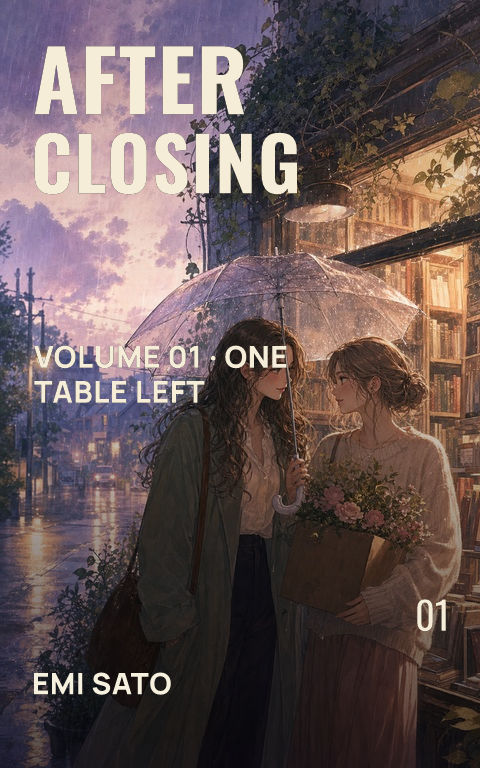
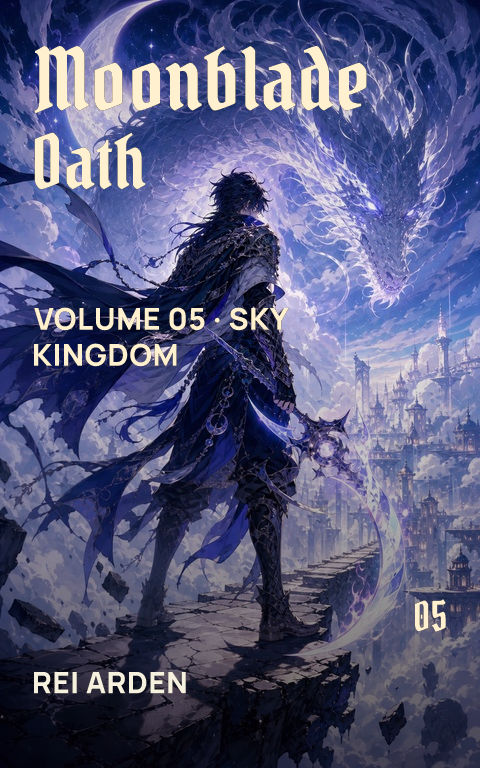
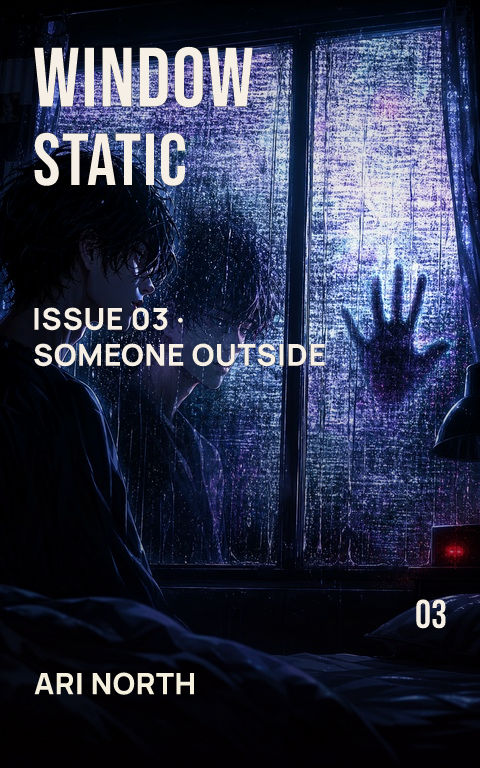






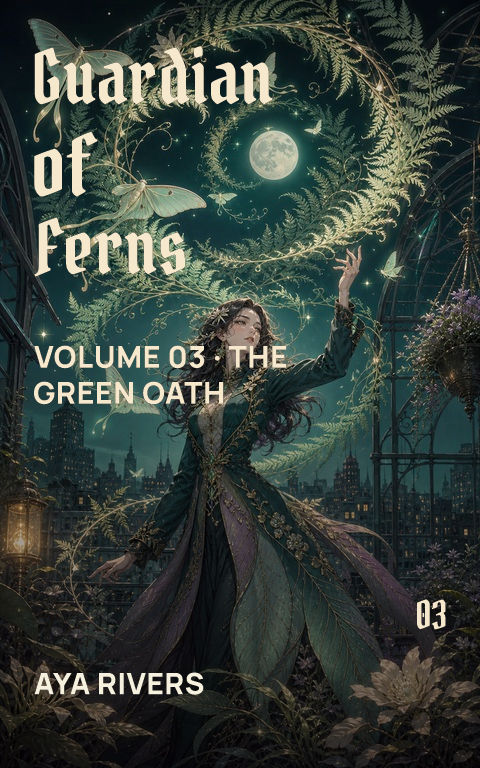
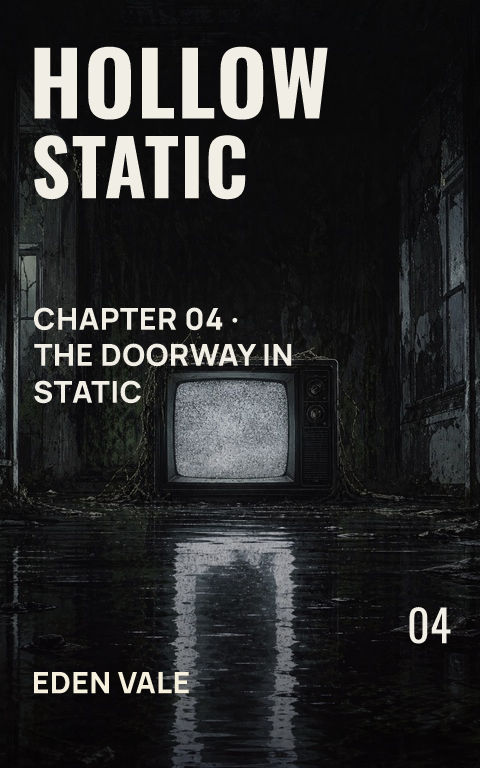

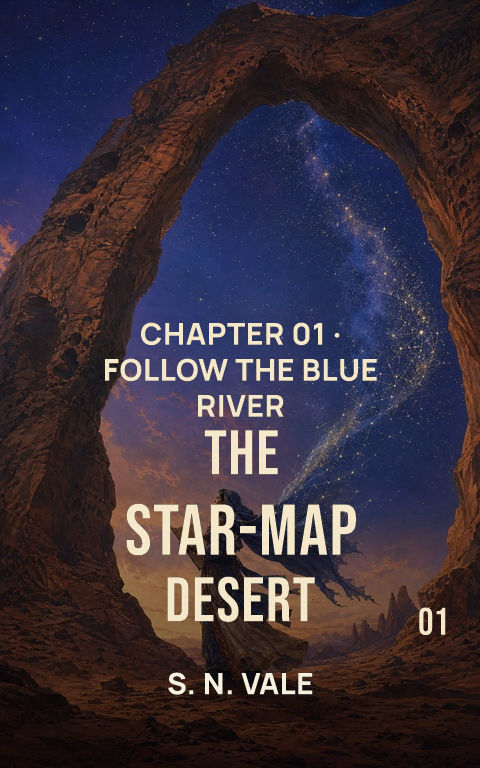
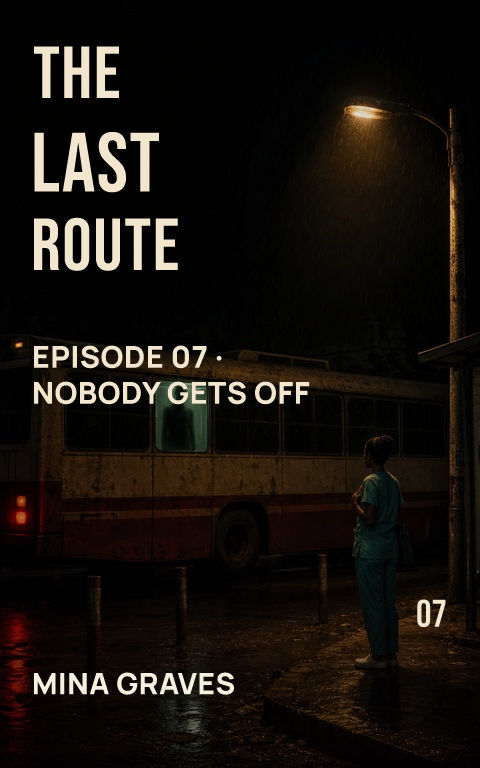

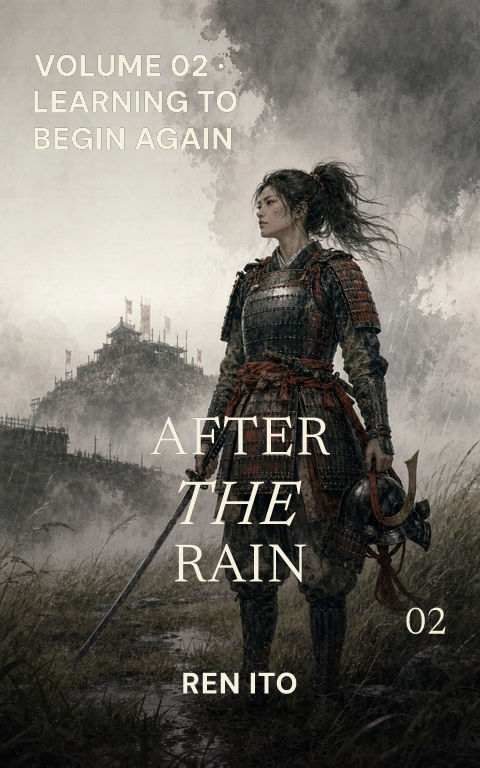
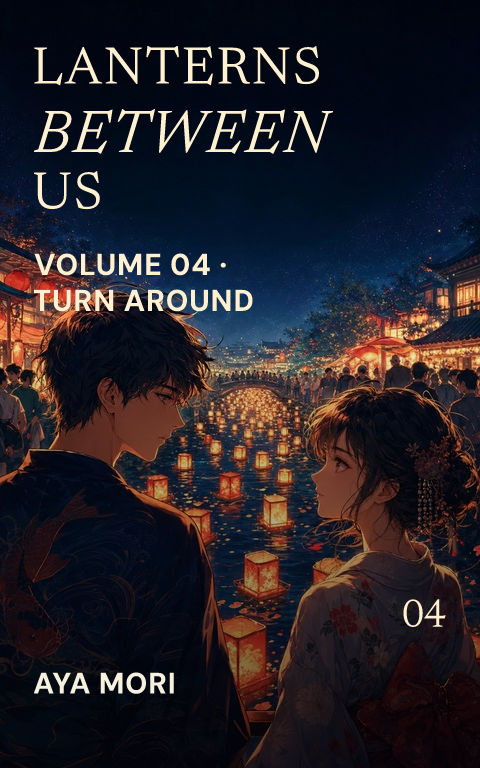
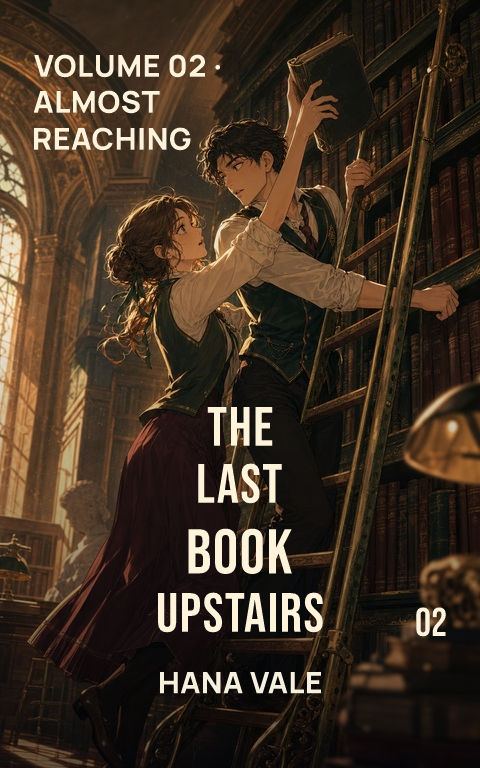
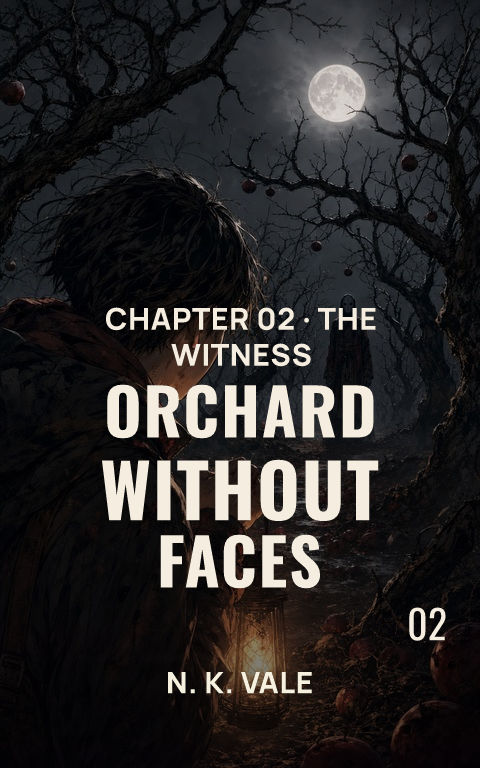
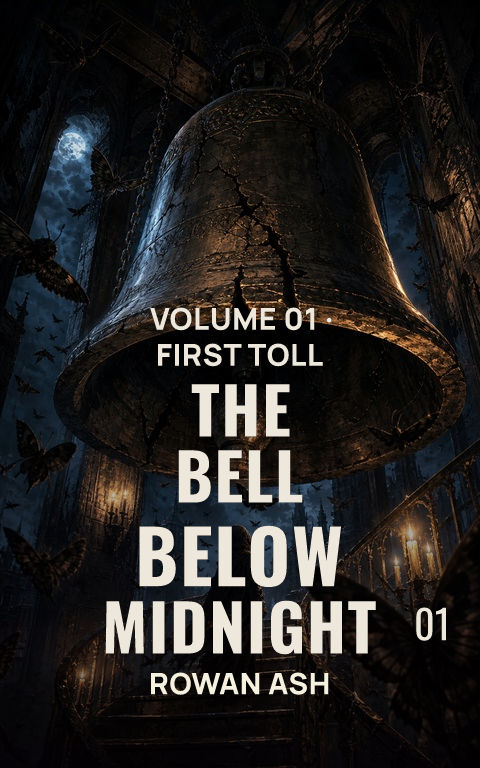
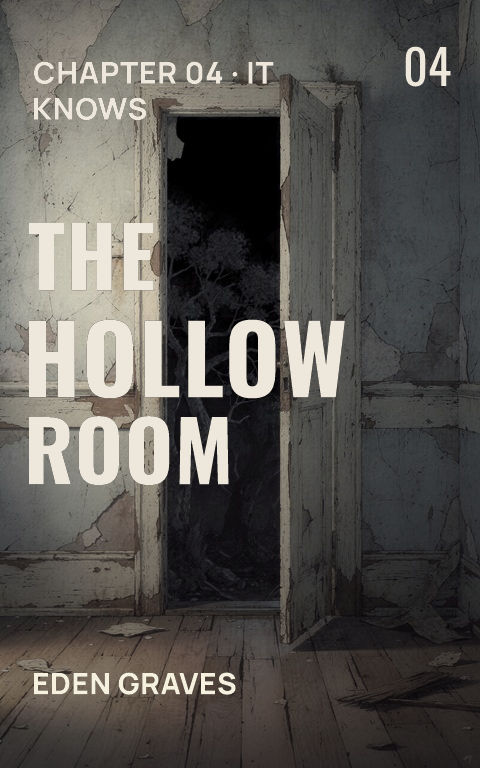
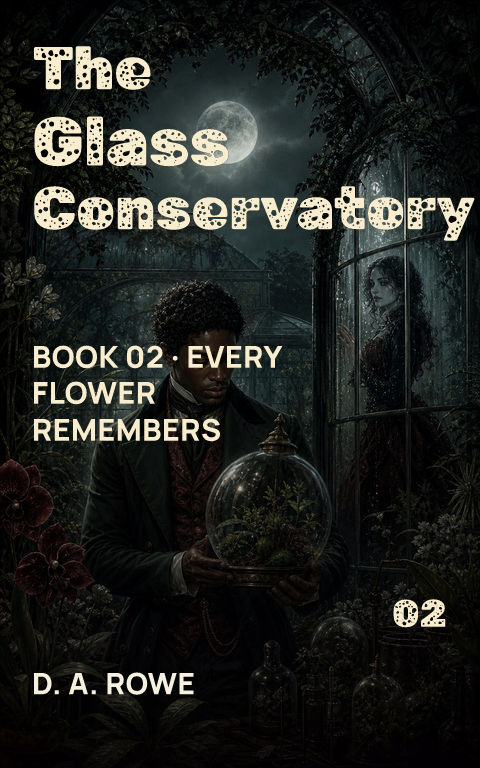
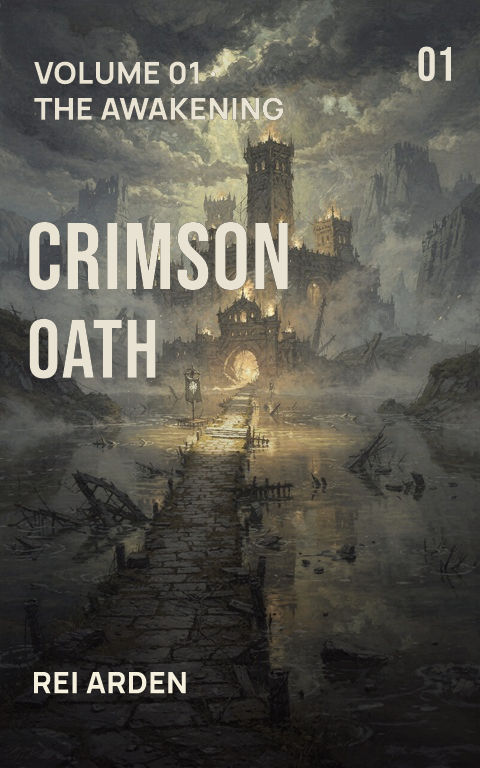
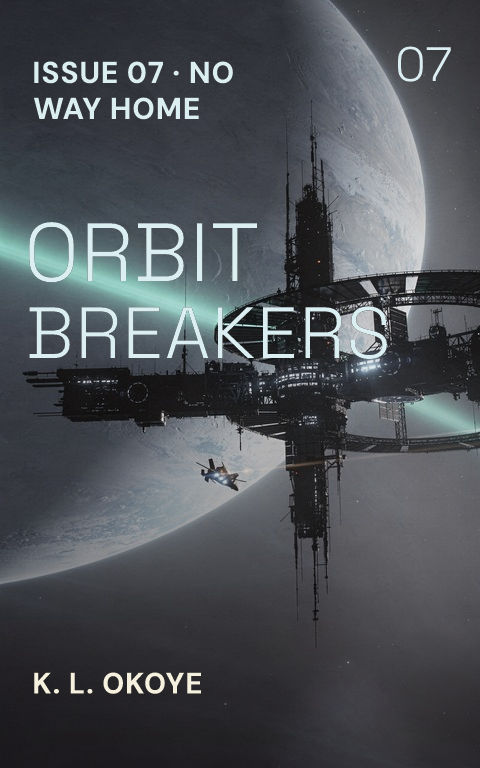

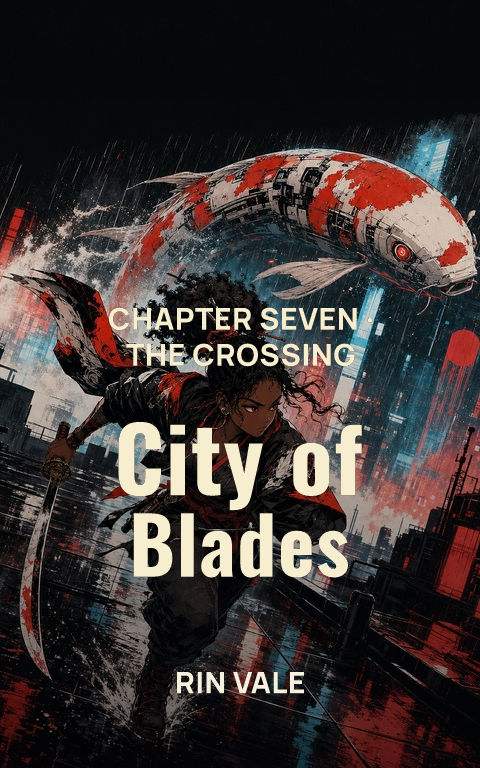

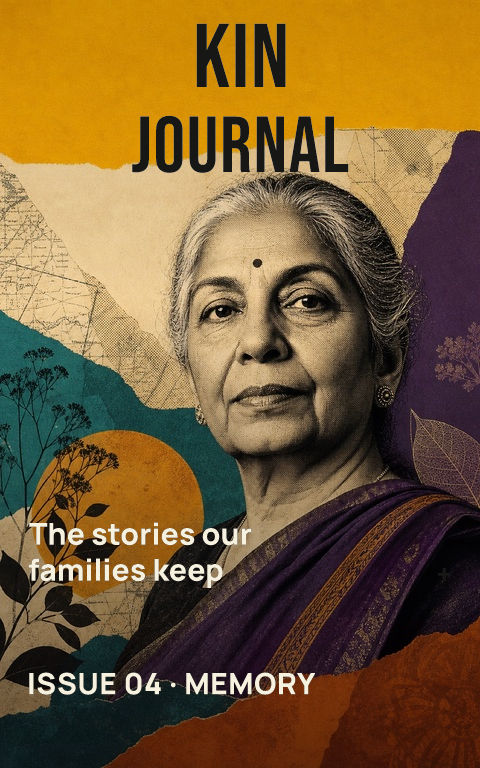




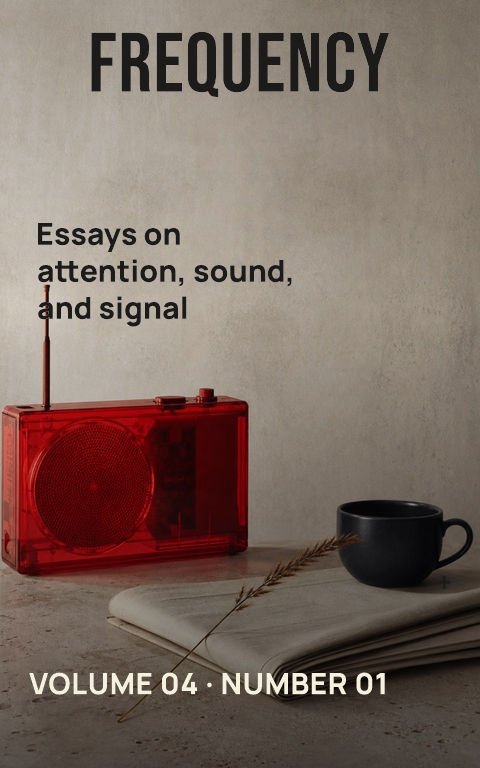











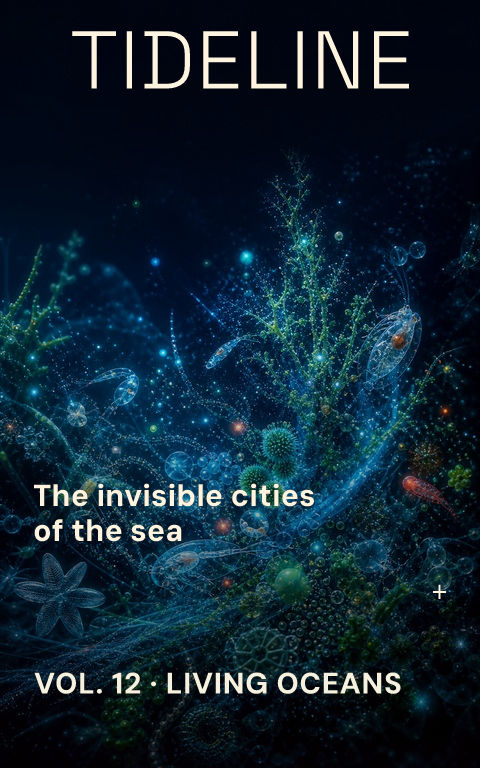



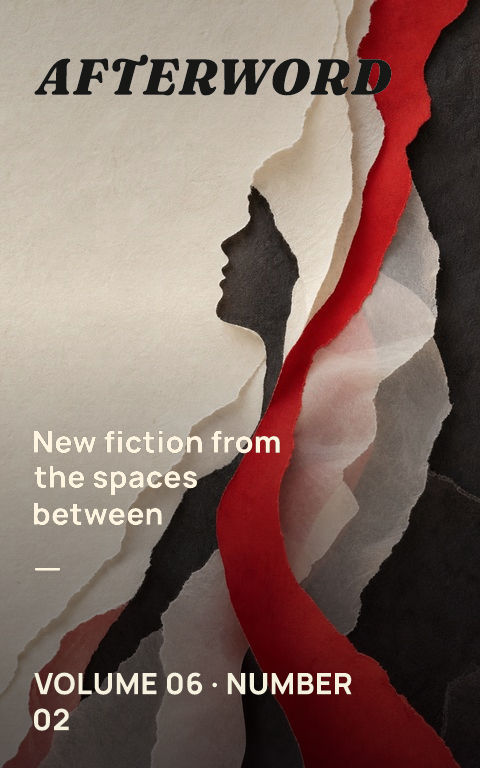


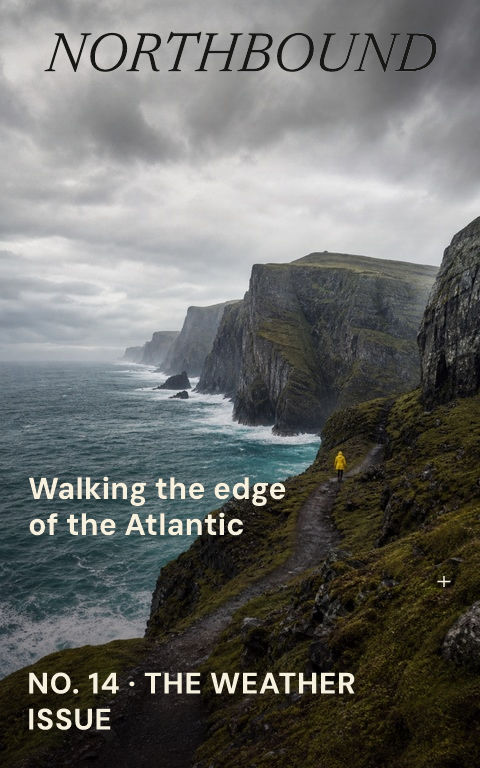
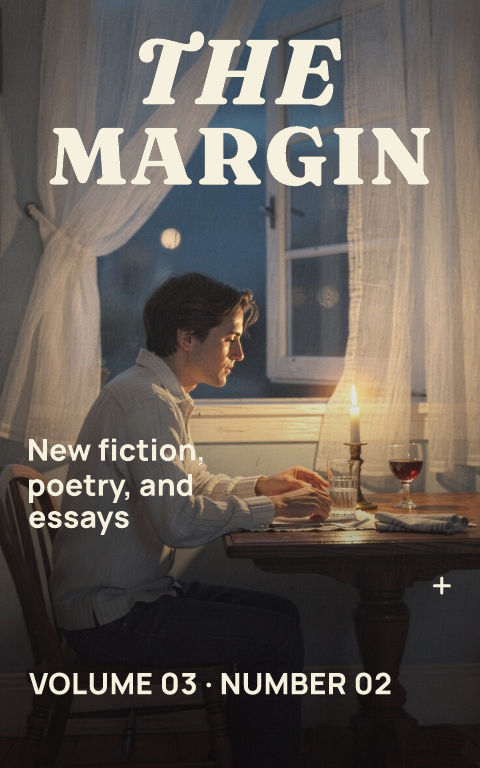


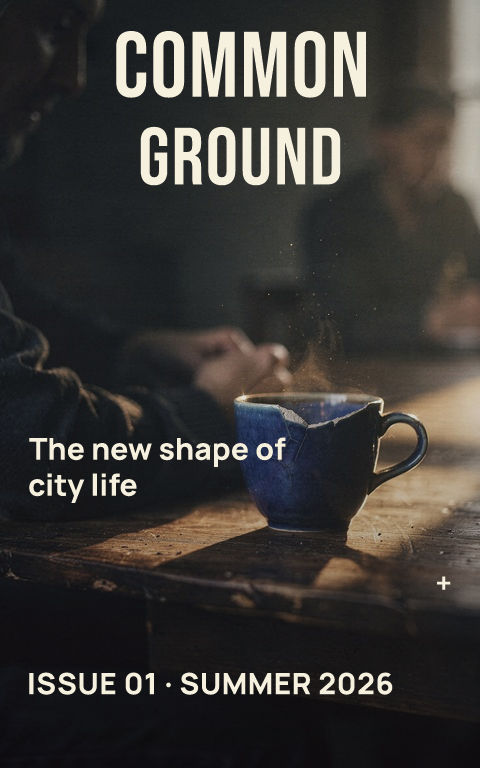

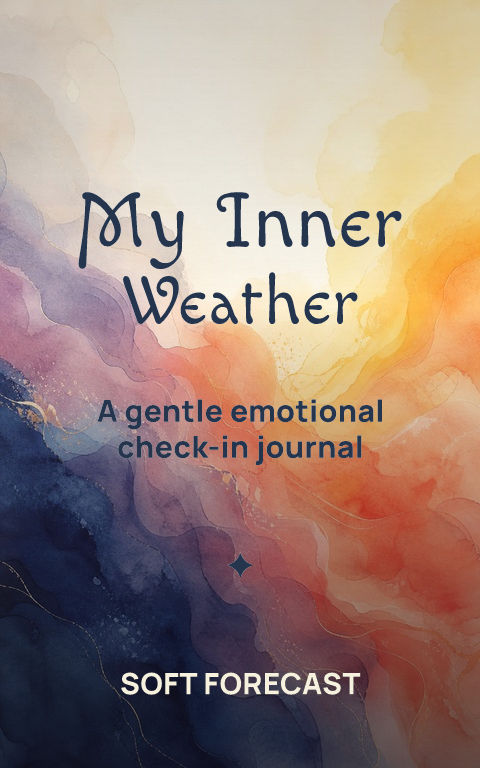
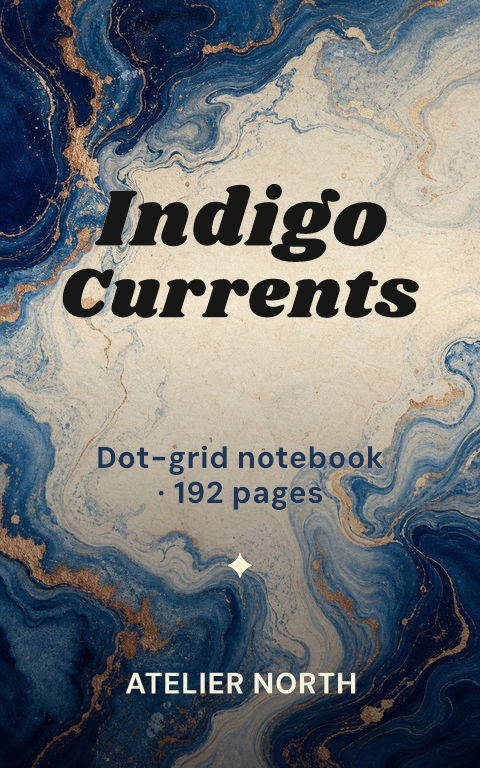

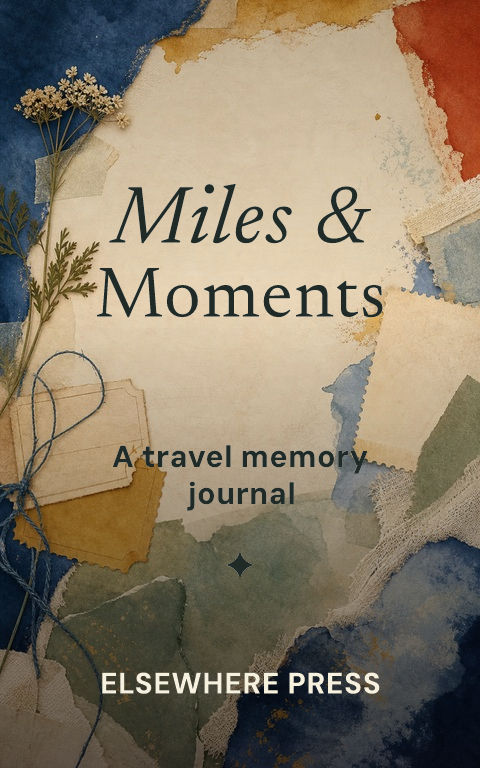

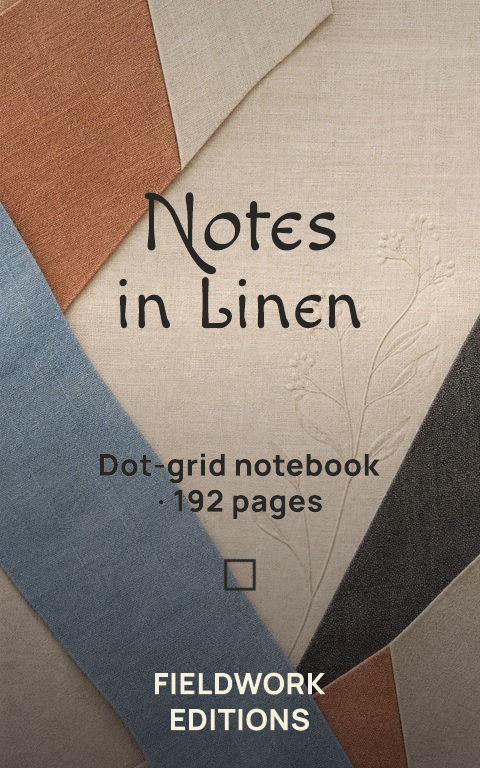

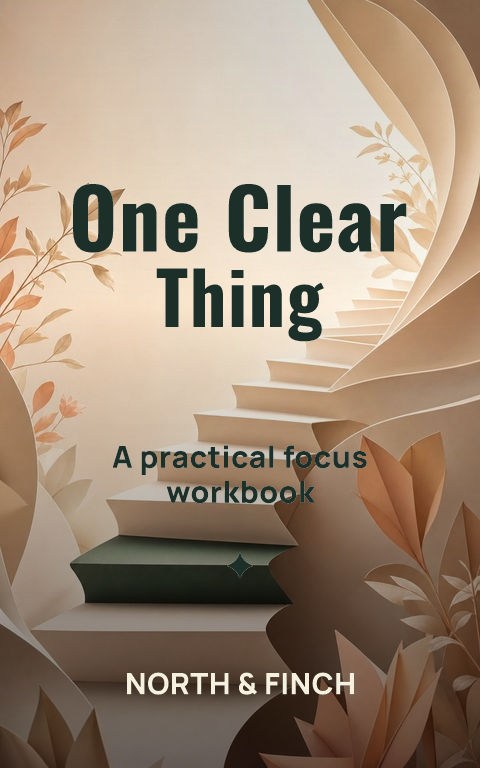
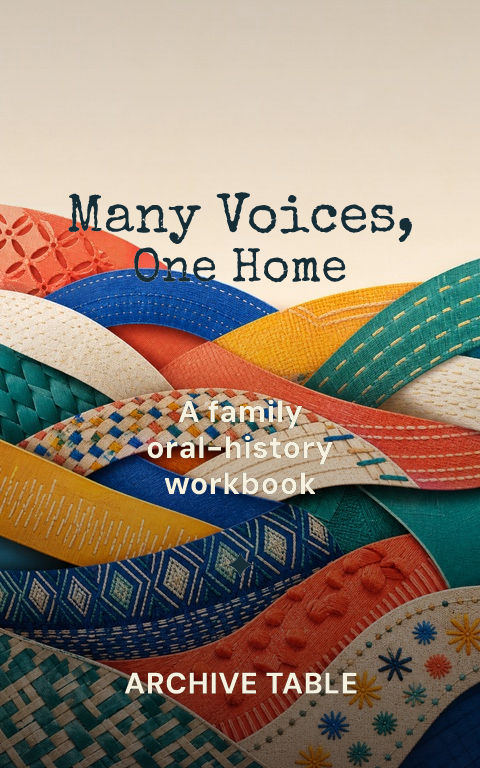
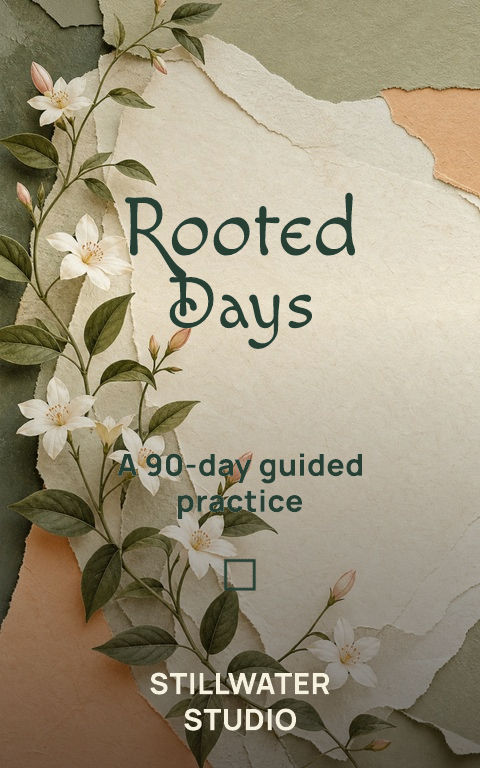
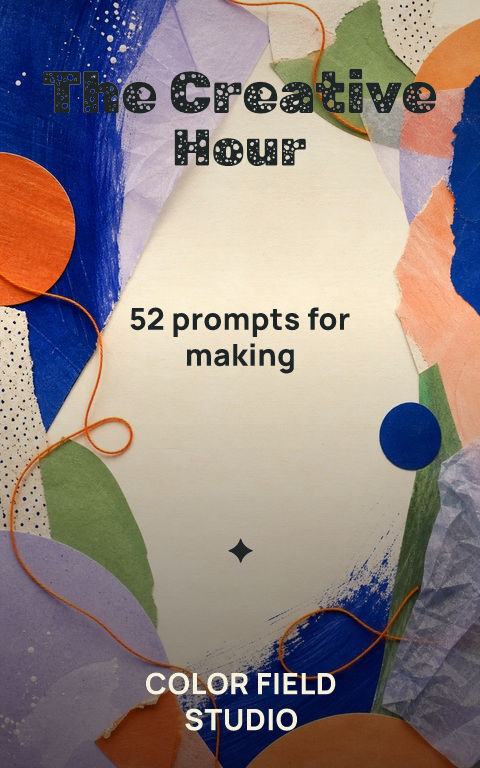
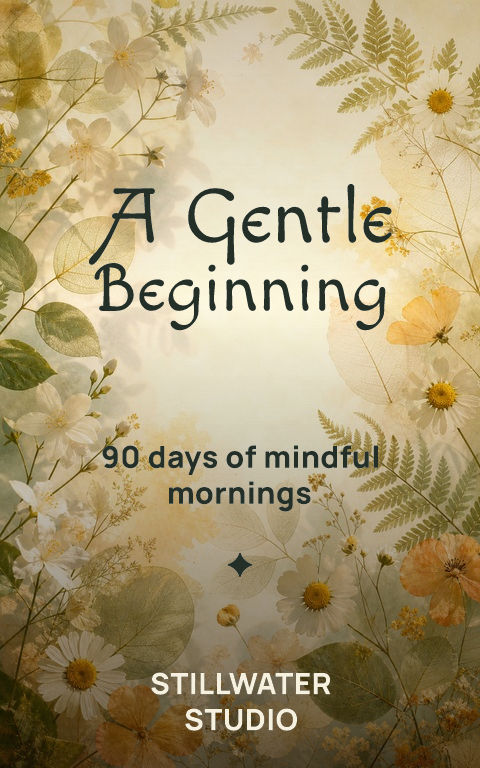

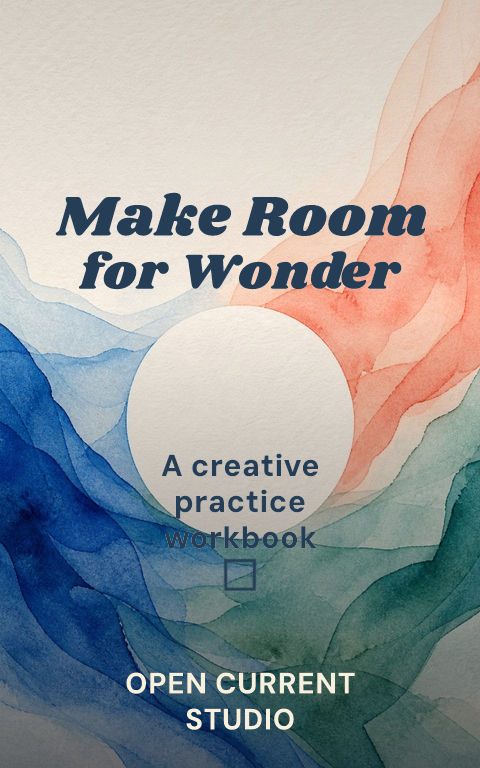
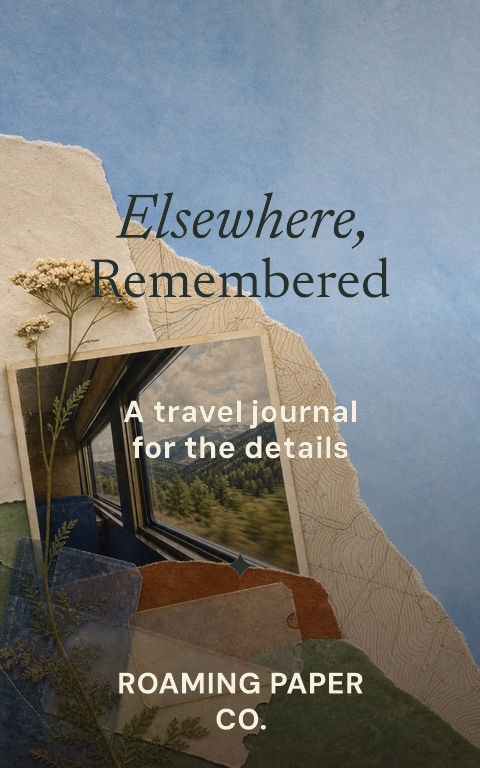


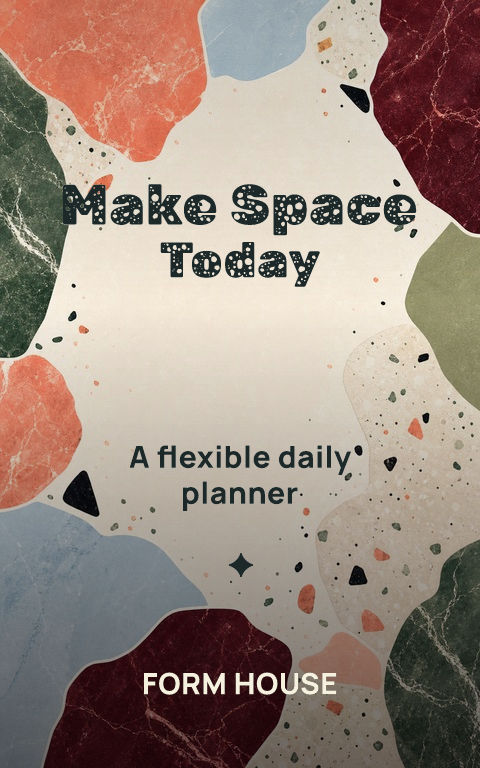
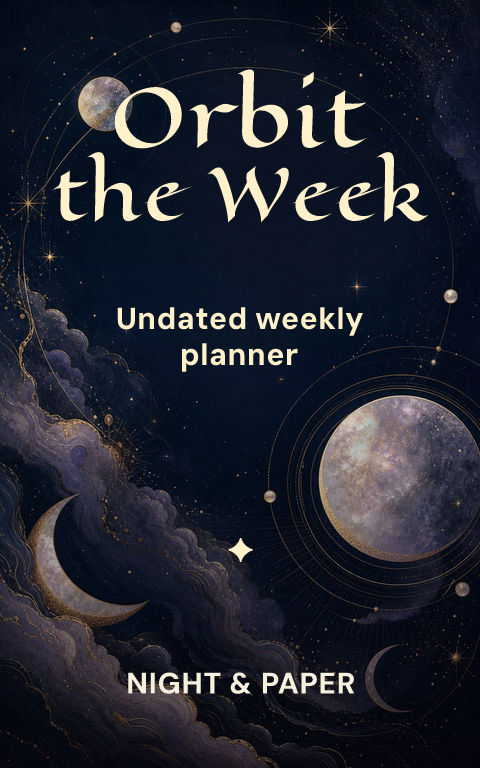
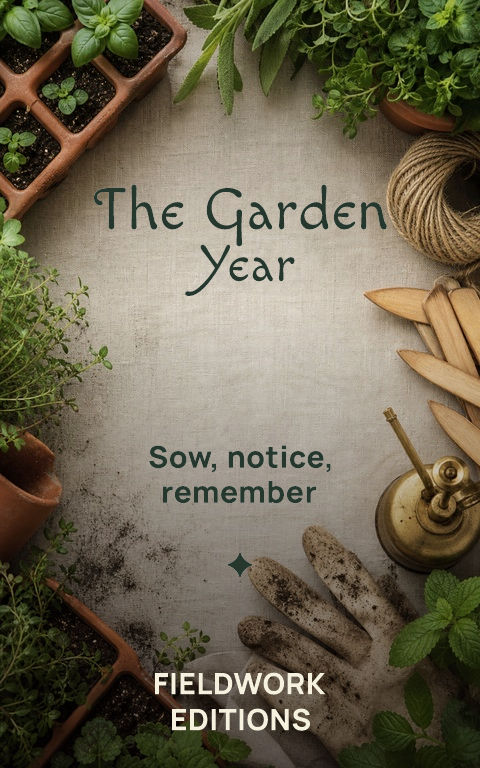
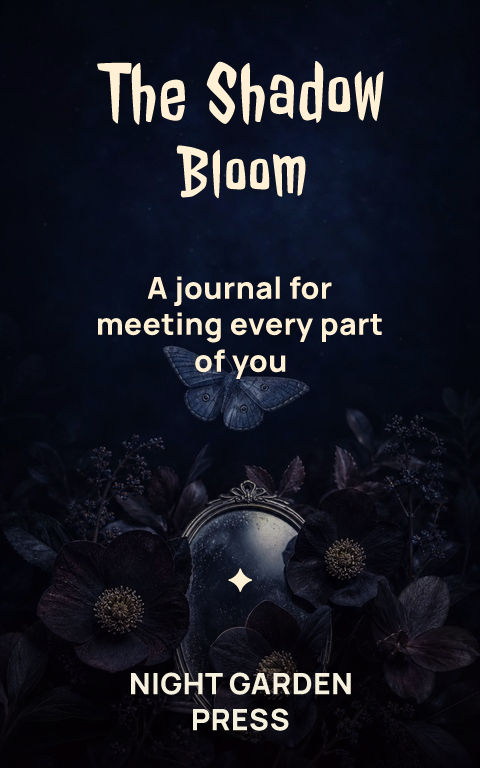
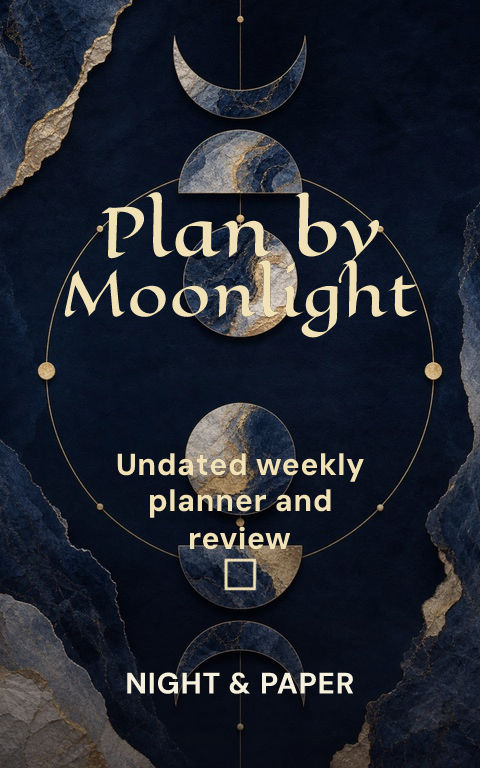
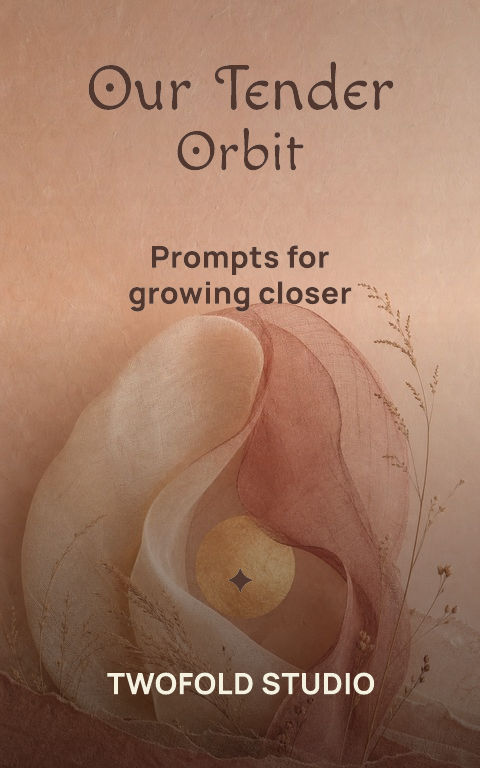
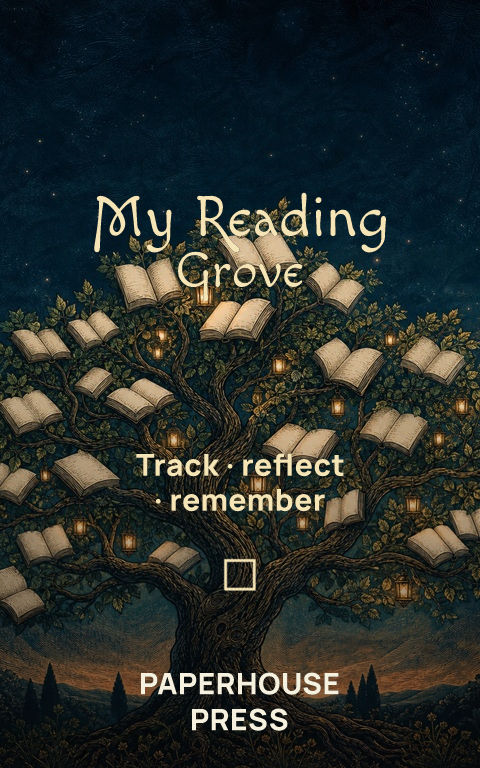
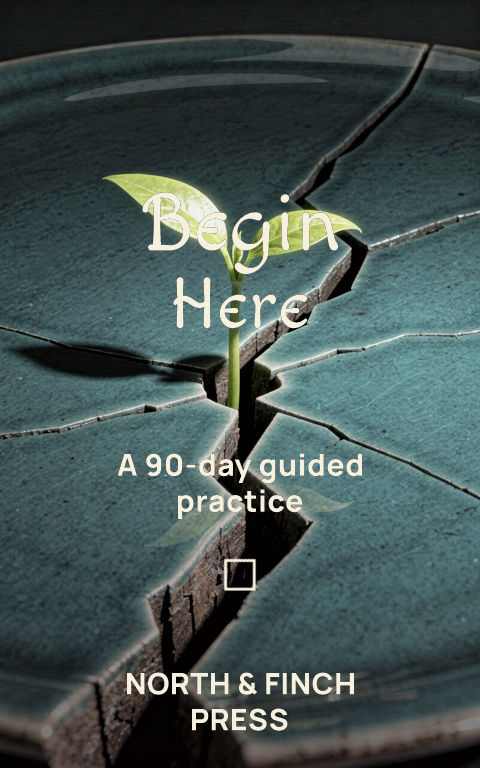
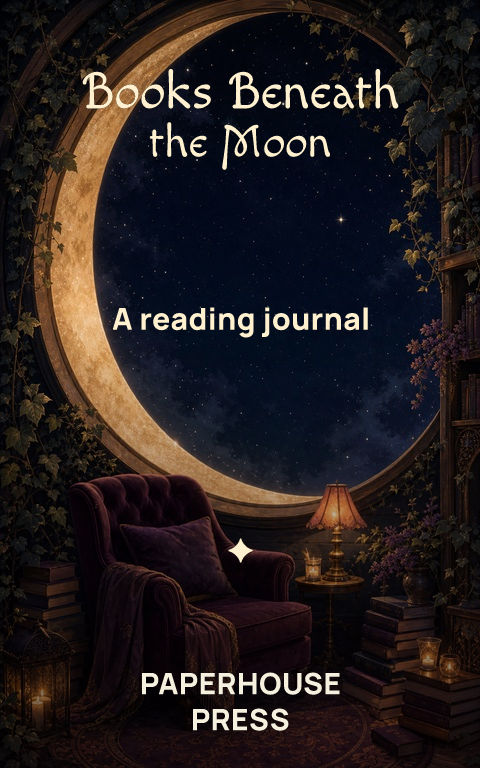
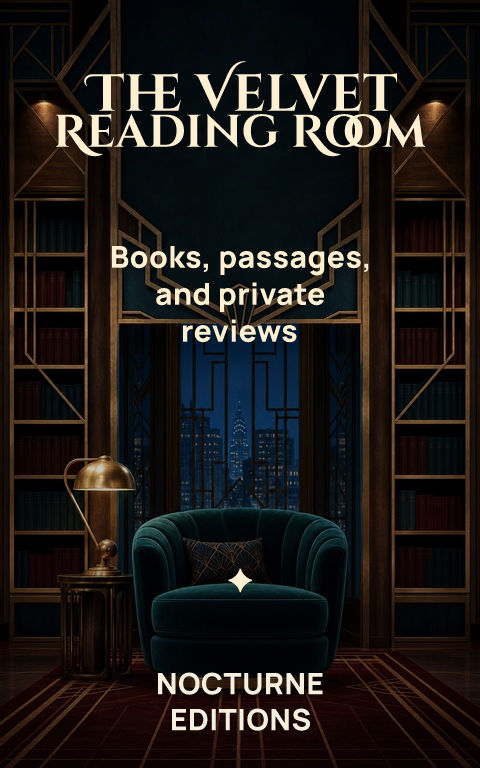
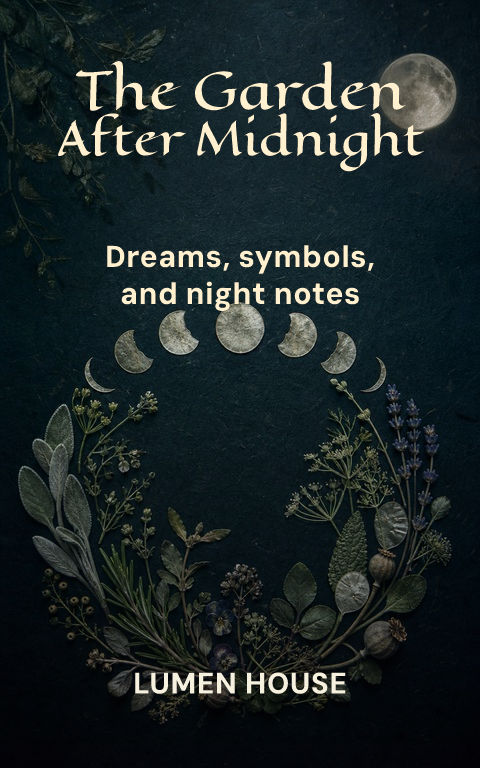

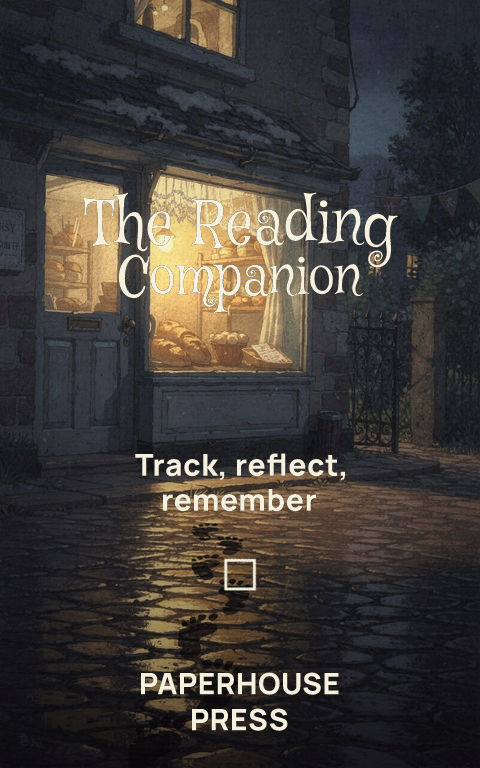
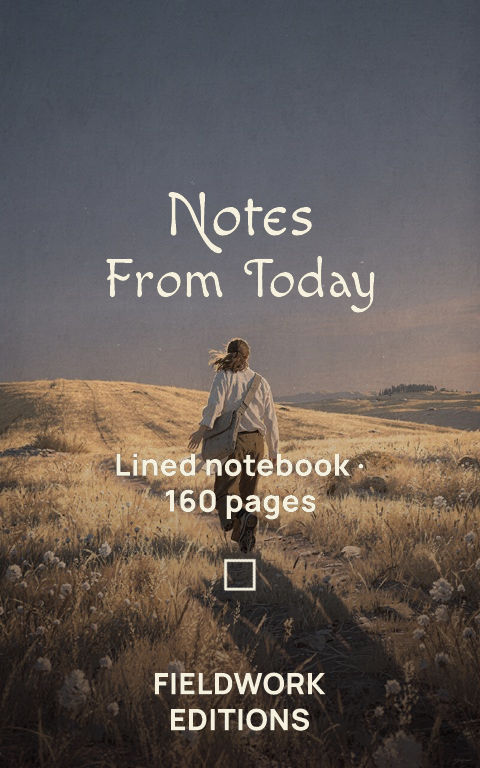
No templates match those filters. Clear the search to see every starting point.
What is an editable book cover template?It is a starting point you can make your own. Change the artwork, title, author name, type, crop, color, spine, and back-cover copy instead of editing a flattened image.
Choose for the reader, not the decoration
Start with the genre and feeling readers should recognize. Add your real title, replace the sample image, and check whether the main idea still reads at thumbnail size.
Use the same design for ebook and print
The ebook uses the front. For print, Coverfairy adds the back and calculates the spine from the final trim, paper, binding, and page count. Verify the exported PDF against the printer's current template before uploading.
Frequently asked questions
Are Coverfairy book cover templates free?
You can browse every template, edit the design, and create a watermarked draft for free. Full-resolution production exports require an active Week or Monthly pass.
Can I change the template artwork and fonts?
Yes. Artwork, crop, color treatment, title, subtitle, author, ornament, spine, and back-cover copy remain editable.
Do the templates work for KDP print covers?
Yes. Choose the final KDP trim, binding, paper, and page count to adapt the design to an exact paperback or case-laminate hardcover wrap.
Are there templates beyond novels?
Yes. The gallery includes children's books, manga and comics, magazines, journals, and other low-content formats as well as trade books.