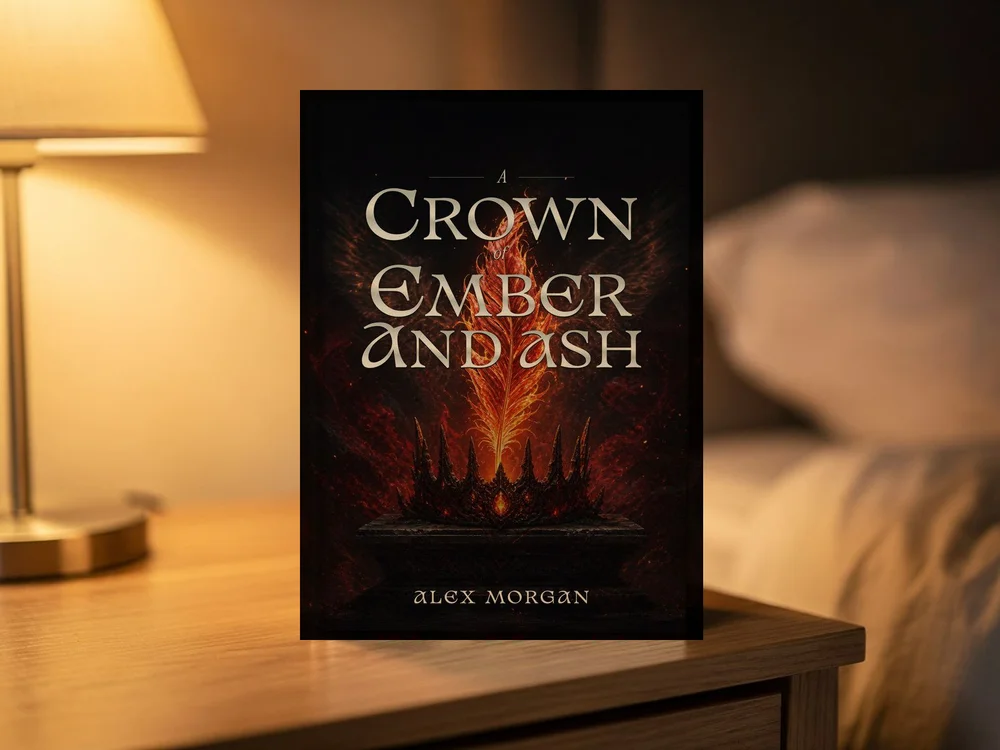
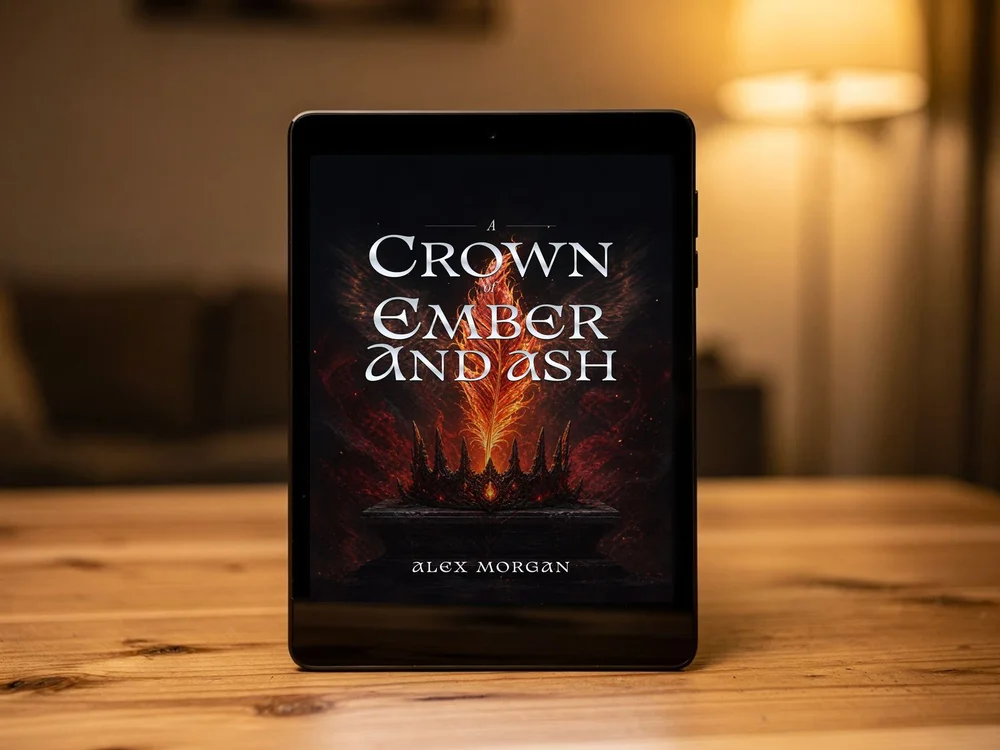
Free book mockup generator
Create free book mockups in 17 photo and studio scenes, with frames, e-readers, custom backgrounds and PNG downloads. No account needed.
Put your cover into a book scene
Upload a cover to download your own free PNG. Your file stays in this browser.
The background and lighting belong to this photo. Choose Plain studio for custom colours or a transparent background.
Quick answerA book mockup generator places a flat cover into a realistic 3D scene so readers can picture the finished book. Coverfairy's free browser-local tool includes seventeen hardcover, paperback, e-reader, framed cover-art, reader-held, desk, café, bookshop, nightstand, windowsill, marble, and flat-lay scenes.
Which book mockup should you use?
Choose the scene that matches the message. A standing hardcover emphasizes a premium physical edition, a paperback stack works for print launches and series posts, an e-reader suits ebook promotion, and a café, desk, bookshop, nightstand, or flat lay adds editorial context. Keep one clear hero object instead of crowding the image with unrelated props.
How do you make a mockup look convincing?
Upload the final front cover at a useful resolution and choose a photographed setting whose light and perspective support the cover. For the plain book and e-reader scenes, use a background that separates from the cover edges. Check that small title text remains legible; transparent PNG output is useful when a designer will finish the composition elsewhere.
Where can a book mockup be used?
Use mockups in launch pages, newsletters, media kits, retailer ads where permitted, social posts, and announcement graphics. A mockup is promotional art, not the production cover file; keep the original ebook and print exports unchanged for platform upload.
Can you make a mockup of a Canva book cover?
Yes. Export the front cover from Canva as a full-resolution JPG or PNG, upload it here, and download any of the seventeen scenes free. The mockup runs in your browser, so the Canva design never leaves your machine.
Frequently asked questions
Does my cover leave the browser?
The free preview and PNG are composed in your browser. Only if you choose a next step is the selected cover uploaded privately to a draft so the exact file can continue into the studio.
What can I download for free?
Upload a cover, choose any of the seventeen scenes, then download landscape, square, or portrait PNG output with custom spacing and an optional transparent background.
Can I use a cover made in Canva?
Yes. Export the Canva design as a full-resolution JPG or PNG and upload it; the scenes work with any cover image.
Is this a 3D book cover creator?
The standing, stacked, and angled scenes render the cover in perspective as a 3D-style book. The output is a promotional PNG, not a production print file.
What does the paid studio add?
It keeps the mockups connected to the live cover project, so edits flow into the next render, and active passes unlock high-resolution 2× launch files. The free tool already includes every scene.
Take your cover into the real world.
A finished cover becomes launch imagery in Coverfairy. These scenes use the same editable cover.