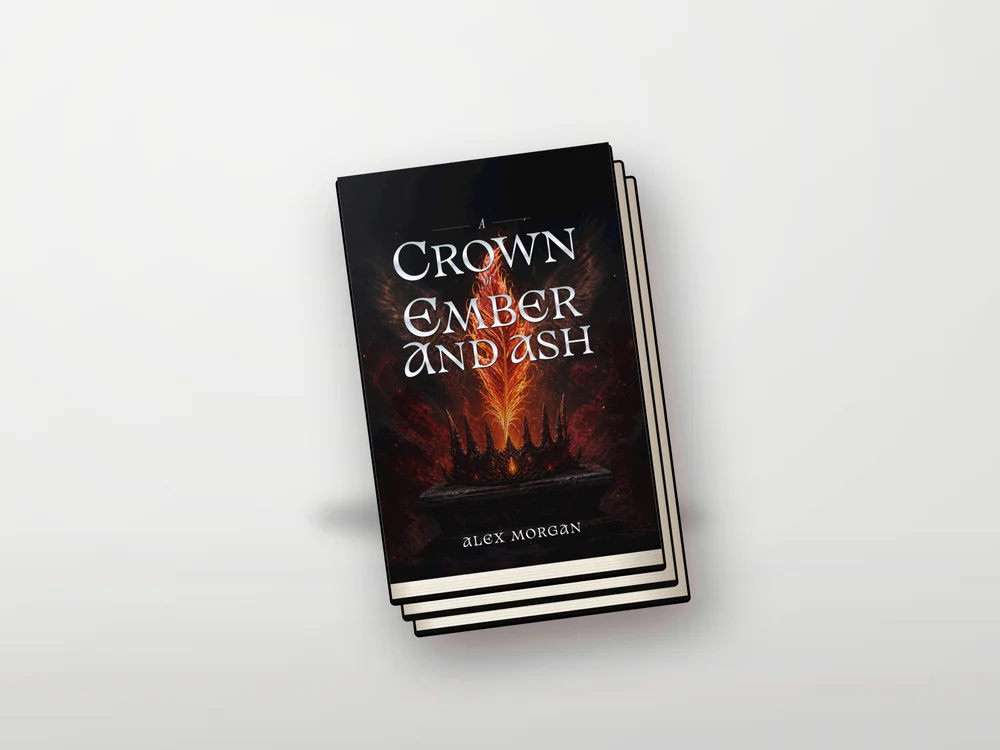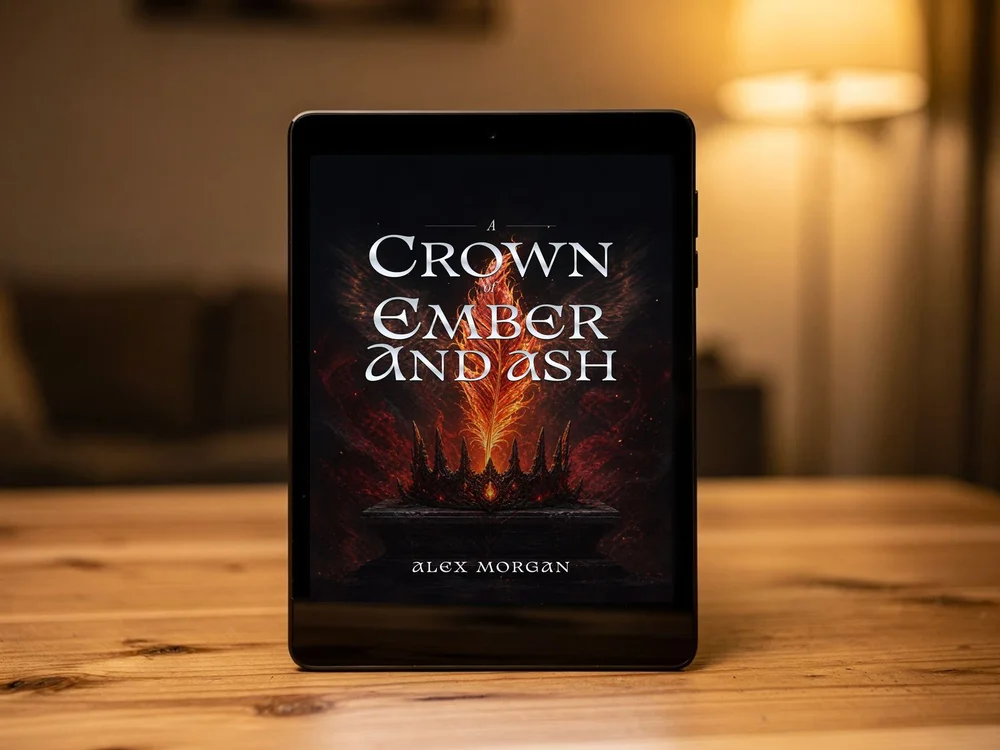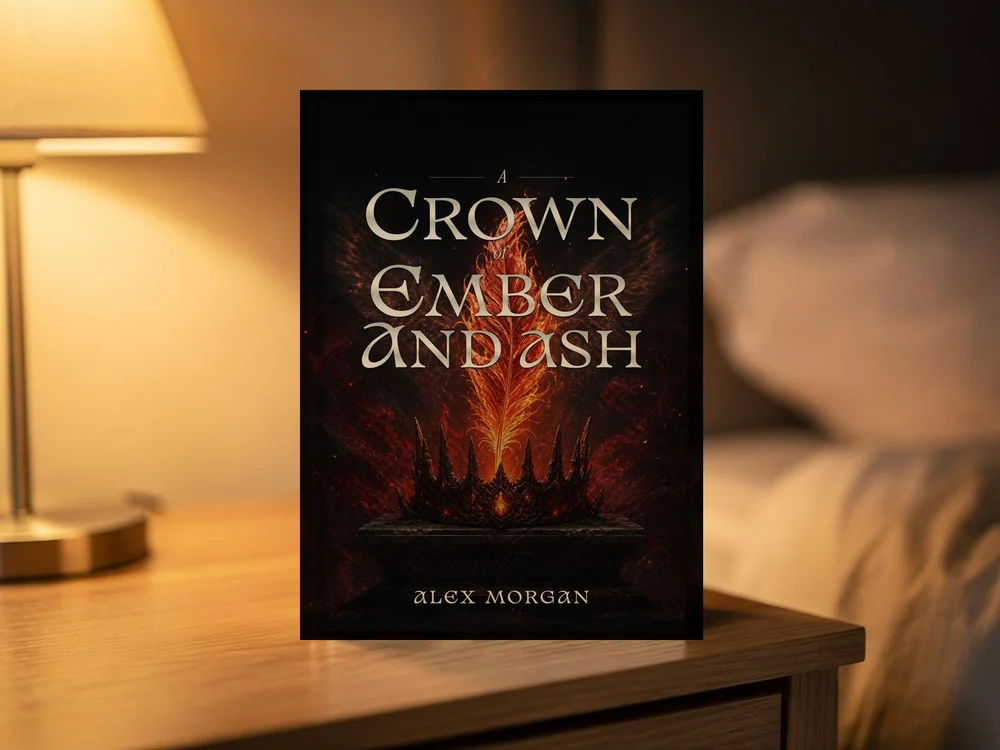
You have made the cover. Now you need an image that helps readers picture the book: a clean website image, a striking reveal, or a social post. A mockup can do that without a photoshoot. Choose the scene for where the image will appear, rather than trying to use the same crowded composition everywhere.
Start with a clean front-cover image
Upload a JPG, PNG or WebP of the complete front cover. Use the flat artwork with its finished title and author, not a screenshot with buttons around it or a full print sheet with the back and spine. A clear source file gives the mockup the best chance of keeping small words readable. If you are still designing the cover, you can start with a sample in the tool and replace it when your own file is ready.
Choose a scene for the job
A simple standing book is useful beside a purchase button because it keeps the cover easy to recognise. A stack works well for a launch announcement. A reading scene adds a human setting to a social post. An e-reader suits an ebook. The framed scene can show the artwork as a promotional print; it is not a claim that a framed product is included with the book. Coverfairy's tool includes both clean book views and photographic scenes, so try a few before downloading.
Match the background and shape to where you will share it
Use a plain or transparent background when you want to place a clean book view on an author website. Use a photographic scene when the surrounding setting helps the post. In Coverfairy, transparency and custom backgrounds apply to the clean scenes; photographic scenes keep their original surroundings. Pick a square, portrait or landscape image to suit the space, then adjust the room around the book so important words are not cropped.
Create a small set for your launch
Try one clean book view for the website, one photographic scene for the reveal, and one image with room for a quote or launch date added in your preferred design tool. Keep the same cover so readers recognise the book across those images. Do not add a fake review, award badge or bestseller claim. The goal is to show the real book clearly and give each image a useful purpose.
Download the marketing image separately from the publishing files
The standalone Coverfairy mockup tool downloads a free PNG without a watermark or an account. That picture is for marketing; it is not a print-cover PDF or the flat image you upload as an ebook cover. You can also send your uploaded cover into the editor to change the text and design. An active pass unlocks publishing downloads and larger project mockups. Keep your editable project, flat cover and marketing images together so later revisions stay consistent.
Sources and verification
Requirements can change. Check the linked instructions before you publish or upload a file.
By Coverfairy Editorial · Published · Updated