

A folder full of JPGs, PNGs and PDFs can look confusing even after the cover is finished. Start with one question: where am I uploading this file? The same design may need several downloads because a reader's screen, a printer and a social post use it differently. Keep the design editable and export a separate file for each job.
For an ebook, use the flat front cover
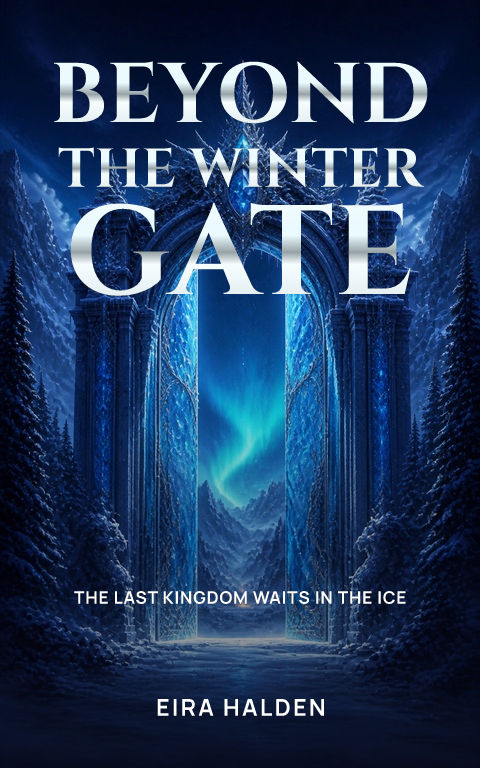
Use a straight-on image of the front cover with its title and author. Amazon KDP accepts JPEG or TIFF for the separate Kindle cover upload and recommends 1,600 × 2,560 pixels. The Coverfairy ebook download gives you a JPG. A book on a desk or an angled 3D mockup is a promotional picture, not the listing cover. Check the current rules of any other platform before uploading.
For print, use a complete cover PDF
A paperback cover PDF contains the back, spine and front as one sheet, including the extra image area that will be trimmed away. Its size depends on the book's trim size, paper and final page count. A hardcover has different geometry, so it needs its own template and export. Finish the interior first. For IngramSpark, use the spine width from the current official template. Check the exported PDF against the printer's template before ordering a proof.
For Wattpad, use a flat image in the story-cover shape
Choose Coverfairy's Wattpad preset and keep the portrait proportions when you export. The size guide explains its 512 × 800 working canvas and larger matching sizes. Upload the front cover rather than a print sheet or a mockup. Changing a filename from PDF to JPG does not convert a file; use the appropriate image export and check the current platform instructions.
For marketing, download a mockup PNG
Use a mockup for the author website, reveal or social post when you want to show the cover as a book or in a scene. The free standalone mockup tool creates this promotional PNG from an uploaded cover. It does not turn the image into a print-ready cover. If you need a transparent background, use one of the clean scenes rather than a photographic setting.
Keep the editable project for changes
A flattened JPG or PNG preserves how the cover looks, but it cannot keep each word separately editable. Keep your Coverfairy project to change the title, author, subtitle, artwork and font later. If you use the Canva-ready download, import it into Canva for further editing, then make and check the final publishing file there. An EPUB is the ebook itself, not a replacement for the separate cover image a store may request.
Check the download before you upload it
Open the file and make sure it is the edition you meant to export. Check the title and author, image dimensions, and whether a print PDF includes the complete wrap. Use a useful filename such as book-title-ebook-cover.jpg or book-title-paperback-cover.pdf. Coverfairy's free cover draft is watermarked; an active pass unlocks publishing exports. Keep marketing mockups in a separate folder so you do not upload them by mistake.
Sources and verification
- Amazon KDP: ebook cover image requirements
- Amazon KDP: hardcover cover requirements
- IngramSpark: official cover template generator
- Coverfairy downloads and pass features
Requirements can change. Check the linked instructions before you publish or upload a file.
By Coverfairy Editorial · Published · Updated


