

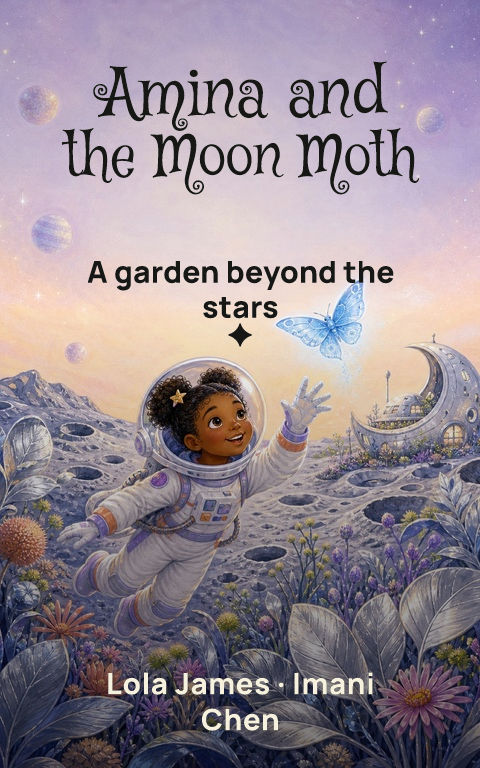
A free book cover maker can be excellent for exploration, but ‘free’ can describe the editor, a watermarked draft, selected assets, or the final production file. Check the complete workflow before investing time in a design you cannot legally or technically publish.
What can you edit in the free book cover maker?
Confirm that the title, subtitle, author name, series line, colors, artwork, crop, and layer order remain editable. A flattened generated image makes spelling corrections and format changes difficult. Test a long title and your real author name early; a demo layout built around two short words may not adapt gracefully.
Which downloads are actually free?
Look for the pixel dimensions, file type, watermark policy, resolution, color handling, and whether commercial use is included. A small preview may be suitable for feedback but not for a retailer upload or 300-DPI print. Check the cost of the exact ebook, paperback, hardcover, audiobook, and promotional files you expect to need.
Does the tool handle print production?
A print cover needs more than an enlarged front. Ask whether the maker calculates the back, spine, front, bleed, folds, and barcode area from binding, trim, paper, and final page count. Even when it does, compare the final PDF against a newly generated template from the printer before upload.
What rights and project records do you keep?
Identify the source and license for templates, stock, uploaded images, generated artwork, and fonts. Keep the approved version and its terms with the project. Also confirm whether the project stays editable and what access is required to export it again. A dependable workflow makes the production file and its provenance easier to recover, not only the mockup easier to share.
By Coverfairy Editorial · Published · Updated


