
Describe the reader promise
Choose the genre, tone, central image, and emotional signal the cover needs to communicate.

Generate text-free cover art, keep every title and author line editable, and carry one design into ebook, paperback, hardcover, and audiobook formats.
Choose the genre, tone, central image, and emotional signal the cover needs to communicate.
Create or replace the visual while the title, subtitle, author, and series lines remain separate layers.
Check the thumbnail, set the final print dimensions, and export the matching ebook, wrap, and audiobook files.
AI requires a free account. Draft exports are watermarked; full-resolution Cover and Interior exports require an active pass.
Sources: Amazon KDP content guidelines · U.S. Copyright Office AI copyrightability report. Reviewed ; recheck the official page before production.
Choose a finished template, or begin with a blank cover. Everything stays editable.
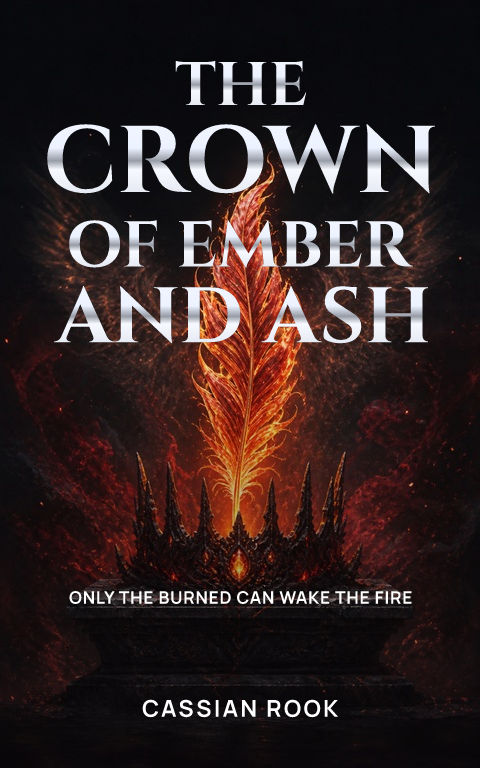

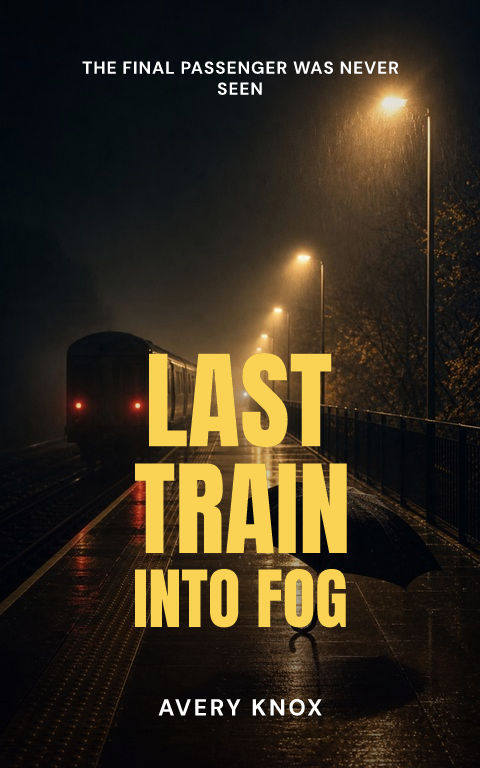
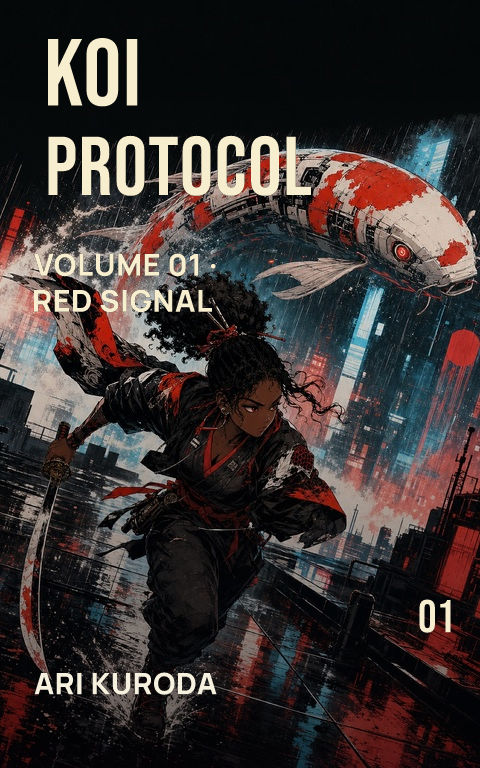
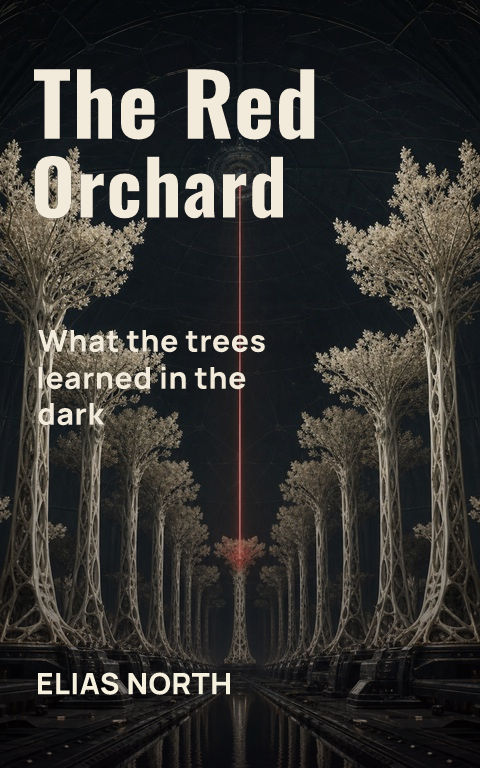
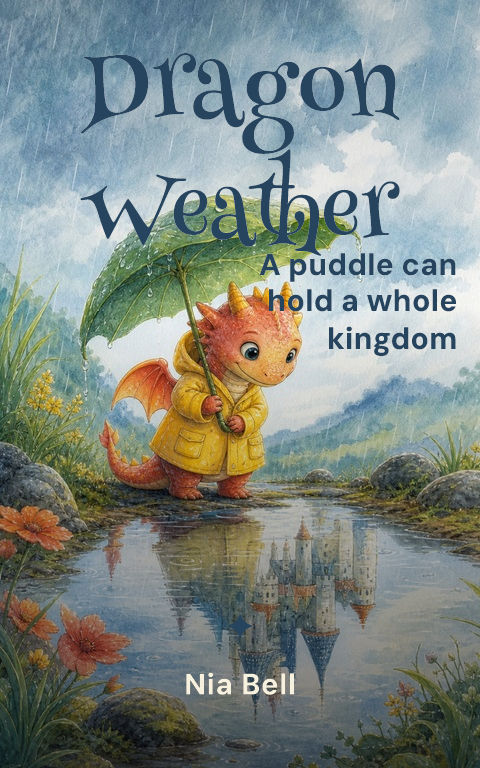
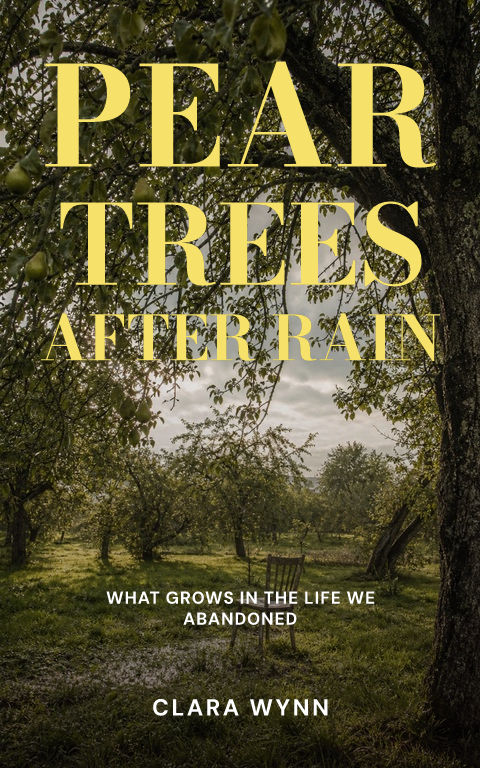
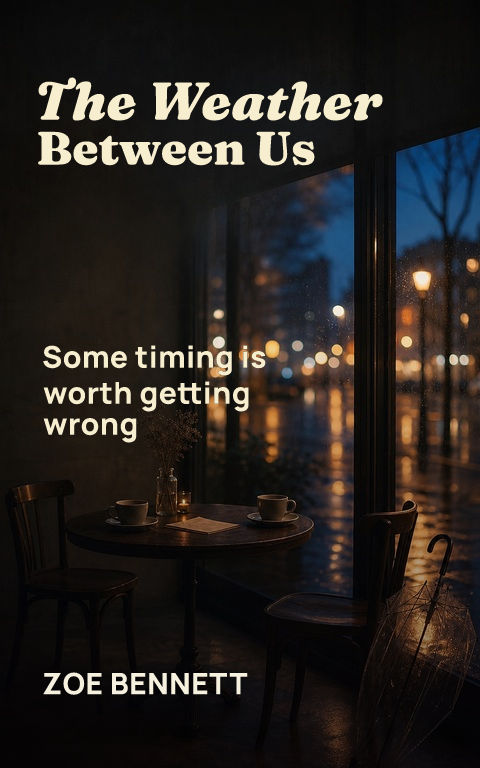
BETTER INPUT, MORE USEFUL OUTPUT
Turn the intended reader, promise, tone, imagery, exclusions, and required formats into one editable record. The handoff carries the title and genre into Coverfairy while the artwork and typography remain separate.
Your inputs stay in this browser. Edit the result before sharing it with a designer or using it to guide Coverfairy.
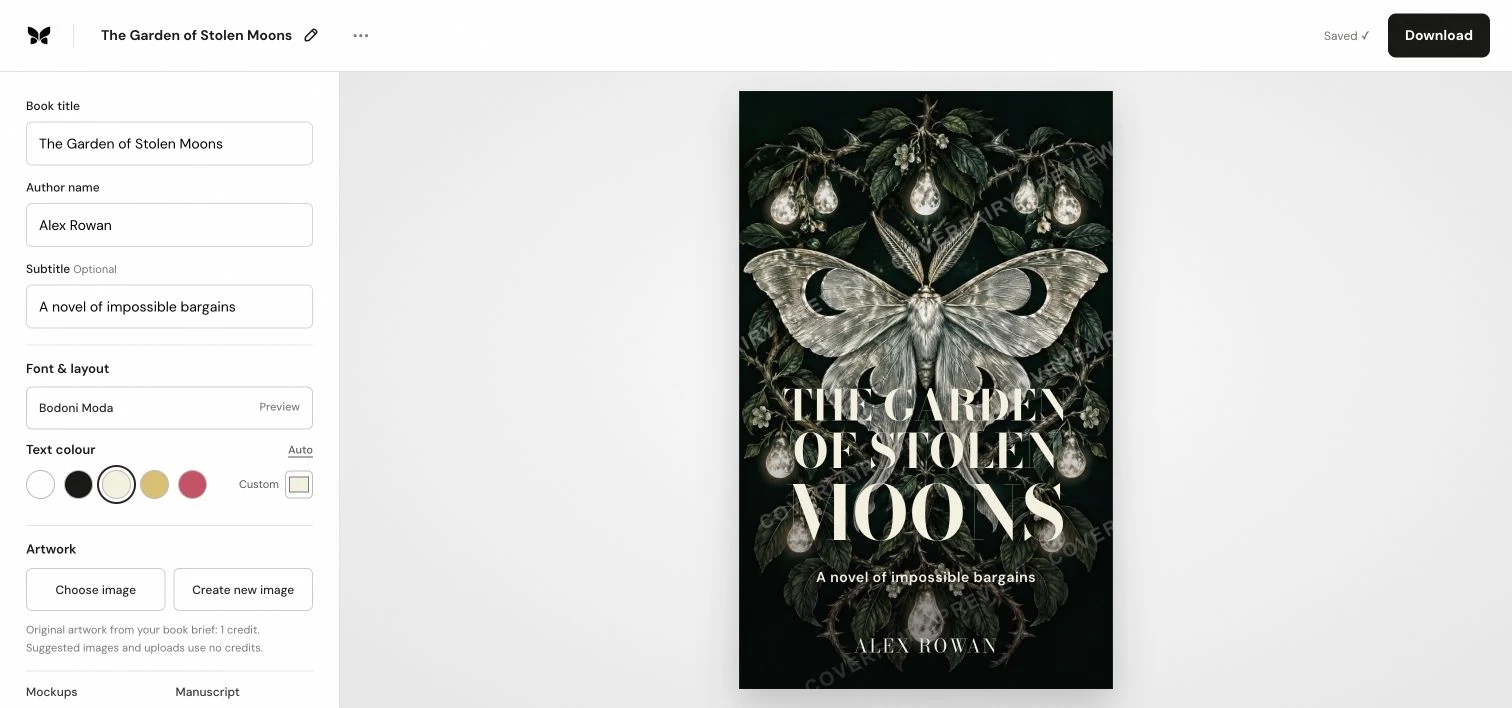
Quick answerAn AI book cover generator should create the artwork without baking in fake lettering, then let you edit the real title, author, and supporting copy as typography. Coverfairy keeps those layers separate and carries the same design into ebook, print, audiobook, thumbnail, and launch assets.
Start with the reader promise: genre, emotional tone, central image, and the one idea that should remain clear at thumbnail size. Generate text-free artwork around that brief, then build the title hierarchy with editable type. This avoids the misspelled or distorted lettering common in generated images and makes later corrections possible.
Compare the design beside current books for the same readers, shrink it to storefront size, and verify that the title and focal point still separate clearly. Review artwork provenance and commercial-use terms. For print, wait for the final formatted page count before calculating the spine and full wrap.
The creative system can stay consistent, but each deliverable has its own geometry. An ebook is a front image, a paperback or case-laminate hardcover needs a calculated back-spine-front sheet, and audiobook artwork is square. Coverfairy adapts one editable project rather than stretching one finished image into incompatible sizes.
A useful generation brief identifies the reader, genre signal, subject, action or tension, setting, viewpoint, light, palette, composition, and where calm space is needed for typography. ‘Dark, cinematic, beautiful, epic’ leaves every important choice unresolved. ‘A solitary brass key suspended above a flooded archive, seen from slightly below, cold blue depths with one warm reflection, quiet upper third for a short serif title’ gives the artwork a job and reserves a real type field. Generate several structurally different compositions before polishing one; changing only color is not concept exploration.
Record the service and model used, generation date, prompt or brief, selected output, later edits, licenses or terms in force, and any customer-supplied source material. Preserve rejected versions when they explain how the final was selected or changed. This record does not manufacture copyright or guarantee permission, but it makes later retailer disclosure, contract review, edition work, and rights questions answerable. Do not upload confidential manuscripts, protected reference art, or another creator's characters merely because a tool accepts them.
Generated art is a poor shortcut for a precise character likeness, culturally specific material that needs research, historical accuracy, bespoke lettering, recognizable living people, or an award or contract that restricts AI-generated work. It can also be inefficient when the brief requires a consistent cast across a long series. In those cases commission an illustrator or designer, agree the permitted uses in writing, and use Coverfairy for editable typography and production formats. The right workflow is the one that can support the book's actual promise and rights obligations, not the one with the fewest initial clicks.
Yes. You can generate or choose artwork, edit the typography, and create a watermarked draft before buying production exports.
Coverfairy requests text-free artwork so the title and author remain accurate, editable type layers.
Yes. Set the final print inputs to build the matching back, spine, and front cover sheet.