What to check
1. IngramSpark's current file guide asks for a separate cover PDF, 300 ppi images, and CMYK color
IngramSpark's current file guide asks for a separate cover PDF, 300 ppi images, and CMYK color.
2. Paperback and many cover templates use 0
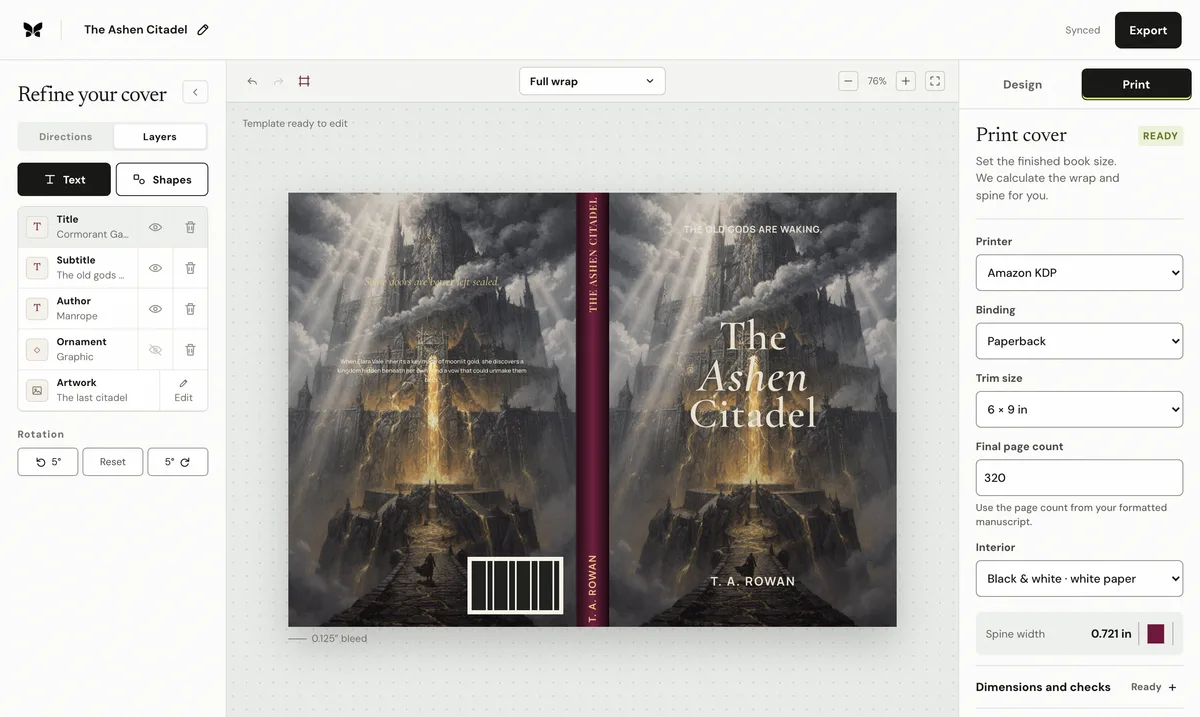
Paperback and many cover templates use 0.125 inches of bleed on each outside edge; hardcover wrap requirements are larger and must come from the generated template.
3. Do not place spine text on books below 48 pages, and keep the mandatory barcode readable on a white background
Do not place spine text on books below 48 pages, and keep the mandatory barcode readable on a white background.
Use the final production inputs
Calculate from the final formatted page count, not the manuscript estimate. Select the exact trim, binding, interior type, and paper stock before creating the cover sheet. If any of those values change, regenerate the dimensions and compare the exported PDF against the printer's current template.
Artwork, type, spine, and back-cover copy remain editable when the print setup changes.
Sources: IngramSpark File Creation Guide · IngramSpark cover template generator · IngramSpark cover design guide. Recheck the current printer template before export.