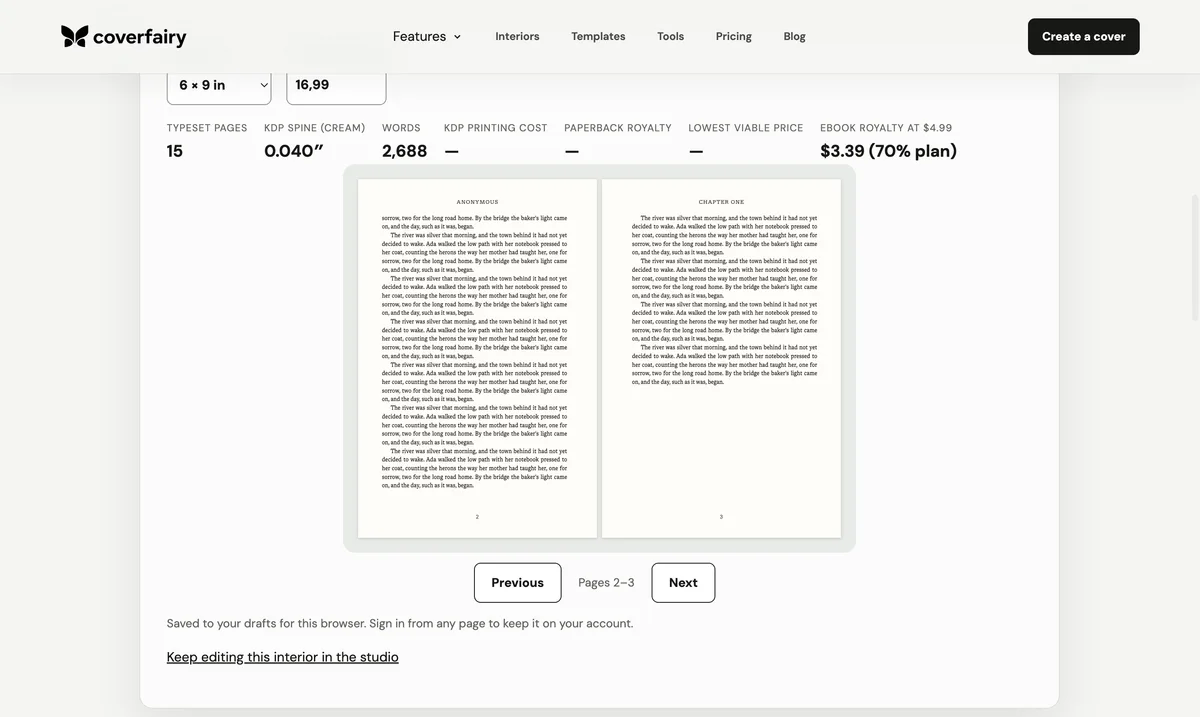
Choose the KDP edition before formatting
Decide whether the book will be paperback, hardcover, Kindle ebook, or a combination. For print, select the exact trim, ink, paper, and bleed setting before composing pages. KDP describes trim, margins, and bleed as the three core print-interior decisions, and the page count produced by them later affects the cover spine and printing cost.
Paperback and hardcover can often share an interior when their supported trim and production choices match, but their covers are separate files. Kindle is a different interior output. A reflowable ebook adapts to screens and reader settings, so a print PDF with fixed margins and page numbers is not a substitute for an ebook manuscript.
Clean and structure the source manuscript
Finish editing, preserve a dated master, and remove tracked changes, unresolved comments, repeated spaces, tabs used as indents, and stacks of empty paragraphs. Apply real heading roles to chapters and sections, use paragraph settings for indents, insert intentional page or section breaks, and mark scene changes consistently. Keep meaningful emphasis, quotations, lists, images, captions, notes, and links.
The title, subtitle, author name, edition, language, and other book details inside the manuscript should agree with the title setup and cover. Treat front matter, body matter, and back matter as named roles rather than visual pages. That structure gives the print formatter reliable page rules and gives the ebook usable navigation and reading order.
Set print trim, mirrored margins, and bleed
For a no-bleed interior, the PDF page should equal the selected trim. If images or backgrounds run to an edge, use KDP's current bleed dimensions and extend the artwork through the bleed area while keeping live text inside the safe margins. Format as single pages, not reader spreads or two-up sheets.
Use mirrored inside and outside margins. The inside clearance must increase as the page count and binding bulk increase, so do not copy one gutter value from another book. Platform minimums are rejection boundaries, not a complete design system; choose comfortable margins for the type, trim, and intended reader, then confirm they still meet KDP's current table.
Build sections, page numbers, and page roles
Use distinct sections where page behavior changes: front matter, main text, appendices, or another unit with different headers or numbering. A chapter can start on a new page without becoming a unique section unless its header, footer, orientation, or numbering changes. Automatic fields keep folios and contents entries synchronized after pagination shifts.
Suppress visible running heads and page numbers on title pages, chapter openings, intentionally blank pages, and full-page art according to the design, while keeping the underlying PDF sequence complete. Proof left and right pages together: odd folios normally sit on recto pages in a left-to-right book, and an unexpected blank can signal a broken section rule.
Export the print PDF and build the Kindle file separately
For print, export a publishing-quality PDF, confirm the exact page dimensions, and verify that every font is embedded and licensed for the use. Inspect images at their final physical size, transparency, blank pages, metadata, page order, and the absence of comments, crop marks, watermarks, or placeholder material unless the current specification explicitly asks for them.
For Kindle, retain semantic chapters, paragraphs, navigation, alternative text, notes, and links while removing fixed trim, print folios, running heads, and layout-only blank pages. Preview large and small text sizes in more than one reading environment. If a print-first Word file is used as the source, clean out its physical-page assumptions before conversion.
Use Previewer as a check, not an automatic repair service
Upload the exact candidate file and review every reported margin, trim, font, image, and pagination issue. KDP's Previewer may scale or reflow material in an attempt to fit it; that can change type size or layout. Correct the structured source, export a new file, and upload again instead of accepting a rescue that you have not evaluated.
After the digital preview passes, order a physical proof. Check gutter comfort, scale, paper, show-through, images, chapter openings, contents references, and the final cover alignment. A later interior correction can change the page count, so regenerate the cover dimensions whenever pagination changes.
Sources: Amazon KDP: Prepare your manuscript · Amazon KDP: Format Your Paperback · Amazon KDP: Paperback submission guidelines · Amazon KDP: Trim size, bleed, and margins · Amazon KDP: Format Your eBook. Reviewed ; recheck current platform requirements before production.