
Character hook
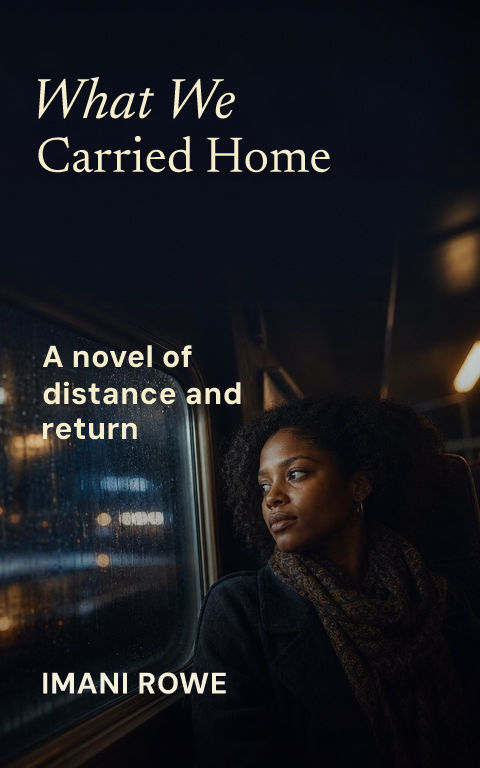
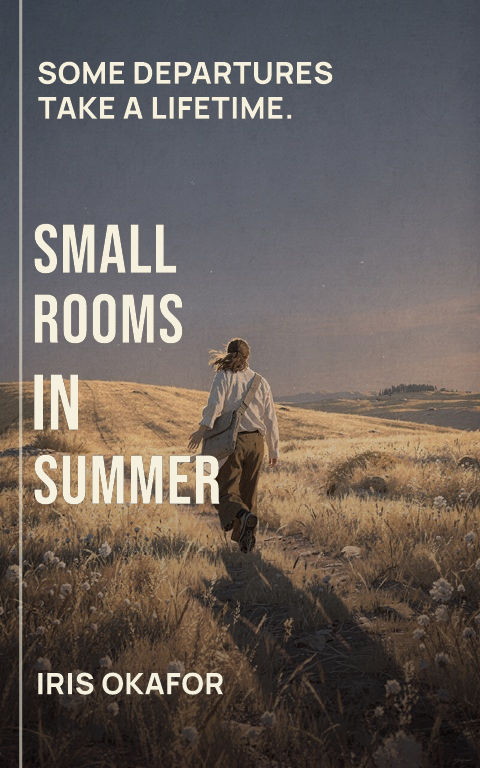
Use one expressive figure and keep the title away from facial detail.

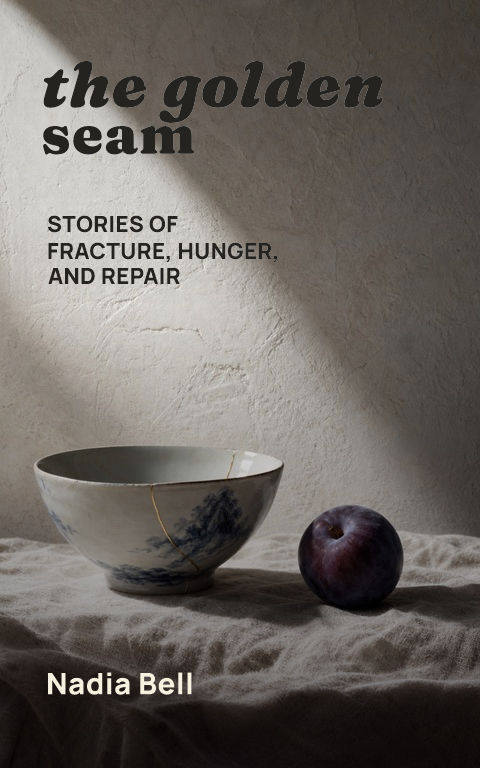
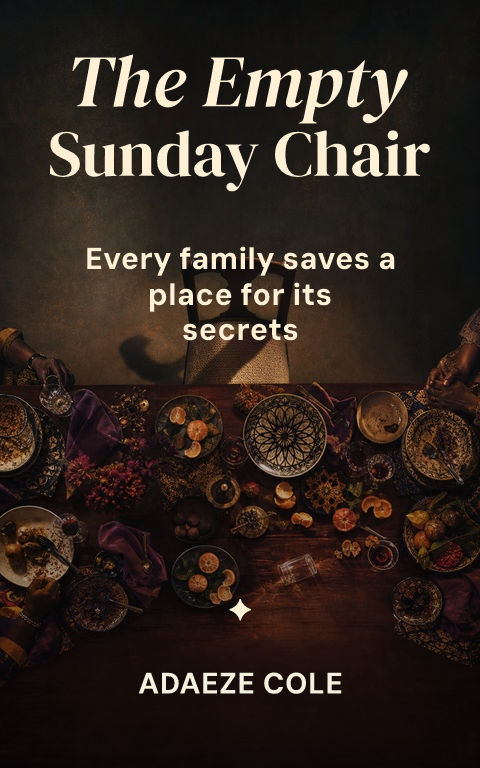
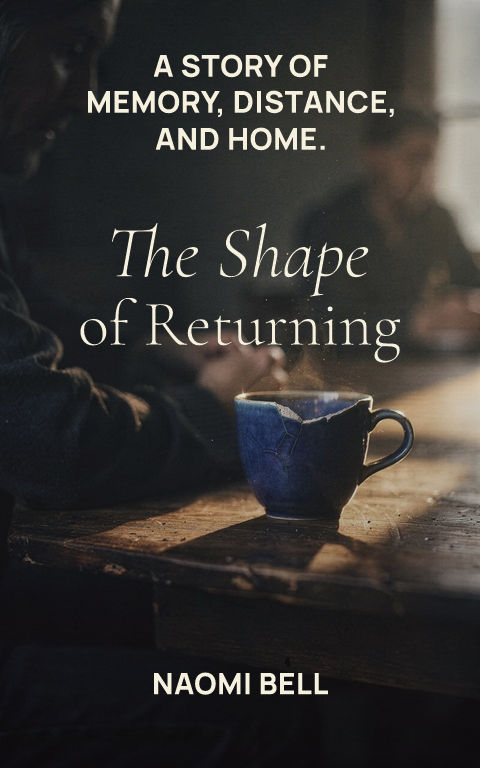
Build around a fast mobile hook and recognizable story mood. Start with eight distinct directions, then replace the art and edit every type layer.
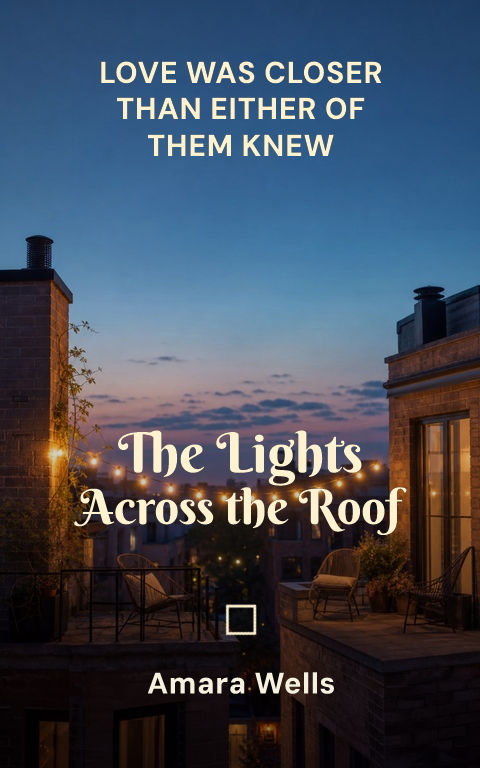
What size is a Wattpad cover?A Wattpad cover is 512 × 800 pixels — a 1:1.5625 portrait ratio. Design on a doubled 1024 × 1600 canvas so the title stays sharp on high-density phone screens, then export JPG or PNG. This maker starts at that exact size, keeps the title and author as editable type, and can rebuild the same design at ebook or print resolution later.
Choose a template to open it with editable type and artwork.
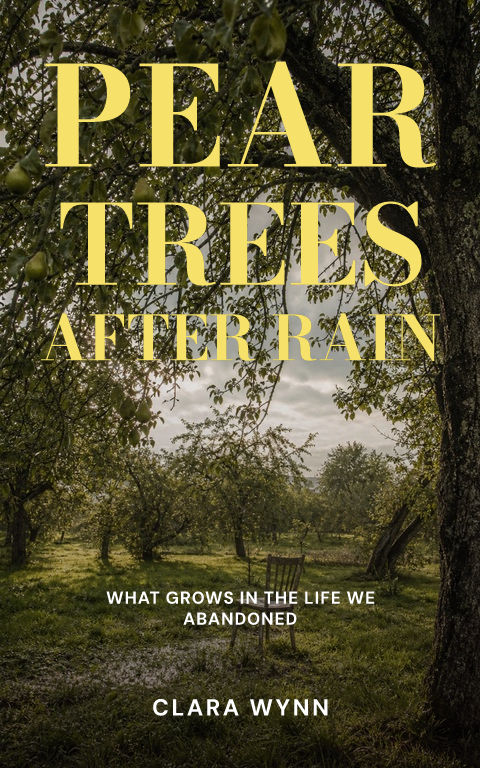
A Wattpad cover is usually discovered on a phone, so title hierarchy has to work at an unusually small size. Use a single focal image, a short title silhouette, and strong foreground-to-background separation. Fine ornament and long hooks should be reserved for larger promotional assets.
The native 512 × 800 proportion is close to a 1.6:1 ebook ratio, but the lower resolution makes thin strokes and low contrast less forgiving. Bold type, clean line breaks, and a controlled crop outperform a dense poster composition.
Coverfairy preserves the editable cover if a story later moves to ebook or print. You can keep the same visual identity, increase production resolution, and adapt the back and spine without rebuilding the front from scratch.
Check the cover at storefront size: the title and focal image should still read clearly. For print, keep important details away from trim and leave a calm back-cover area for copy and barcode.
Use one expressive figure and keep the title away from facial detail.
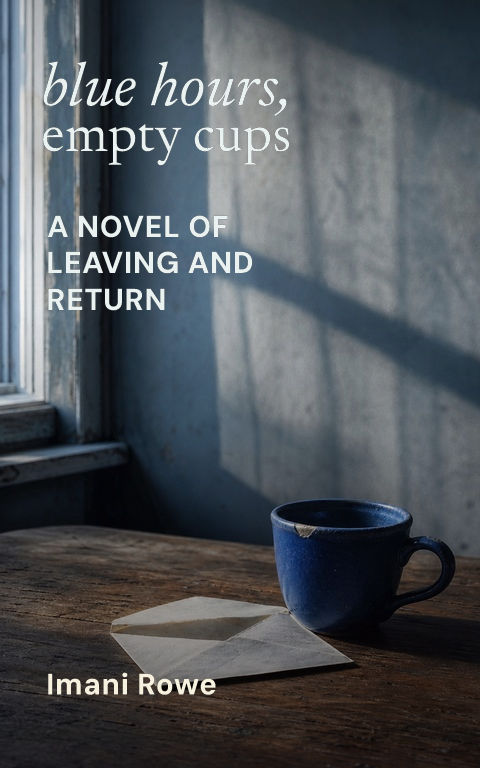
Choose one light source and crop for vertical depth.
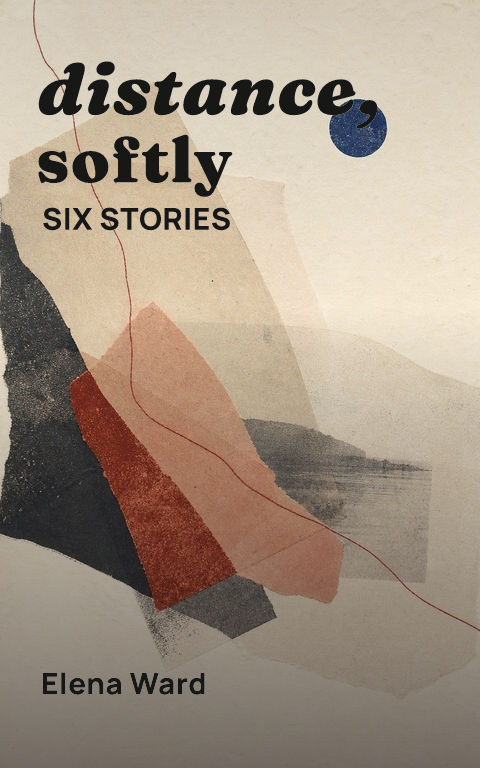
A bold icon can stay recognizable in crowded mobile feeds.
512 × 800 pixels, a 1:1.5625 portrait ratio. This maker starts at that exact size, and you can export an exact multiple such as 1,024 × 1,600 pixels for sharper mobile display.
1 to 1.5625 — the height is 1.5625 times the width. Any exact multiple of 512 × 800 keeps the same proportion, so nothing is cropped or stretched.
Yes. You can explore templates, edit every layer, and create a watermarked draft without payment or an account.
The uploaded file was usually too small or enlarged from a smaller image. Start from artwork with enough real pixels and export at exactly 512 × 800 or a clean multiple.
Yes. Preserve the design and rebuild it at production resolution later rather than enlarging the small Wattpad file.