
Ebook cover
High-resolution JPG or PNG for Amazon KDP, Apple Books and Kobo.

Describe your book and create original AI artwork for its story. Make the title, fonts and colours yours, then download your cover for ebook or print.
Try a sample coverFree account · 4 AI images · No card needed.
Publishing exports: $6 for 7 days. No subscription required.

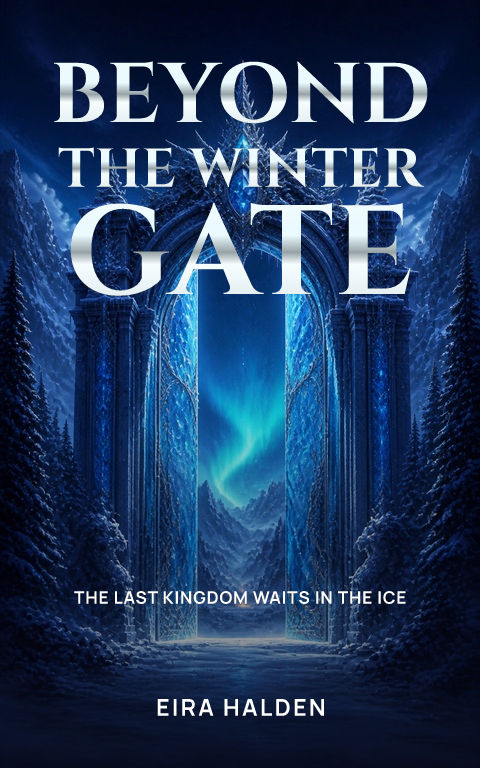

Example covers from the Coverfairy library. Your words go on next.
Tell us about your book. We’ll create its artwork.
You bring the story. We give you a place to start—and the tools to make it yours.
Add your title, genre and a short description. Create original artwork with an included AI credit, or browse suggested covers for free.
Your words stay editable. Preview fonts, layouts and shadows before applying. Keep your artwork, choose another image or upload your own.
Choose publishing access when you need full-resolution files. Download your ebook cover or add your print details for a full cover wrap.
From an enchanted kingdom to a very bad alibi. Start with your genre, then make the design your own.
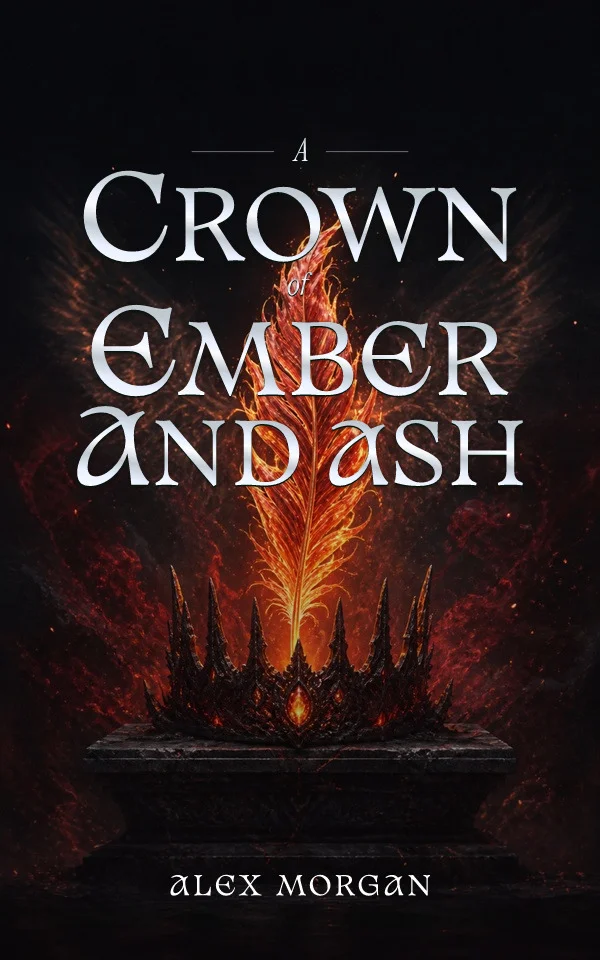


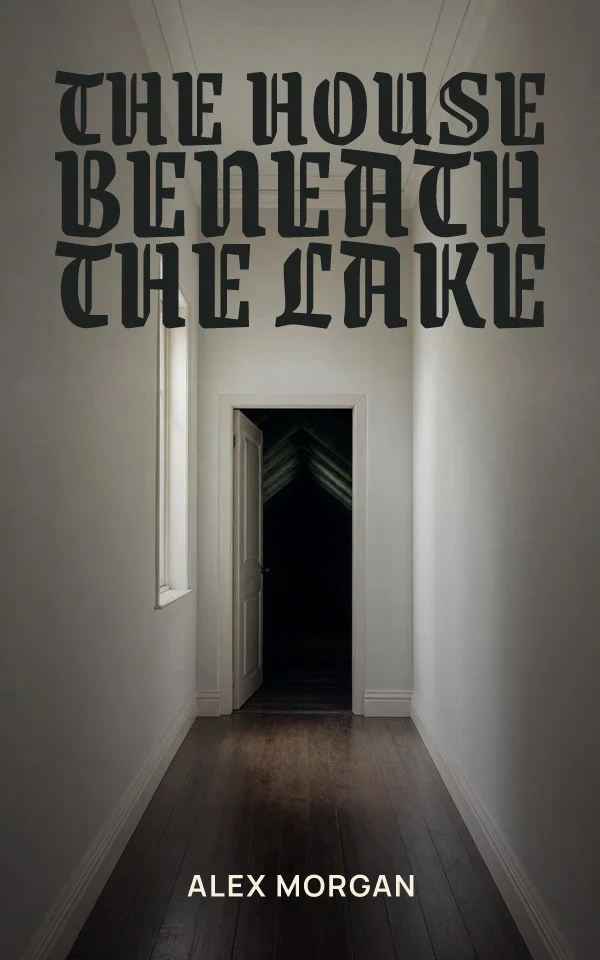


Examples made with the Coverfairy editor. Your title and author stay editable.
Describe the world inside your story. Create original artwork, choose a suggested image or upload one you love.
Then give it a title that commands attention. The words stay separate, so a new subtitle or author name never means starting again.
Bring my story to lifeA free account includes 4 one-time AI image credits. Changing words and styles uses no credits.

Your words stay separate from the artwork. Fix a typo, add a subtitle or try another font without generating the whole cover again.
Words, fonts, colours and artwork are right beside your cover. When you’re ready to download, choose ebook or add your print details.
Make a cover you can keep editing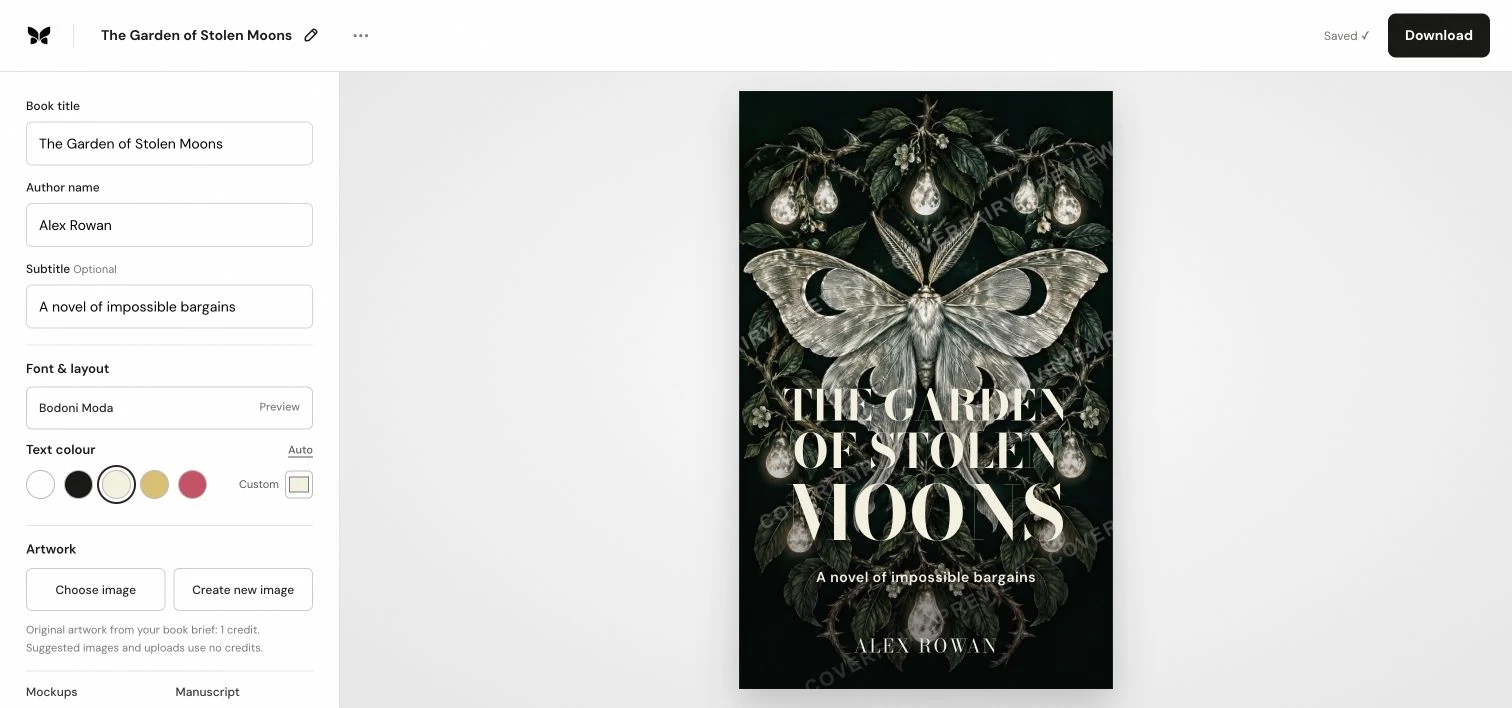
Your words, fonts and artwork. All within reach.
Choose a style to see the font and layout change. In the editor, try different looks on your own cover while keeping every word editable.
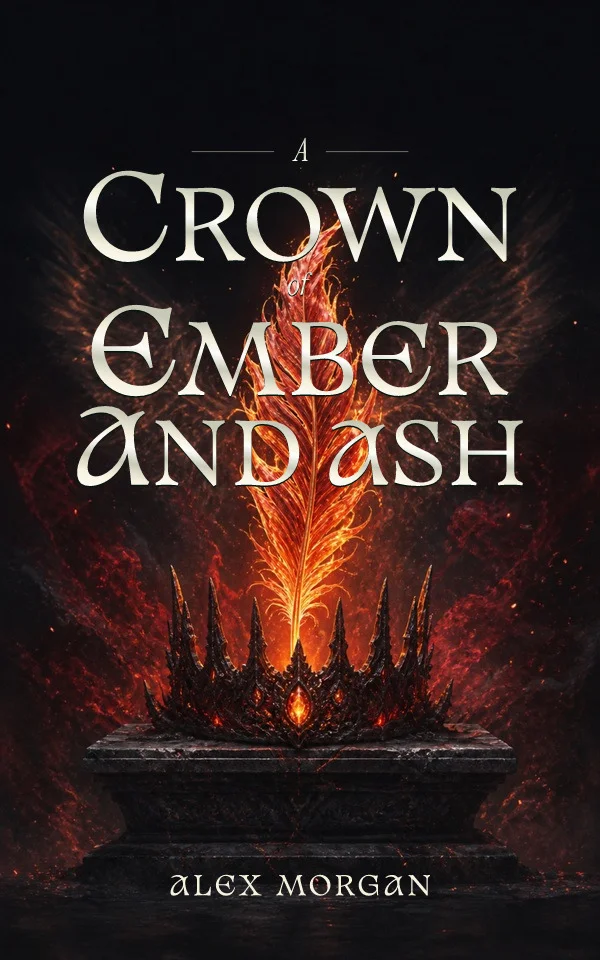
Same artwork. Different text.
Changing fonts and layouts uses no AI credits.
Take your finished cover into bookshop, nightstand and e-reader scenes. Download mockups for your launch, newsletter and social posts.
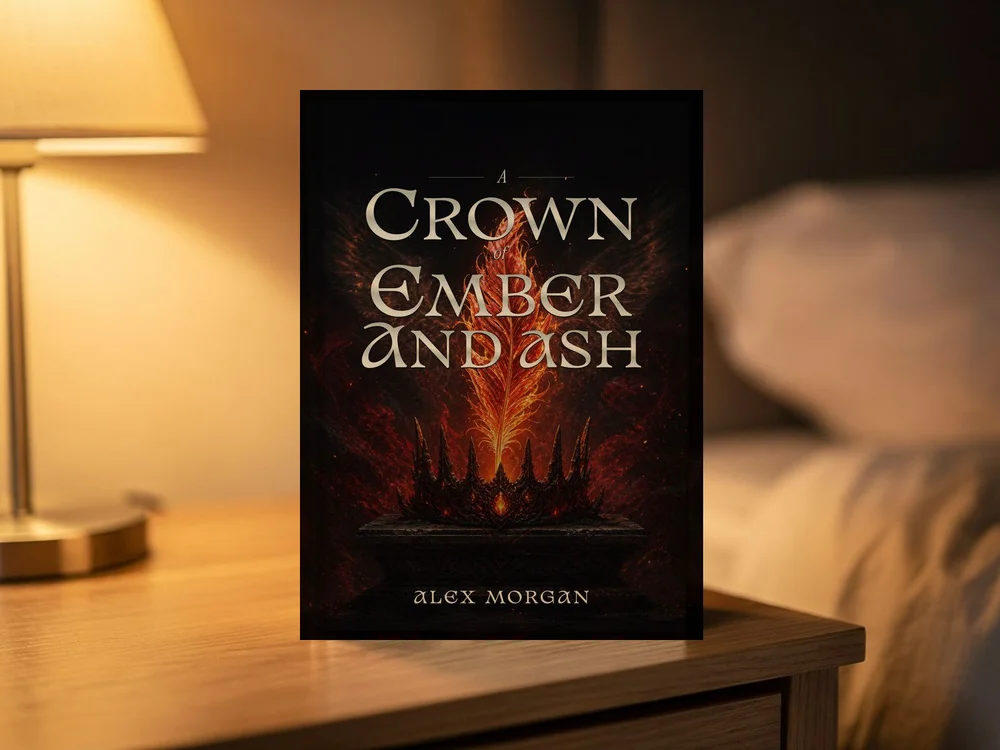
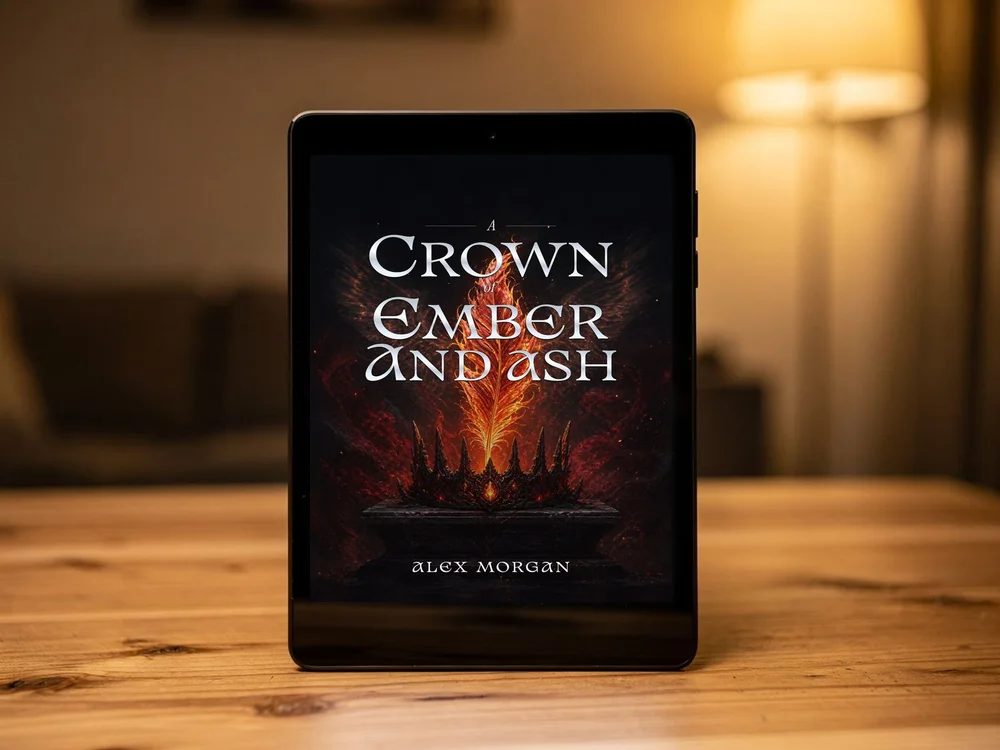
Keep one editable project and prepare each format when you need it.
High-resolution JPG or PNG for Amazon KDP, Apple Books and Kobo.
Back, spine and front in a 300 DPI print PDF, with checks for your book’s size and setup.
Turn your cover into a square image for ACX and audiobook listings.
Show readers your finished cover on a book or e-reader. Download images for your website, social posts and launch.
Format your manuscript, then download EPUB, print-ready PDF and large-print PDF.
Download a PPTX or PDF to import into Canva. Choose editable text or a fixed design.
For print, you’ll add trim size, binding, paper and page count. Some printers require the spine width from their official template. See how print setup works.
Your cover is one part of the book. Import your manuscript, choose a typesetting theme and inspect the real pages in the Interior studio.
Keep the finished page count connected to your print cover’s spine. Your paid pass covers the whole studio, including EPUB, print PDF and mockup exports.
See the manuscript studio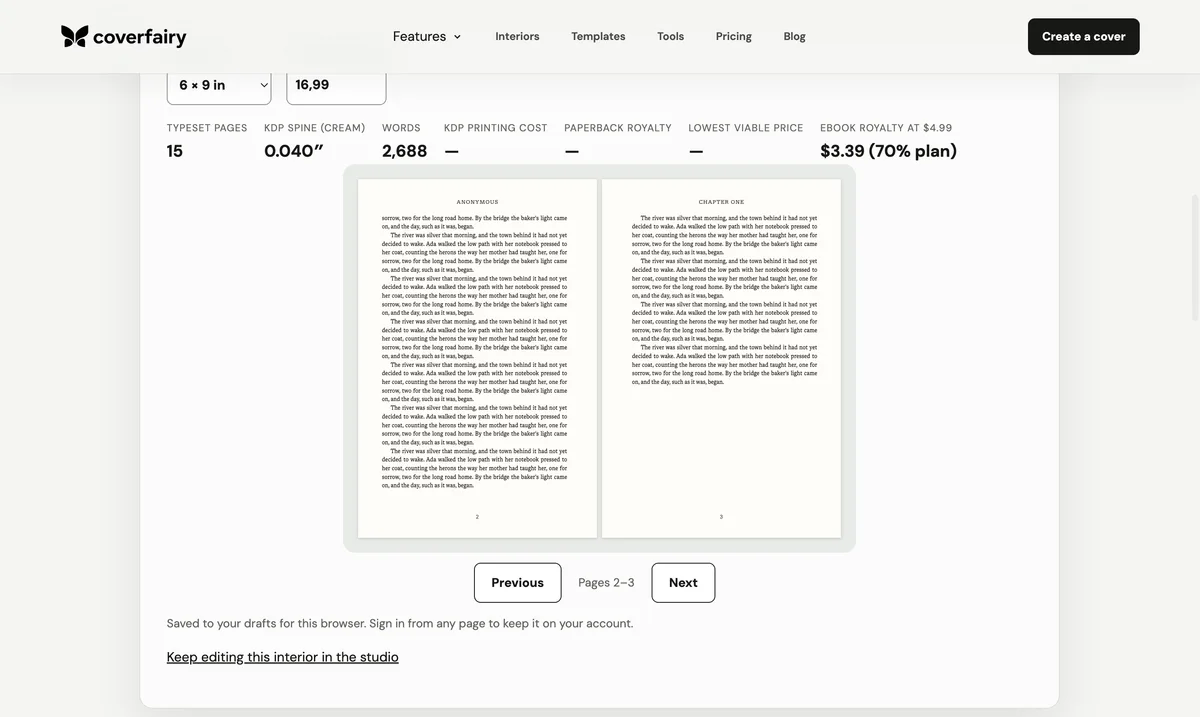
Explore your options before buying publishing access.
$0to get started
$6once, for 7 days
$12per month
One new AI image uses one credit. Changing your text, fonts, colours or layout uses none. Your project and downloaded files stay yours after access ends. New full-resolution exports require active access. Compare everything included.
Create my coverPick up the part you need help with.
Turn your Word document or EPUB into book pages. Preview before choosing export access.
Upload your existing cover and see it on a book. Download the free preview without an account.
Use the IngramSpark calculator to prepare dimensions from your official cover template.
All free toolsFree ISBN barcode generatorWattpad cover sizesBook cover fontsFormatting examplesHardcover explained
Tell us about your book. Make its cover yours.
Sign in to continue recent projects and keep your work available across devices.
Keep working on a book or start a new cover.
Search the complete library by format, genre, or visual style, then edit every word and layer.
Sign in to manage the account connected to your projects.
Manage how your name and account appear in Coverfairy.
Choose optional email and manage cookie choices.
Canva-ready downloads work now. Direct app connections will appear here as they become available.
Sign in to view export access and license records for your covers.
Manage Coverfairy passes and view grandfathered project purchases.
Sign in with an authorised Coverfairy owner account to continue.
Consent-scoped product analytics, customers, revenue, exports, service performance, and support in one place.
| Cohort | Users | W0 | W1 | W2 | W3 | W4 | W5 | W6 | W7 | W8 |
|---|
| Date | Order | Product | Status | Amount |
|---|
| Joined | User | Last sign in |
|---|
Open a cover or start a new one.
Your covers will appear here on every device.
Last updated 10 August 2026
These terms govern your use of Coverfairy, including projects, artwork tools, purchases, and exports.
You must be at least 18 and able to enter a binding contract. If you use Coverfairy for a business or publisher, you confirm that you can bind that organization.
You can explore templates, edit cover and interior layers, upload artwork, request generated artwork where available, save projects, activate time-based production access, and send eligible designs to a connected service when you choose. To operate your account and purchases, Coverfairy may send necessary authentication, account, purchase, billing, delivery, security, and support messages. These service messages are not marketing; optional marketing preferences remain separate. Features may change as the service develops. Coverfairy is not affiliated with Canva, Amazon KDP, IngramSpark, Lulu, Barnes & Noble Press, ACX, or any printer.
You keep ownership of text and artwork you upload. You give Coverfairy and its processors a limited permission to host, process, reproduce, and transmit that material only to operate, secure, support, and improve the service, including sending a selected handoff file to Canva when you request a direct transfer. Canva’s own terms apply after transfer. You confirm that you have the rights and permissions needed for every upload, prompt, name, trademark, and person’s likeness you submit.
Outputs can be similar to other outputs, may contain mistakes, and may not qualify for intellectual-property protection in every country. You must review them before publication. Coverfairy does not promise that an output is unique or non-infringing. Our AI & artwork policy forms part of these terms.
Current prices, access periods, AI credit allowances, renewal terms, and included exports are shown before checkout. The Week Pass is a non-renewing payment that expires 7 days after activation. Monthly renews every month until cancelled; you can cancel it from Billing, and access normally continues until the end of the paid billing period. While a pass is active, its non-AI exports apply across projects in the signed-in account and AI generations use the included credit allowance. Saved projects remain editable after access ends, but new full-resolution exports require active access unless a historical project purchase grants continuing rights. Payment does not transfer ownership of Coverfairy software, templates, or third-party materials. Consumer cancellation and fault remedies are explained in the refund policy; statutory rights are never restricted.
Do not use Coverfairy for unlawful, deceptive, abusive, infringing, privacy-invasive, or non-consensual content; to impersonate a real person; to exploit or sexualise minors; or to evade security, quotas, or payment controls. We may block content, suspend access, or preserve evidence where reasonably necessary to protect people, the service, or comply with law.
We aim to provide a reliable service but do not promise uninterrupted availability. Back up important source material and inspect every production file before sending it to a printer. Nothing in these terms excludes liability that cannot lawfully be excluded, including consumer rights and liability for fraud, death, or personal injury caused by negligence.
You may stop using Coverfairy at any time and may request account deletion through support. We may update these terms for legal, security, or product reasons and will give reasonable notice of material changes where required.
Questions or legal notices about these terms can be sent through Coverfairy Support.
Last updated 20 September 2026
This notice explains what Coverfairy collects, why it is used, who receives it, and the choices available to you.
We process account, project, export, pass, subscription, and payment data to perform our contract with you. We use limited security, fraud-prevention, and reliability data for our legitimate interests in operating a safe service. We retain records where required by tax, accounting, or other law. In the EEA and UK, optional product analytics storage, advertising cookies and user-data use, and marketing communications rely on your consent. Advertising cookies and user-data use are off until you consent everywhere; while storage is denied, Google may receive cookieless, redacted consent and conversion signals for aggregate and modelled measurement. Analytics is on by default with an opt-out outside the EEA and UK. You can withdraw consent or opt out whenever you like.
Data may be processed by Supabase for authentication, hosting, and storage; Google if you choose Google sign-in or where the disclosed analytics and advertising-measurement tags apply; Stripe for payments; Resend for service and optional lifecycle email; OpenAI for new artwork generation and image edits, or Black Forest Labs when that artwork provider is used; and Canva only when you connect it or request a direct design transfer. Artwork providers receive the book details and artwork instructions needed for your request, plus the source image when you request an image edit. We share only what is needed for the relevant service.
Magic-link tokens expire after 15 minutes. Connected-service authorization is kept until you disconnect it, it is revoked, or the account is deleted. Optional analytics is pruned after approximately 13 months. Operational logs are targeted for 30 days; support cases for 24 months after closure; deleted projects for no more than 30 days in recovery backups; and transaction records for the period required by law. Verified backups remain subject to deletion requests when they are restored.
Depending on where you live, you may ask for access, correction, deletion, restriction, portability, or objection, and may withdraw consent. You may complain to the UK Information Commissioner’s Office or your local supervisory authority. Submit a privacy request through support; identity verification may be required.
Submit privacy questions or requests through Coverfairy Support. Identity verification may be required.
Last updated 5 August 2026
Coverfairy uses essential browser storage to keep sessions secure, remember your cookie choice, and keep drafts connected to the right browser. Advertising cookies and ad-user-data use are off until you allow them. While optional storage is denied, Google may still receive cookieless, redacted consent and conversion signals for aggregate and modelled measurement. In the EEA and UK, optional product analytics storage is also off until you allow it; elsewhere analytics is on by default and you can turn it off at any time from cookie choices.
The secure session and account cookies support sign-in, ownership, checkout, rate limits, and download grants. An essential consent cookie remembers your cookie choice for one year. Local browser storage remembers drafts and interface preferences. These functions are necessary to provide the service.
If allowed, Coverfairy records a small set of events such as page views, template selection, editor start, export opening, checkout start, completed purchase, and completed export. Google Ads receives the purchase value, currency, a de-duplication reference, consent signals, and available ad-click attribution. When optional storage is denied, conversion signals are cookieless and ad-click identifiers are redacted. Coverfairy does not send cover titles, author names, prompts, email addresses, artwork, or payment-card details in these events. Personalized advertising remains disabled. Analytics events are retained for approximately 13 months.
Last updated 10 August 2026
This policy adds to, and never replaces, your legal consumer rights.
You can cancel Monthly at any time from Billing. Cancellation stops the next renewal and access normally remains available until the end of the current paid billing period. This is separate from any statutory cancellation or refund right that applies where you live.
If consumer cancellation rights apply, you may cancel a digital purchase within 14 days unless you ask for immediate access and acknowledge that the cancellation right will be lost once the digital supply begins. This choice is shown separately at checkout for both the Week Pass and Monthly.
Contact us with the order reference and problem. We will first try to repair or replace the file within a reasonable time and without charge. If that cannot be done, you may be entitled to an appropriate price reduction or refund. This includes digital content that is not as described or does not work as promised.
If Amazon KDP rejects an unchanged Coverfairy file because Coverfairy calculated the saved trim, bleed, spine, or sheet dimensions incorrectly, send the written rejection, unchanged project settings, and exact exported file. We will correct the file without charge or refund the affected pass. The guarantee covers technical specifications, not editorial content, artwork rights, retailer policy decisions, or files changed after export. Your statutory remedies for faulty digital content still apply.
Choose Billing, Refund, or Print rejection in support. Include the order reference and, for printer rejection, the printer’s notice. Do not send card numbers or passwords.
Last updated 11 July 2026
Generated artwork is one optional layer in Coverfairy. Typography remains editable and every project keeps source and provider metadata.
Use only prompts, reference images, names, brands, and likenesses you are entitled to use. Get a person’s permission before using their likeness. Review outputs for accuracy, similarity, bias, and rights concerns before publishing.
Do not generate or upload child sexual abuse material; non-consensual intimate imagery; hateful, exploitative, or abusive content; deceptive impersonation; unlawful surveillance or biometric profiling; misleading political persuasion; instructions for wrongdoing; or material that infringes privacy or intellectual-property rights.
Outputs may be non-unique or inaccurate and may not receive copyright protection everywhere. Coverfairy records provider, generation version, edits, and seeds where available. You are responsible for any disclosure required by a retailer, platform, contract, or law.
Choose IP or Security in support to report a rights or safety concern. We may suspend generation, preserve relevant records, or remove access while a report is reviewed.
Submit a case and keep the reference number.
Targets are measured in UK business days and are service goals, not guaranteed resolution times: one day for security reports and paid-export outages, two days for billing, refund, privacy, IP, and print cases, and five days for general questions.
Checking Coverfairy services…
For help with an active project, contact support and include the project reference.