

Why enlargement is not enough
Scaling a finished PDF enlarges the page as well as the type and does not create a valid new trim. A genuine large-print edition reruns line breaking, page breaking, headings, margins, running heads, image placement, and the contents for the target size.
Larger type produces fewer words per page and can increase the total page count substantially. That affects printing cost and cover spine, so the large-print edition needs its own cover geometry and usually its own ISBN.
What this sample changes
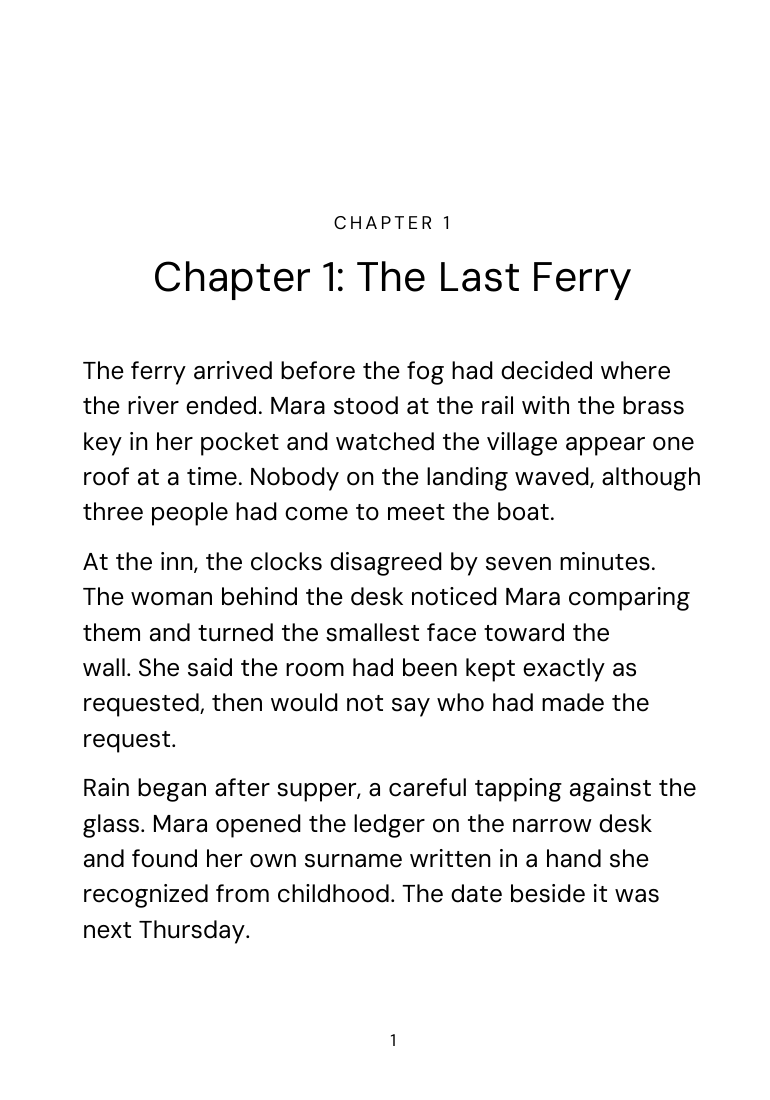
The demonstration uses a 7 x 10 trim and 16-point body setting with more leading and a page frame tuned for the larger text. Chapter openings and page furniture are recomposed rather than scaled. The result is a separate PDF whose page count is independent of the standard edition.
Inspect word spacing, short lines, page turns, and the relationship between large body type and quieter running heads. Large print should feel like a designed book, not a browser zoom captured on paper.
What remains a human decision
Large type helps many readers but does not by itself guarantee accessibility. Contrast, paper, line length, weight, spacing, navigation, image descriptions, and the reader's specific needs still matter. Order a physical proof and test it with intended readers when possible.
Sources: Amazon KDP: Paperback submission guidelines · Amazon KDP: Trim size, bleed, and margins. Reviewed ; recheck current platform requirements before production.