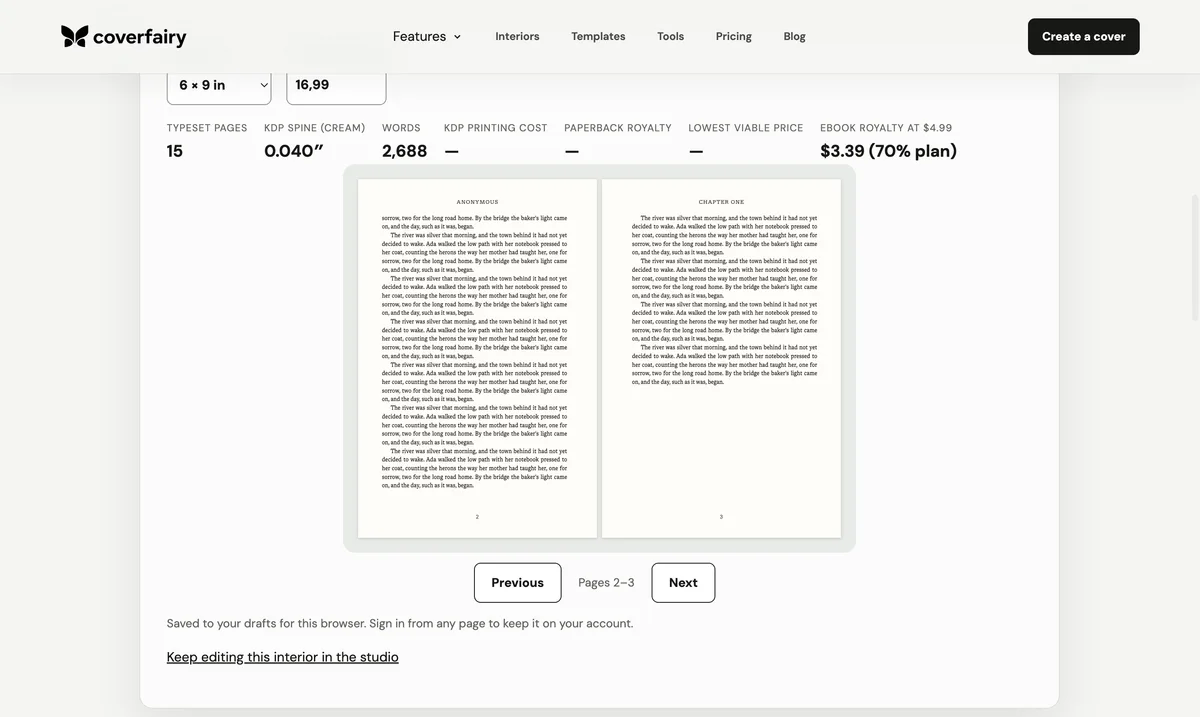
The right page size depends on the job. A manuscript being shared with an editor can stay on ordinary Letter or A4 pages with readable styles. A print interior must use the printer's exact trim, such as 5 x 8 or 6 x 9 inches, because page geometry fixes line length, pagination, printing cost, and ultimately the cover spine. Google Docs is strongest for collaborative writing and revision, not final custom-trim production.
Separate manuscript page size from book trim
A submission or editing document is designed for review, comments, and stable collaboration. Letter or A4 works because the page is not pretending to be the finished book. A print interior is a production object. Its trim is the physical width and height after cutting, and every margin, line, image, page break, and folio must be evaluated inside that exact rectangle.
Use Page setup for a paged manuscript
Switch the document to Pages rather than Pageless when you need visible page boundaries, margins, headers, footers, or page numbers. Choose the office paper size expected by the recipient, set one-inch margins for a conventional submission, and use paragraph styles for the title, chapters, subsections, and body. The recipient's current instructions override any generic manuscript template.
Do not fake 6 x 9 with margins on Letter
Reducing the text block inside a Letter page does not create a 6 x 9 book. The PDF still reports the larger sheet, and scaling it later changes type, margins, image resolution, and pagination together. A nearby paper preset is not an exact trim either. Google Docs' Page setup has no custom size, so start from a .docx template that already has the real page: Docs keeps it, and the PDF downloads at that size.
Keep collaboration clean before export
Use heading styles, real page breaks, consistent scene-break marks, and one paragraph convention. Remove tabs and repeated spaces used for alignment, stop pressing Return to reach the next page, resolve comments and suggestions, and preserve meaningful emphasis, lists, quotations, links, notes, and image descriptions. A clean structure transfers more reliably than a document whose meaning exists only in visual spacing.
Choose the print trim from the book, not the editor
Compact fiction often uses 5 x 8 or 5.5 x 8.5 inches, while 6 x 9 is common for trade fiction and nonfiction; the right size depends on category, length, illustrations, printing economics, and platform support. Test the actual manuscript. A trim that suits 55,000 words can make a long book expensive or a short book feel unnecessarily thin.
Move into the final production workflow
Export a clean .docx when the manuscript is final, then set the exact trim, mirrored margins, gutter, body typography, chapter roles, running heads, and folios in Word, a professional layout application, or a dedicated book formatter. Inspect the exported PDF as single pages and spreads, order a physical proof, and use its final page count to calculate the cover spine.
Treat ebooks as reflowable documents
An EPUB does not have a universal page size: the reader changes the screen, font, and text size. Preserve headings, paragraphs, emphasis, lists, notes, navigation, language, and alternative text rather than forcing the print page into the ebook. Build the print PDF and reflowable EPUB from the same clean structure, then test each output for its own reading environment.
Sources and verification
Requirements can change. Check the linked instructions before you publish or upload a file.
By Coverfairy Editorial · Published · Updated