1. Finish editing before production
Formatting should begin after developmental editing, copy editing, and the author's final read. A formatter can make pages beautiful, but it cannot decide whether a scene belongs, repair a broken argument, or safely absorb a rewritten chapter without changing every page that follows. Freeze the manuscript, keep a dated source copy, and record the exact title, subtitle, author name, publisher, ISBNs, edition, and language that must appear in the files.
Remove layout tricks that imitate a printed book inside Word. Repeated spaces, manual tabs, blank paragraphs, and hard returns at the end of visual lines are not structure. They make imports brittle and create unpredictable ebook behavior. Keep intentional italics, bold, block quotations, verse, footnotes, images, and scene breaks, but express chapter titles and sections with named styles or consistent semantic markers.
2. Make the manuscript structurally legible
Use Heading 1 for chapter titles and a consistent lower heading level for genuine subsections. Put scene breaks on their own line with a repeatable mark such as three asterisks. Use real page breaks before chapters instead of pressing Return until the next page appears. Add useful alternative text to meaningful images and mark decorative ornaments so an ebook can ignore them.
The structure matters twice. It tells the print typesetter where chapter openings, running heads, and special pages belong, and it gives the EPUB its navigation and reading order. Amazon's ebook guidance specifically recommends heading styles for chapters and a working table of contents. A clean manuscript also makes the formatter's import report easier to audit because fewer decisions need to be inferred.
3. Order the front matter and back matter
A typical trade book begins with a half title or title page, copyright page, dedication or epigraph, contents where useful, and then the main text. Fiction often omits a visible contents page in print while retaining navigable chapter links in the ebook. Nonfiction may add a foreword, preface, introduction, list of figures, or acknowledgments. Only include a page because the reader needs it, not because another book happened to use it.
Back matter can include acknowledgments, notes, references, reading-group questions, an author biography, and a call to the next book. Keep promotional pages useful and current. Each item should have a defined semantic role so print folios, running heads, ebook navigation, and accessibility behavior follow the content rather than a pile of visual exceptions.
4. Choose trim, type, and margins for print
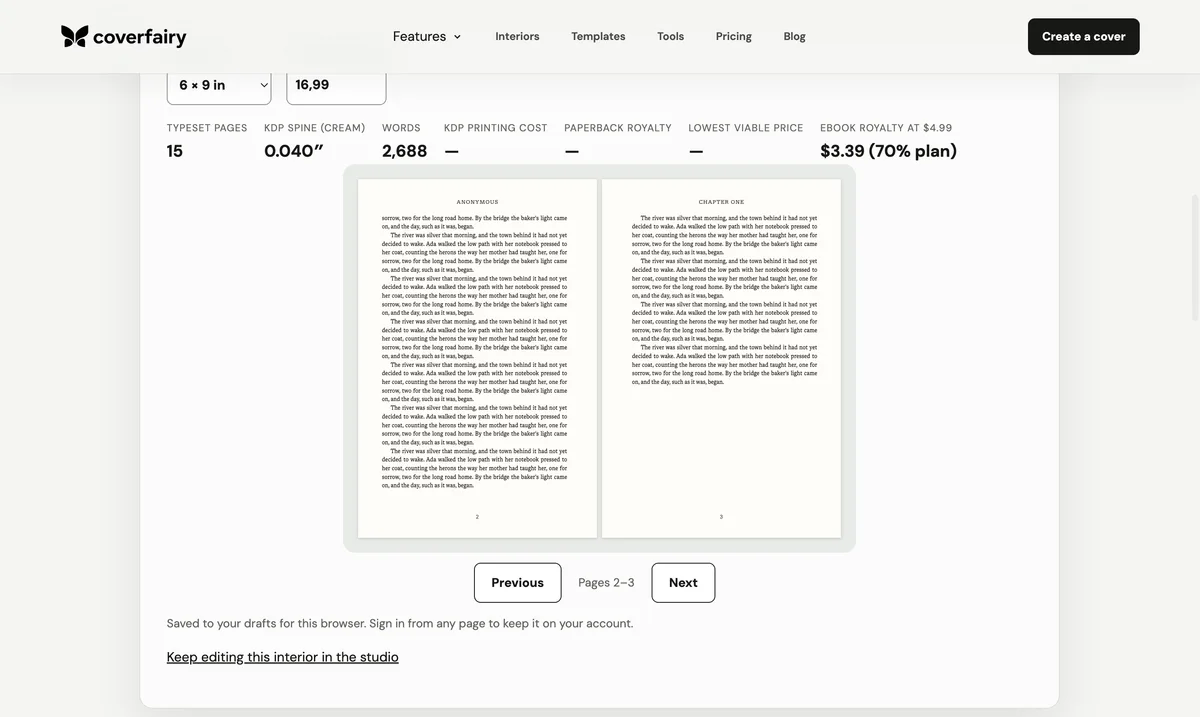
Choose the physical trim before judging line length or page count. A 5 x 8 novel and a 6 x 9 business book can use the same manuscript and produce very different pages. Select a readable text face, establish a clear hierarchy, and tune type size, line spacing, paragraph width, indents, and space around headings as one system. The goal is even reading color, not the maximum number of words per page.
Set mirrored inner and outer margins for a bound book. KDP's current minimum gutter rises with page count: 0.375 inches for 24-150 pages, 0.5 for 151-300, 0.625 for 301-500, 0.75 for 501-700, and 0.875 for 701-828. Its stated outside minimum is 0.25 inches without bleed or 0.375 with bleed. Treat those as production minimums, not automatic design targets; comfortable books frequently need more space.
5. Typeset paragraphs, chapters, and page furniture
Body paragraphs need consistent first-line indents or block spacing, not both without a reason. The first paragraph after a chapter title or section break is commonly flush left. Chapter openings should create a clear pause without wasting so much space that the page feels accidental. Scene breaks need a visible, accessible convention that survives both print and ebook.
Control widows and orphans, avoid stranded subheads, and prevent a short last line from creating an obviously loose page when a better break is available. Running heads normally disappear on chapter-opening and display pages. Page numbers can begin in the front matter as roman numerals or remain visually absent until the main text, but the underlying PDF page sequence must stay complete. Check left and right pages together because balance is a spread-level decision.
6. Build the print PDF
A print interior PDF is a sequence of single pages, not printer spreads. It must match the selected trim size, embed its fonts, preserve images at adequate effective resolution, and handle bleed only on pages where artwork reaches the edge. KDP currently specifies a 7-point minimum font and recommends images at 300 DPI, with 600 DPI as the practical recommended maximum.
Export the complete book and inspect the actual PDF, not only the layout application's preview. Confirm page size, font embedding, page count, image quality, blank pages, chapter recto behavior, contents page numbers, notes, and every transition between matter types. The final even page count is the number used to calculate the print cover and spine.
7. Build a reflowable EPUB
A standard EPUB is not a small PDF. Text must reflow when a reader changes font size, screen width, theme, or accessibility settings. Remove print-only running heads, fixed page numbers, and forced page geometry. Preserve semantic headings, emphasis, quotations, lists, notes, language, image descriptions, and a logical reading order. Include a navigation document and accurate metadata.
W3C EPUB 3.3 defines the publication container and treats reflowable content as the default layout. Preview the book on more than one reading system and at large text sizes. A chapter opener should remain understandable even when a decorative initial is removed, a page boundary disappears, or the reader selects a different typeface.
8. Validate, proof, and synchronize the cover
Run EPUBCheck, then investigate every error and meaningful warning. Preview the ebook and click every contents entry, note reference, external link, and back link. For print, proof the PDF on screen page by page and order a physical copy before a full launch. Check the gutter, type size, contrast, image reproduction, chapter starts, and whether the book feels consistent during real reading rather than isolated page inspection.
Only after the print interior is final should the cover wrap be finished. The spine depends on the exact page count and paper. If the interior changes, regenerate the print PDF, update the page count, rebuild the cover, and compare both files with the platform's current requirements. Coverfairy keeps those two halves in one project so a typeset page-count change flows directly to the spine calculation.
Sources: Amazon KDP: Format Your eBook · Amazon KDP: Format Your Paperback · Amazon KDP: Paperback submission guidelines · Amazon KDP: Trim size, bleed, and margins · W3C: EPUB 3.3 · W3C EPUBCheck. Reviewed ; recheck current platform requirements before production.